Prepare a voice agent
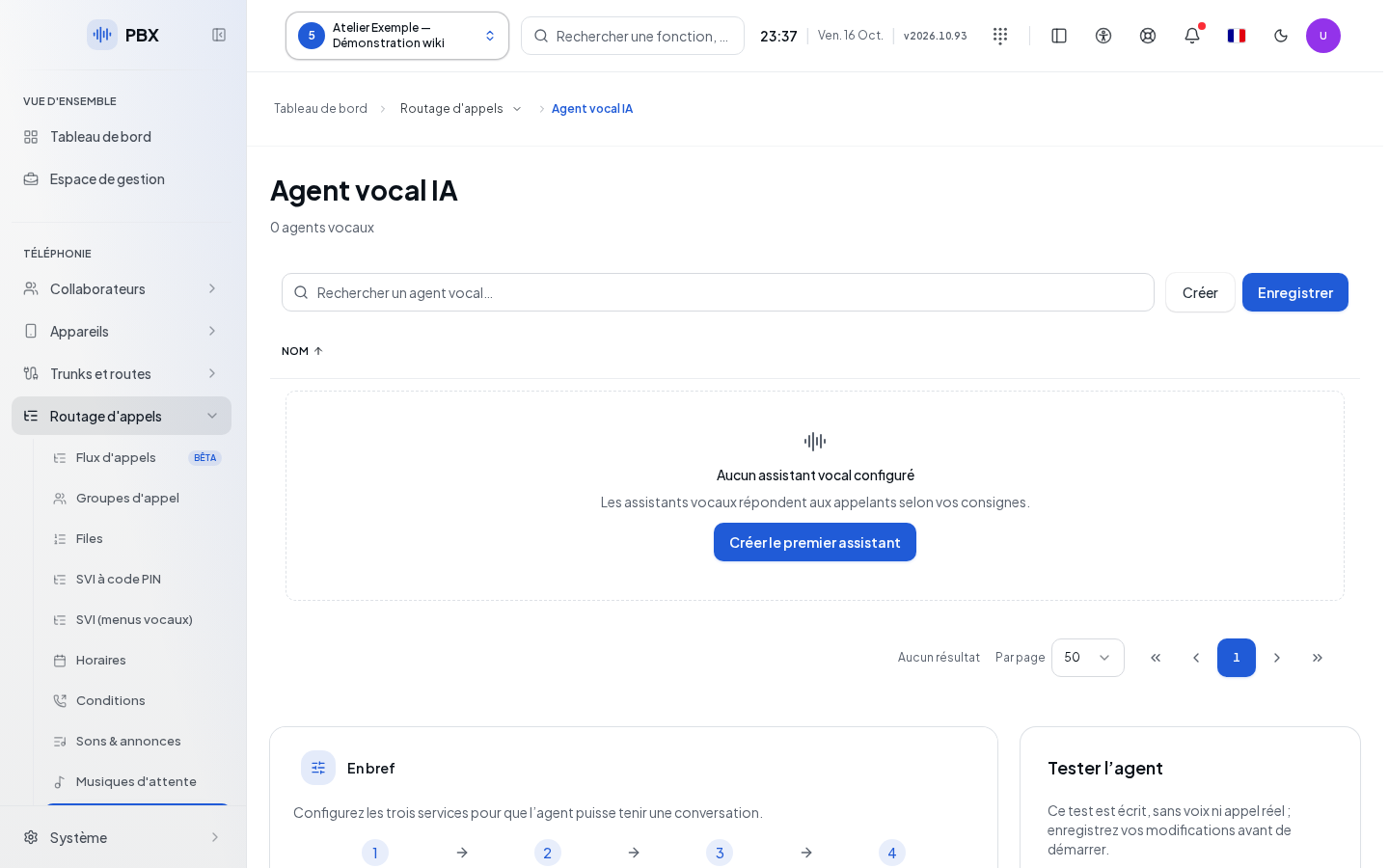
Open AI Integrations › Voice Agents for the client. The old voice agents address redirects to this page. A voice agent uses speech recognition, a dialogue model, and speech synthesis. Check the three service statuses displayed. If a service is missing, AI Settings opens its configuration for authorized accounts. A saved form does not replace these prerequisites.
Search for the agent by name in the list, sort by name and browse pages, or use Create. Open a row to access its record. Language and voice columns appear when values are available. Prepare its role, greeting, authorized responses, transfer destinations, and fallback. Destinations must exist in the client before being selected.
Define identity and limits
| Field | Purpose | Possible values | Example |
|---|---|---|---|
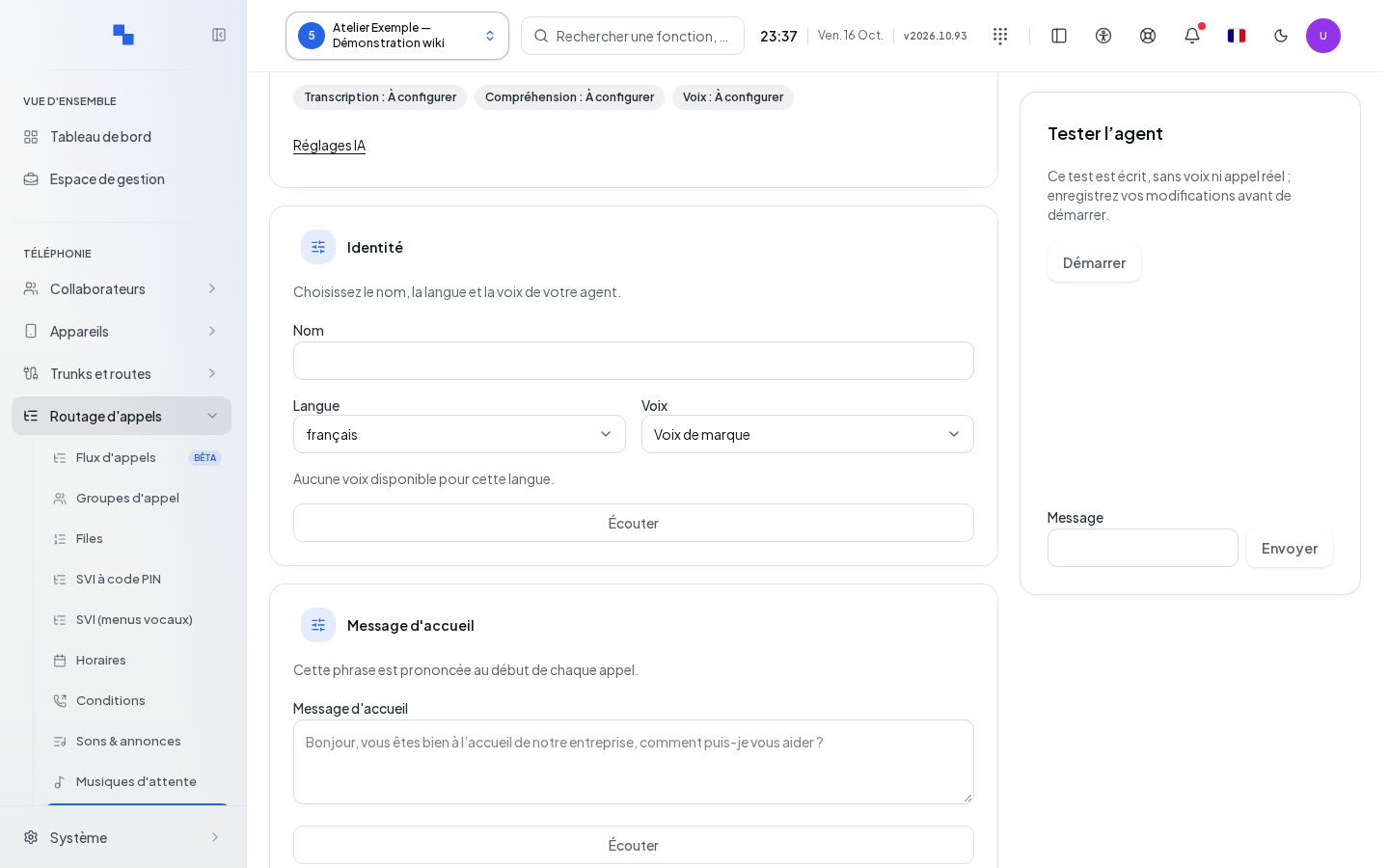
| Name | Identifies the agent | Required, 120 characters maximum | Information desk |
| Role and instructions | Define the role and behavior | Required, 16,000 characters maximum | Answer about hours then offer the greeting |
| Greeting message | Agent's first sentence | Required, 2,000 characters maximum | Hello, which department would you like to reach? |
| Language | Dialogue language | Offered language | French |
| Voice | Response synthesis | Voice available in the catalog | French voice selected by listening |
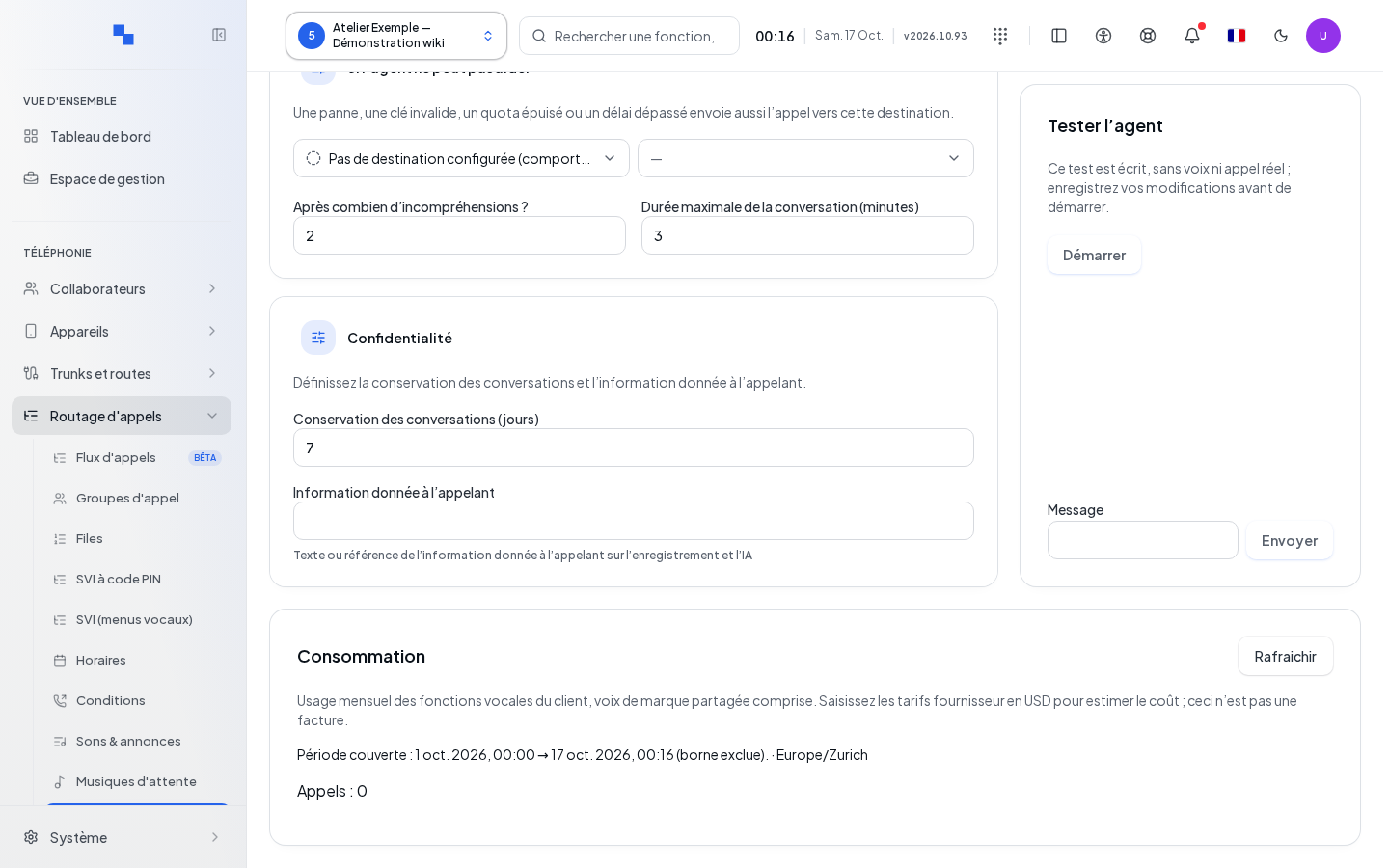
| Maximum conversation duration (minutes) | Limits the conversation | 0.5 to 30 minutes | 3 minutes |
| After how many misunderstandings? | Triggers fallback after failures | 1 to 10 | 2 |
| Conversation retention (days) | Configured retention duration | 1 to 30 days | 7 days |
| Information given to the caller | Tracks the reference set by your organization | Optional, 500 characters maximum | Reference to the greeting procedure |
Choose the language then check the suggested voice. The test listening requires an available voice and synthesis service. It checks the pronunciation of the sample, not the entire chain of a call.
Start from an example replaces the instructions with the suggested example text. Review and adapt this text to your company before saving.
Save after filling in the required fields. Duration and retention limits must be entered in the units displayed. A form change must be saved before a new representative test.
Provide responses and transfers
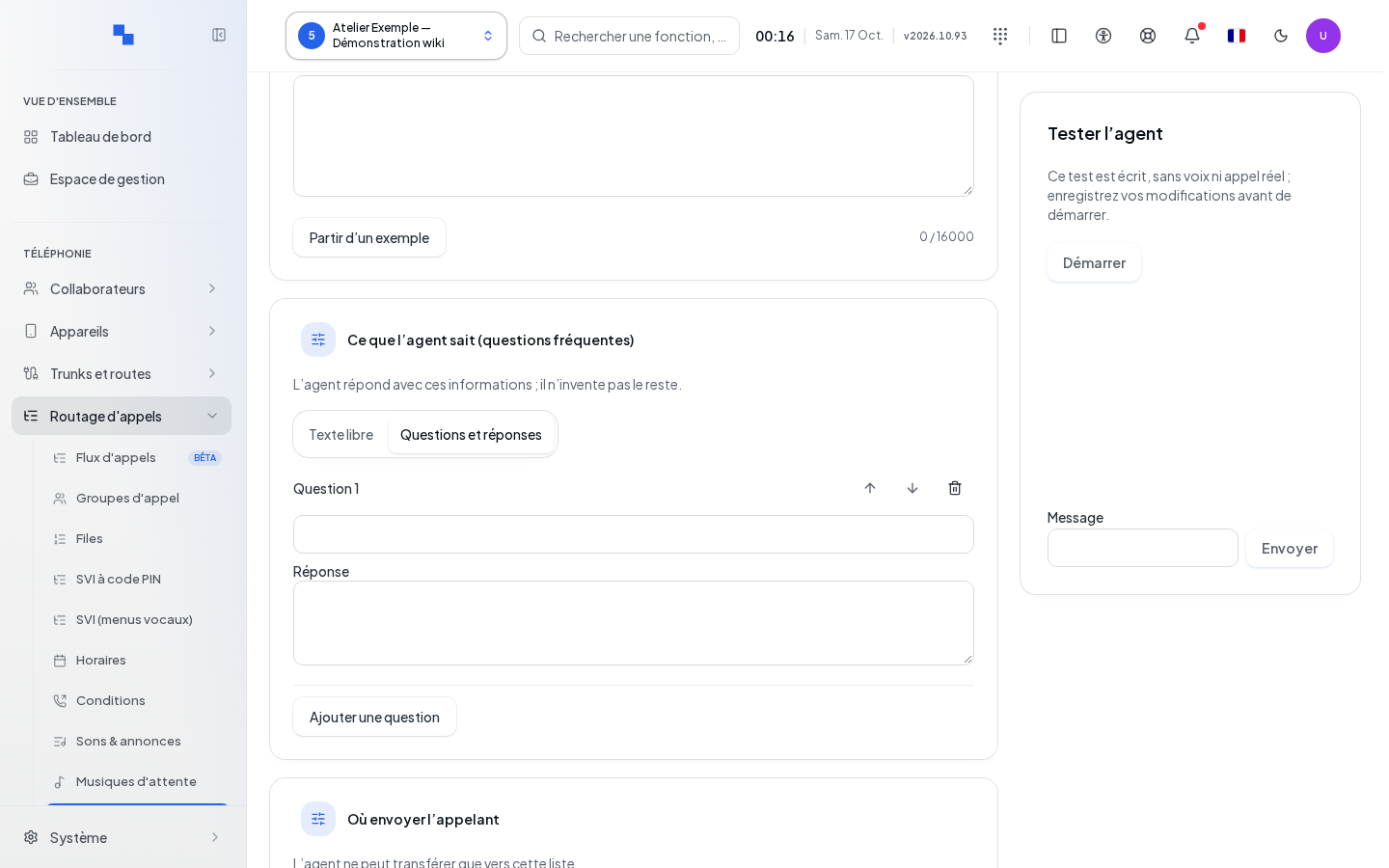
The response database can be entered as questions and answers: add an entry, complete both texts, reorder entries, or remove those no longer needed. Free text mode allows for more general content, up to 64,000 characters. Text that does not match the expected structure does not automatically convert into question-answer pairs: keep free mode or reformat it explicitly.
Add up to 20 transfer destinations from the available extensions, queues, and voicemail boxes. Provide a clear description, 300 characters maximum, to explain when to use each destination. Remove a destination with its own command; this does not delete the telephone resource.
Choose the fallback: hang up or reach a supported destination. This fallback is required for limits and misunderstandings. Avoid an instruction promising a service without a corresponding destination.
Test the written dialogue
Save the agent then click Start in Test the agent. Enter a request as a caller would, send it, and wait for the response before continuing. After a terminal decision such as a transfer or hang-up, Send is no longer available; use Restart for another scenario. The result shows the dialogue decisions: response, transfer, fallback, message, or hang-up, depending on the scenario.
Restart resets the test dialogue. After a saved change, repeat the useful scenarios: known question, out-of-scope request, transfer, and misunderstanding. The test is text-based: it does not place any real call and does not measure microphone recognition, audio, or execution of a telephone transfer.
Then assign the agent to an authorized flow, for example an call flow, and make a control call to verify these aspects.
Review usage and estimates
With AI read rights, view monthly usage by provider, model, and modality. The brand voice may be shared; do not automatically attribute it to the single open agent. A Not measured value is not a zero.
Entered prices are used to estimate cost: depending on the service, they are expressed in dollars per million tokens, per million characters, or per 60 seconds of recognition. Check the unit before entering a rate. The displayed estimates do not constitute a provider invoice.
If the test or listening fails, check the status of the three services and the returned reason. A destination that has become unreachable must be corrected, then the agent saved and tested again.