
Read the customer's emergency numbers
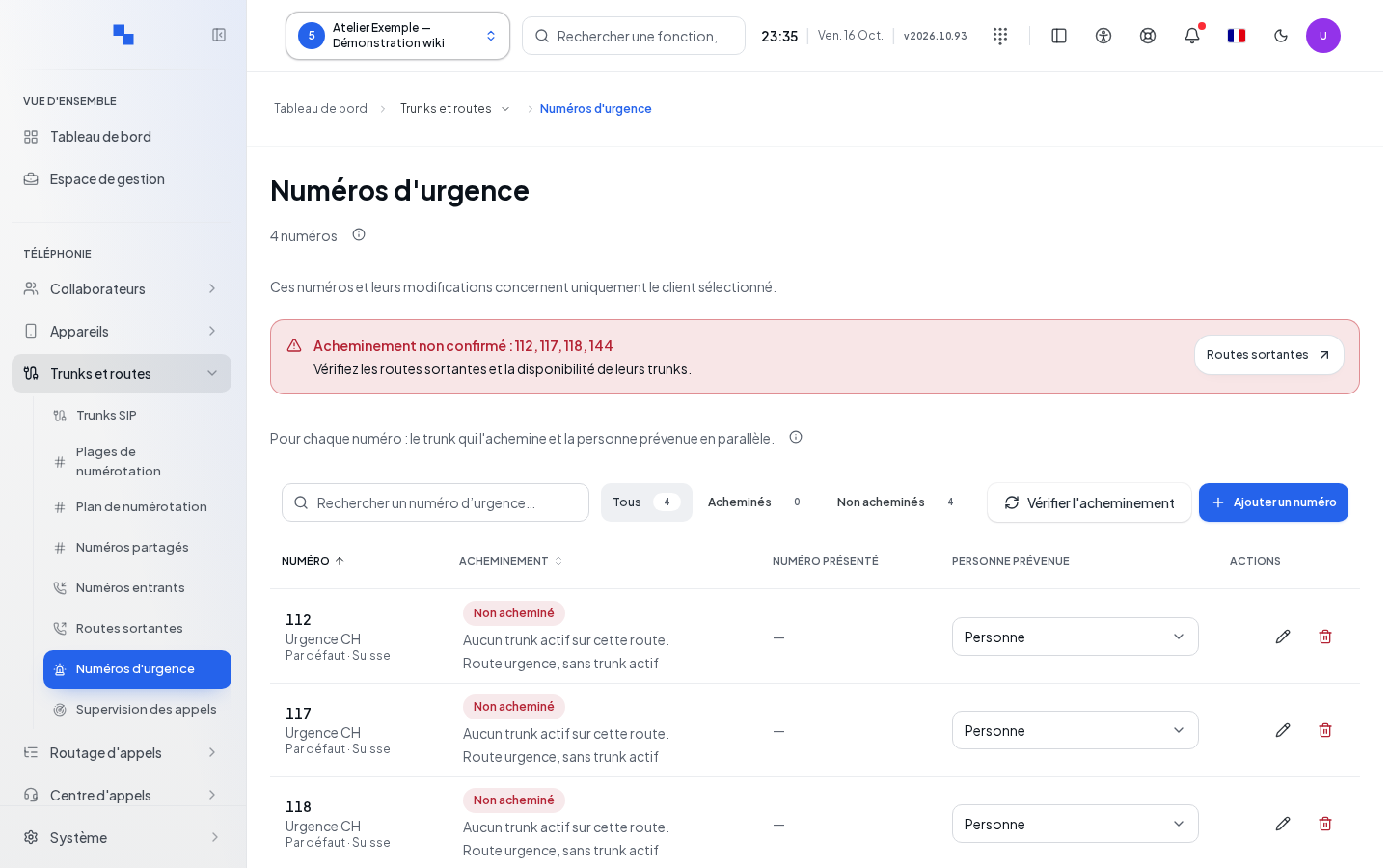
Open Emergency Numbers after selecting the customer. This page shows the recognized numbers, their outbound routing, and the person notified in parallel. Reading and editing depend on separate permissions for emergency numbers.
The list distinguishes between the country's default numbers and custom numbers. Search for a number or a label; filters isolate routed and unrouted numbers. The number shown may be that of the calling extension, with a fallback number indicated when this information is available.
Check routing without calling
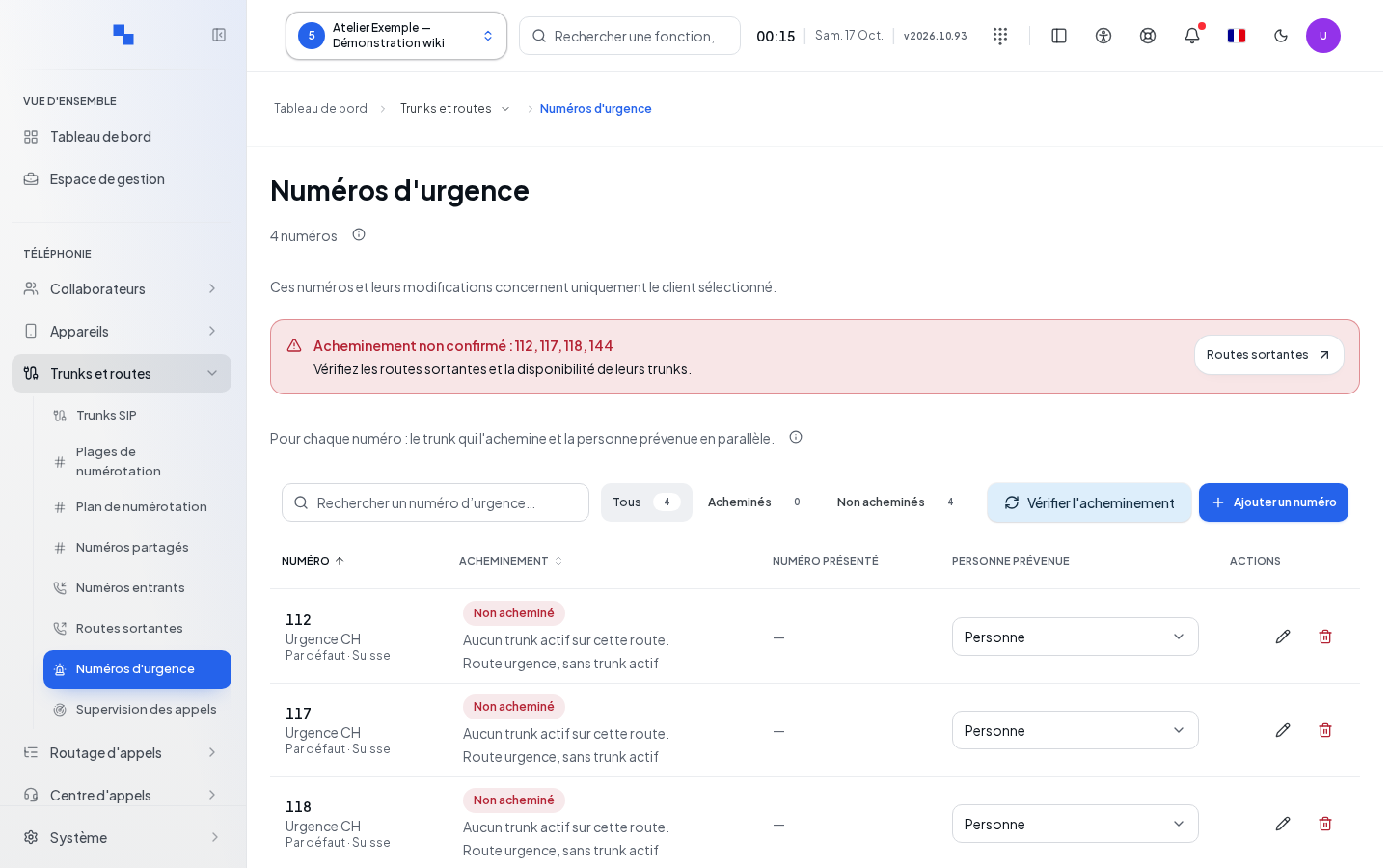
Click Check routing. This command rereads the routes and the availability of carrier connections, called SIP trunks. It does not place a call.
Read the route, the primary carrier, and any backups. The situations "No route matches this number." and "No active trunk on this route." require checking the Outbound Routes. A registration failure, expiration, or carrier incident may also be reported. If the check could not be performed, the absence of a result does not confirm proper operation.
Add or edit a number
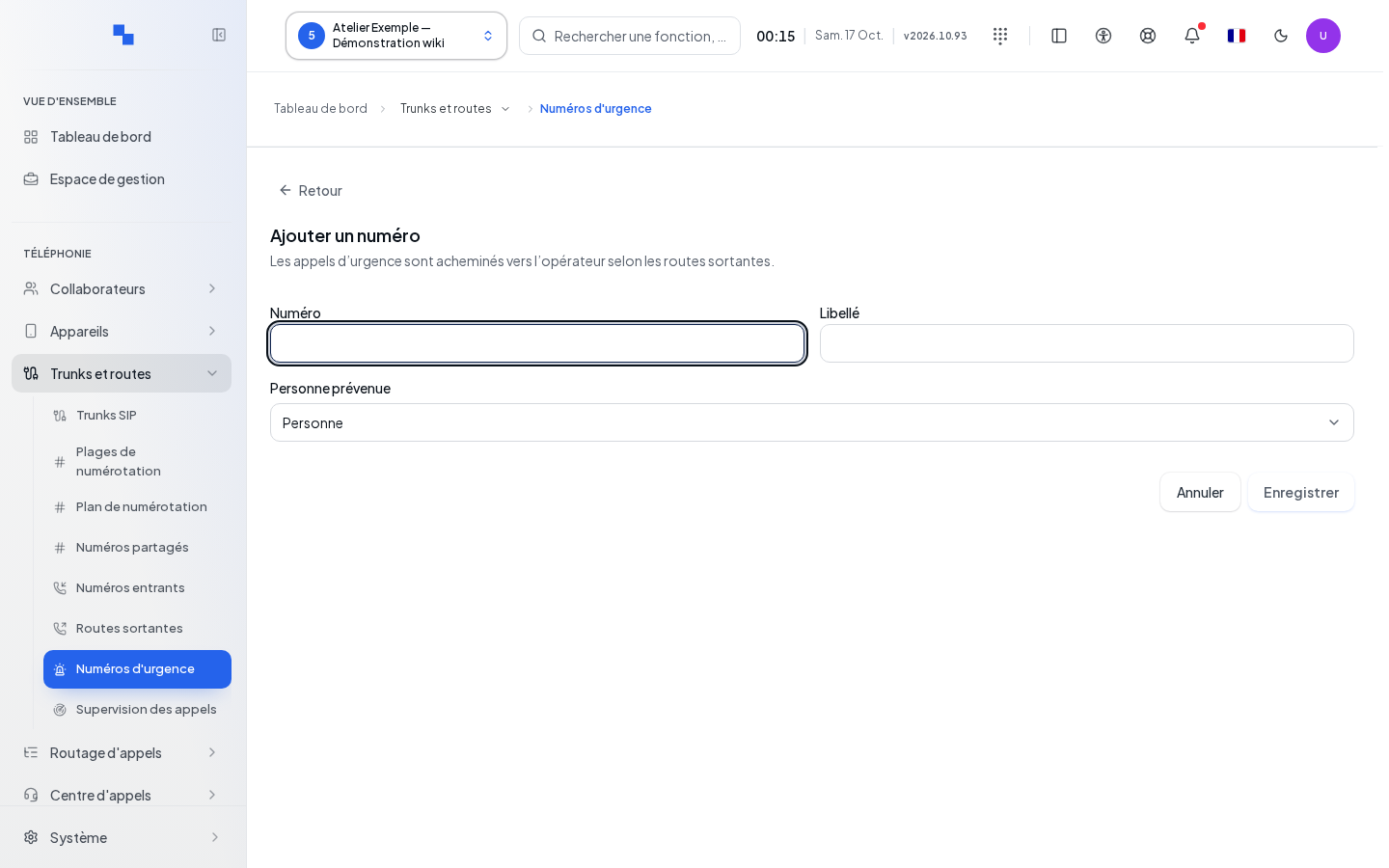
- Click Add a number, or edit the row.
- Enter the number and its label.
- Choose the person to notify, if needed.
- Click Save. Cancel closes without saving.
| Field | Purpose | Possible values | Example |
|---|---|---|---|
| Number | Number recognized as an emergency number for this customer; required | Non-empty text, validated by the server | Number specified by the customer's organization |
| Label | Displayed name; optional | Text | Identified department |
| Person notified | Internal recipient of the parallel alert | Person, group, or Person to notify no one; a former extension may remain displayed | Front desk manager |
In the list, changing the notified person creates a draft of notifications. Click Save at the bottom to apply it, or Cancel to discard it. Adding, editing, and deleting numbers is blocked until this draft is resolved. The parallel alert does not delay the routing of the call to emergency services.
Delete and verify the result
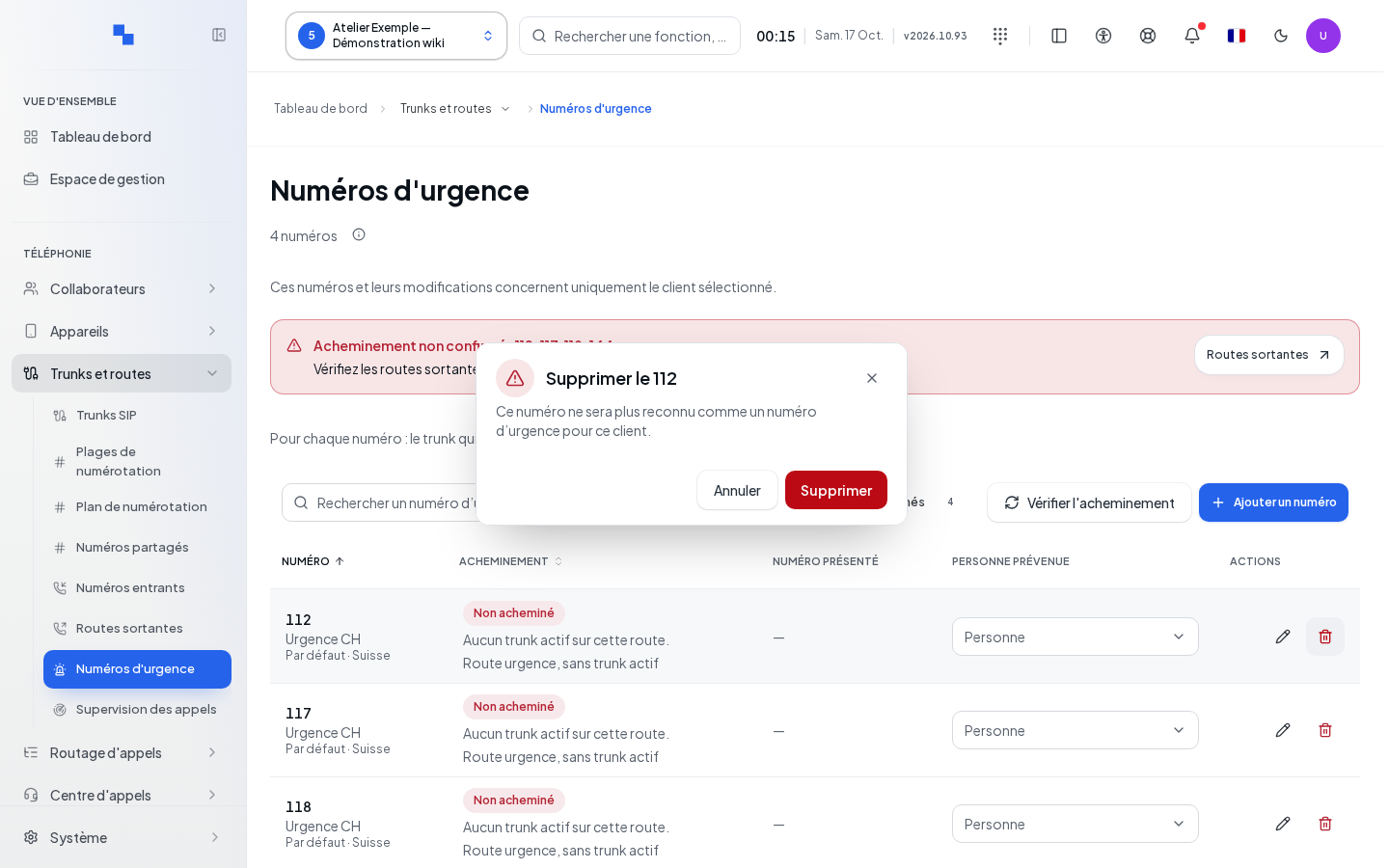
The deletion confirmation indicates that the number will no longer be recognized as an emergency number for this customer. Cancel if this is not the intended effect. After success, the row disappears. After any routing change, rerun the check on this page; its result remains a configuration check, not proof of a successful call.
If this does not work
"Routing could not be verified." calls for another read, then a check of routes and carriers if the error persists. A registration error remains in the form or confirmation; correct the reported reason. See Outbound Routes and SIP Trunks.