
Observing the client's calls
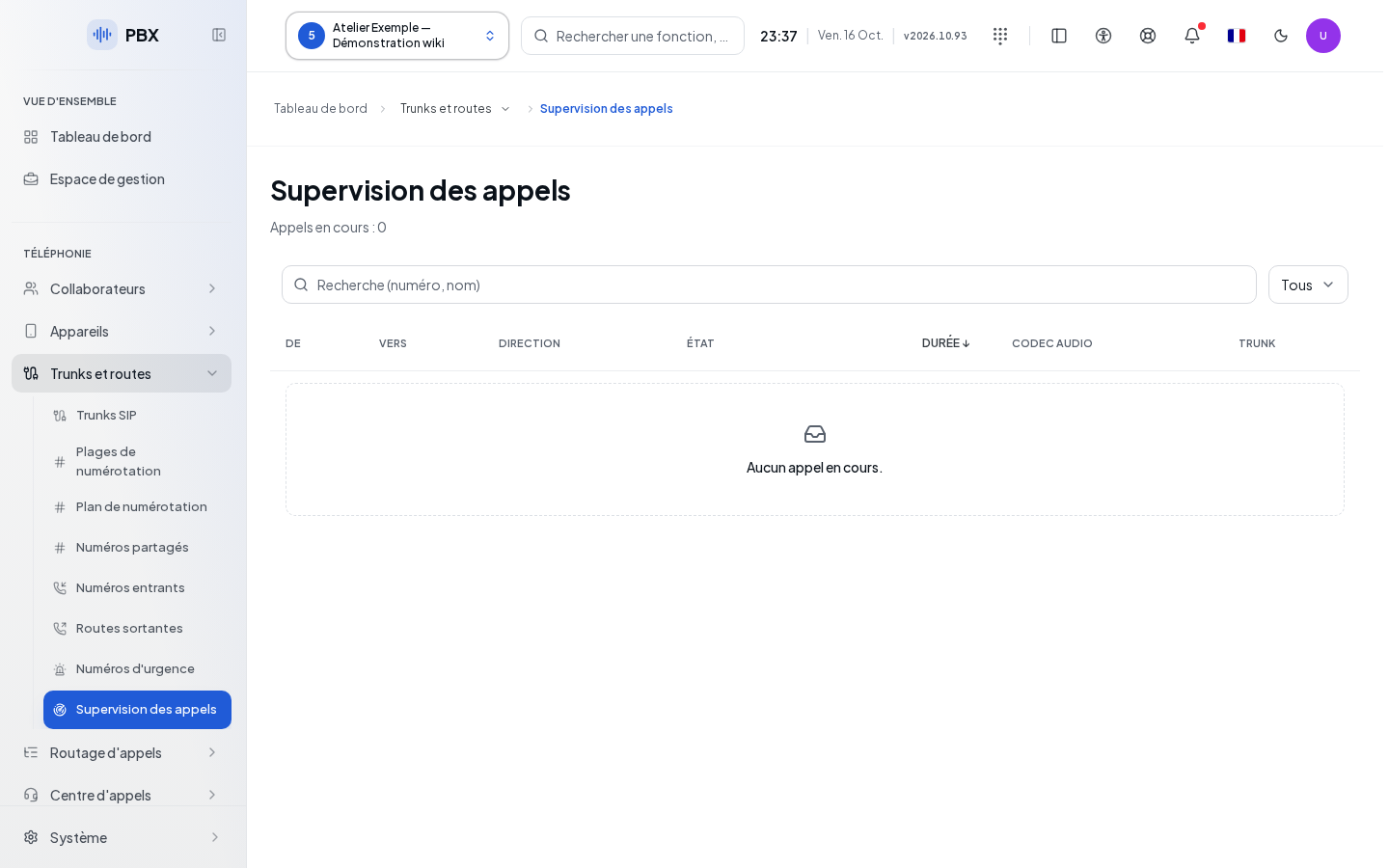
The Call Supervision provides an inventory of the client's ongoing calls. It is intended for the administrator authorized to view them. Select your client before opening the screen. This telephony view is not the global supervision of all clients.
Reading and filtering the list
Enter a number or name in the search field. Filter by Direction to isolate incoming, outgoing, or internal calls offered by the list. Click Duration to reverse the duration order. The table shows the parties involved, the direction, and the duration; available information on audio codecs and the carrier completes the row.
The inventory refreshes automatically. Durations change while the view is displayed. A missing value is represented by a dash: it should not be interpreted as a confirmed audio issue. This page does not provide a button to listen to, transfer, or hang up a call.
Checking the result
An ongoing test call should appear under the correct client, then disappear once the inventory considers it finished. "No calls in progress." corresponds to an available empty inventory. Remove the filters before concluding that a call is missing.
If this doesn't work
"Refresh unavailable or incomplete inventory. The displayed calls may be outdated." means the rows currently shown are no longer sufficient to describe the current state. Use the suggested retry and wait for a valid read. To look up a completed call, open the Call Log.