
Preparing a call group
A group rings several members according to a distribution strategy. Open Call Groups for the selected client. Prepare the users or external numbers to be reached, a free internal number and a final destination if no one answers. Read and edit permissions are separate.
Search by name, number or strategy. The All, Enabled, Disabled filters and sorting help you find a group. Click its name or Edit. Statistics opens the routing statistics. Refresh retries a failed list.
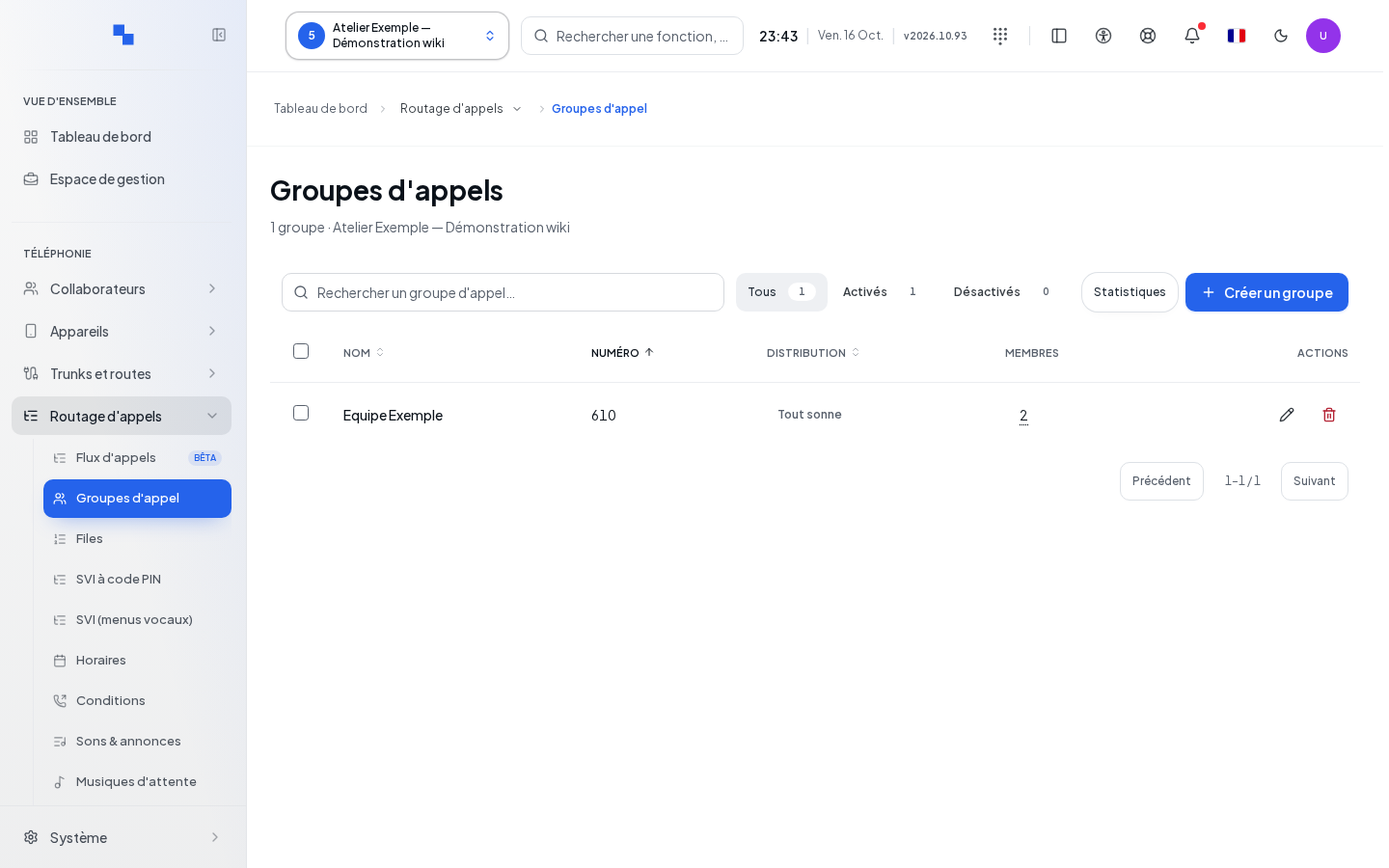
Creating and locating settings
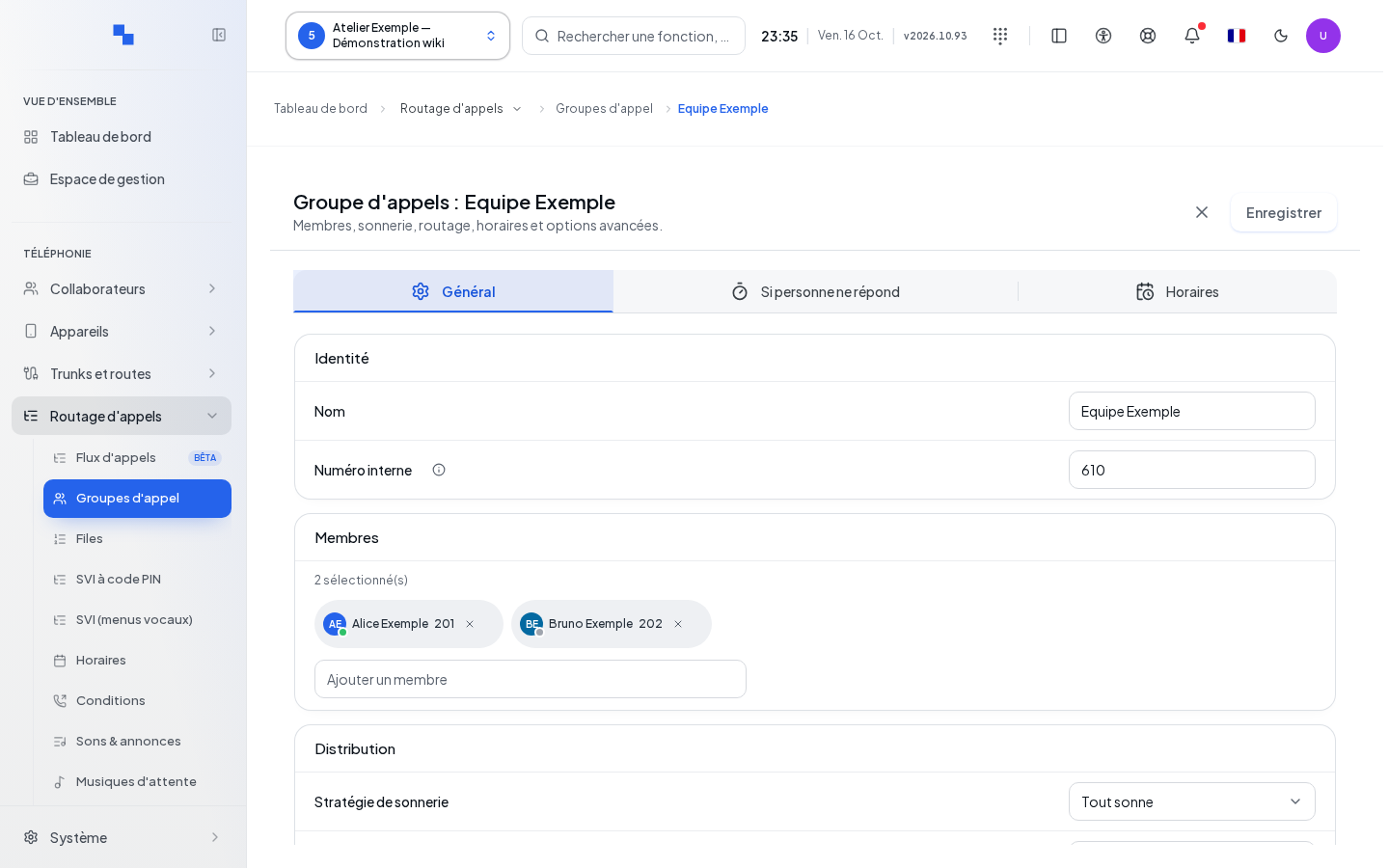
Click Create a group. The form offers General, Distribution and Schedules. After configuring the settings, Create or Save applies the draft; while Saving… is shown, wait for the response. Leaving the form may prompt you to handle unsaved changes.
| Field | Purpose | Possible values | Example |
|---|---|---|---|
| Name | Group name | Text | Reception |
| Internal number | Number to dial; required | 2 to 8 digits, from 10 to 99,999,999 | 4001 |
| Ring strategy | Order or mode for calling members, under Distribution | Available strategies; Ring all at creation | Ring all |
| Ring duration (seconds) | Ring delay according to the strategy | Displayed limits; 30 seconds at creation | 30 |
| Search ceiling (s) | Maximum duration to search for a member | 0 to 3,600; 0 initially follows the strategy duration | 120 |
| Greeting sound | Announcement before ringing | Available sound or no announcement | Welcome |
| Hold music | Audio heard during the search | None, default music or client list | Musical welcome |
General groups together Identity, Music and greeting, Recording and Advanced. Distribution brings together the strategy, durations, members and overflow destinations.
Next to the selected music, the playback control lets you preview it: a file from the selected list, or the stream if the default music uses a stream. This depends on your sound playback permissions and media availability.
The ring duration can be per member, per cycle or global depending on the strategy. In parallel ringing without retry and with a positive ceiling, the ceiling replaces the displayed duration field. If the server does not return a duration, the screen reports it instead of fabricating a value.
Choosing and ordering members
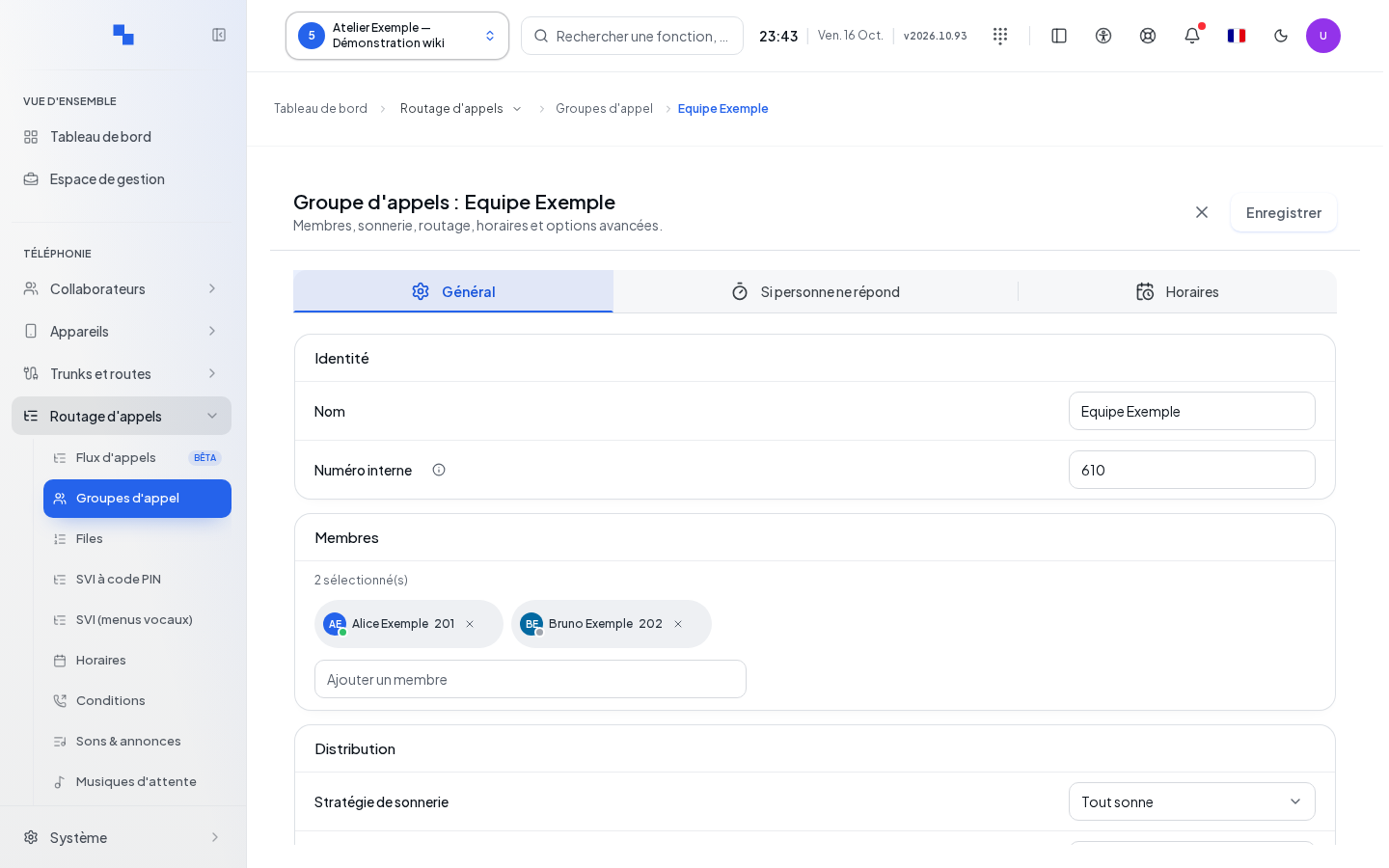
In Distribution › Members, then Add a member, search for a person and select them. Selected members appear in the list; remove a person using its removal control. For strategies that use an order, move members using the handle, by drag-and-drop or with the arrow keys. Escape cancels an ongoing move.
To add an external recipient, open the External number option when the search is empty. Enter their number and an optional Label (optional) of up to 120 characters, then click Add number. The number must not be empty. It will be called using the client's routes and carriers.
If the server rejects the new order, the list is restored according to the server's order. Check it before trying again.
Configuring forwarding and options
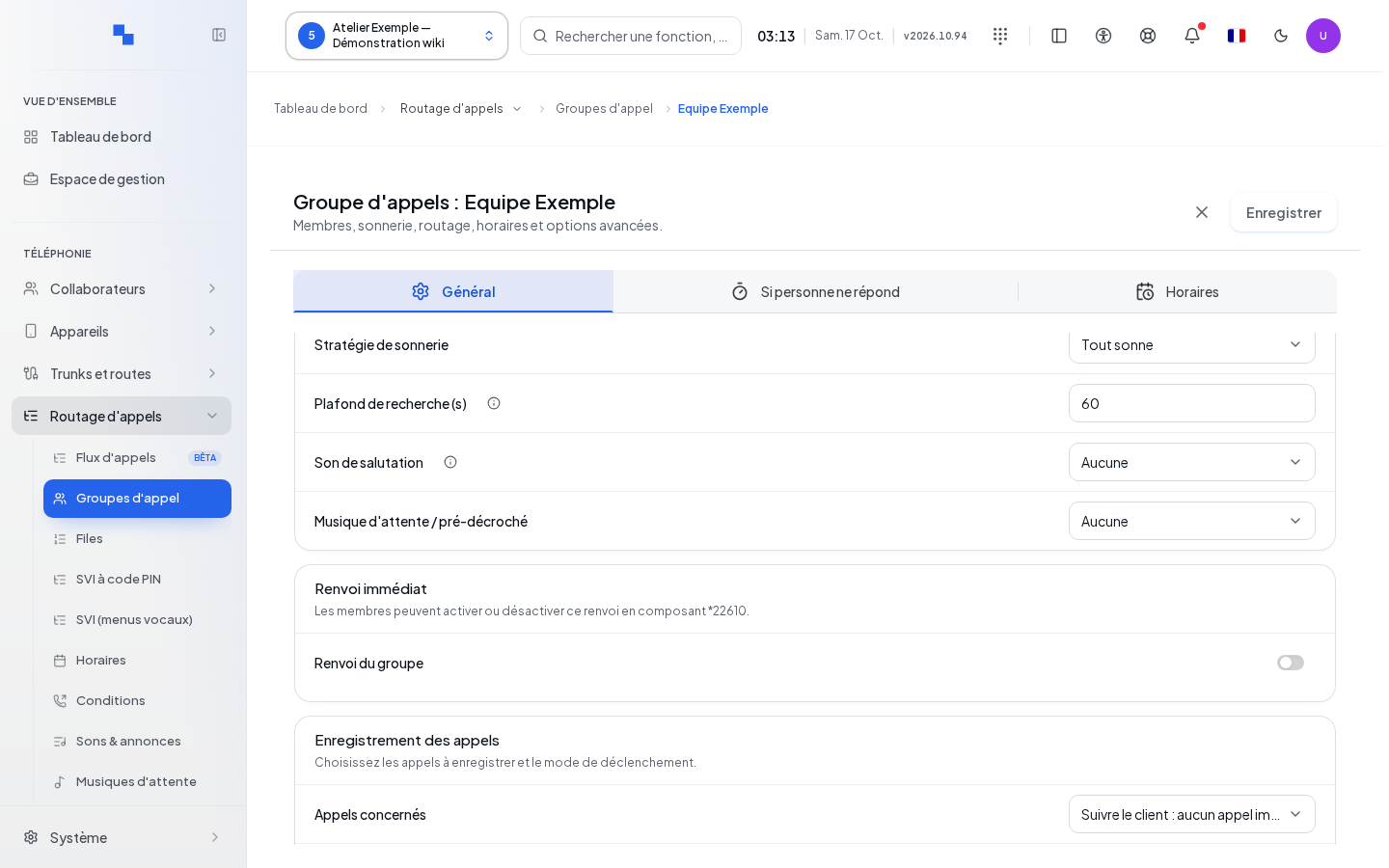
In General › Advanced, Group forwarding enables immediate forwarding; choose its Forwarding destination. Members can use the code shown on the form, *22 followed by the group's number. Check the forwarding badge in the list to avoid unnecessarily investigating why members are not ringing.
Available options include retry after expiration, waiting for available members, ringing members already on a call, retry delay from 0 to 600 seconds, and maximum of 0 to 500 calls. Fields not provided by the server cannot be edited.
Key permissions distinguish between caller and member: hang up with ### and control recording with ##1 when the corresponding permission is enabled. In General › Recording, the Record calls switch enables permanent recording of all calls in the group as soon as they are answered. Disabling it removes the recording imposed by the group; user-specific settings still need to be considered. Click Save to apply this change. A previous setting is retained as long as you do not change the switch. For caller name, choose no change, prepend, replace or append; the text is limited to 80 characters and disabled if no change is chosen.
Defining exits and schedules
In Distribution › Overflow options, on the If no answer line, choose the final destination. You can, among other things, end the call or play a sound; in this case, actually select the sound. The Busy, No more lines available lines and the call maximum offer their destinations separately. A group without a usable final destination is flagged as incomplete and cannot be saved as such.
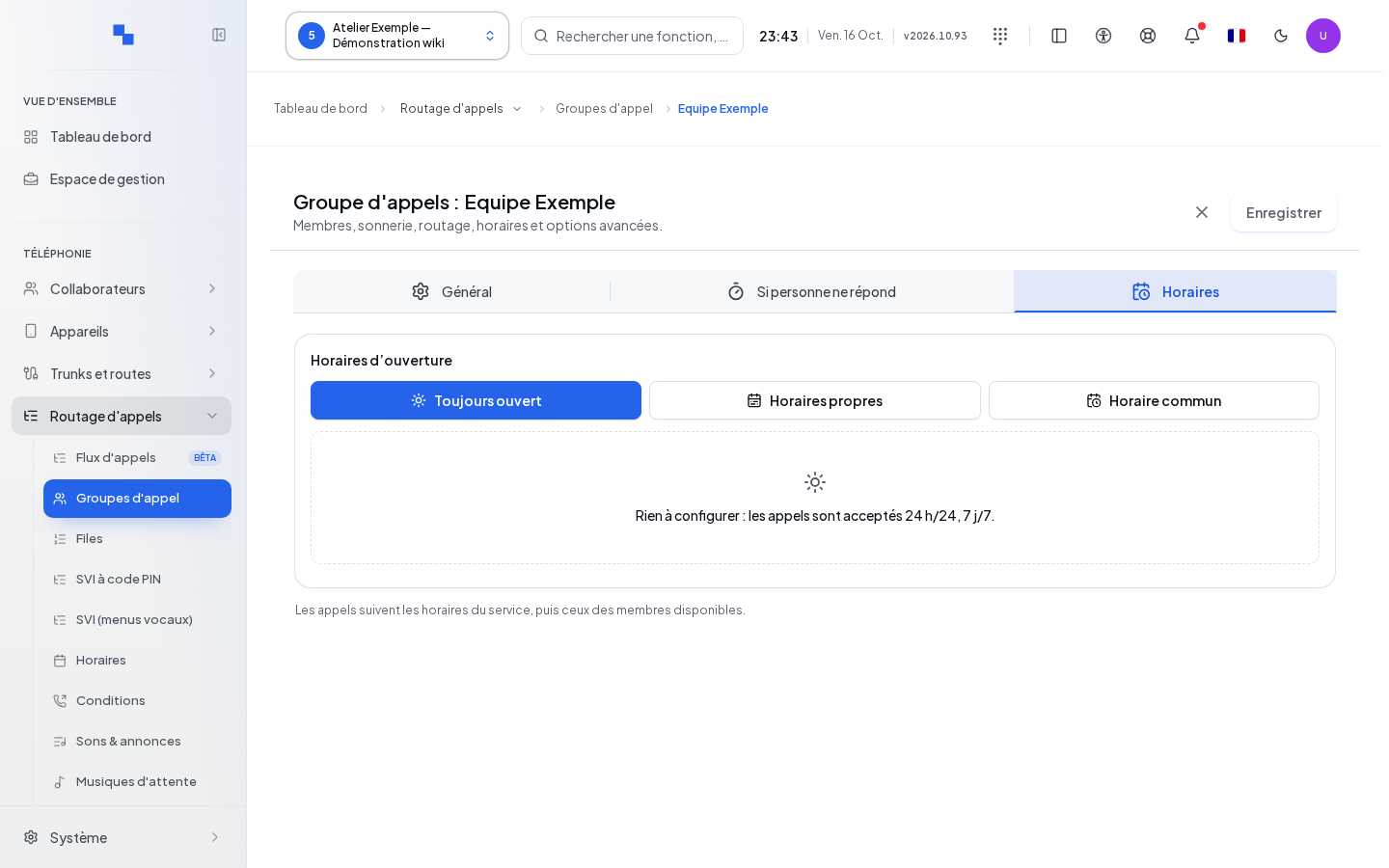
In Schedules, choose permanent opening, custom schedules or a shared schedule. Complete the closing and its exceptions. The incoming number's schedule and the group's schedule can combine: check the complete path. See Schedules.
Deleting and checking the result
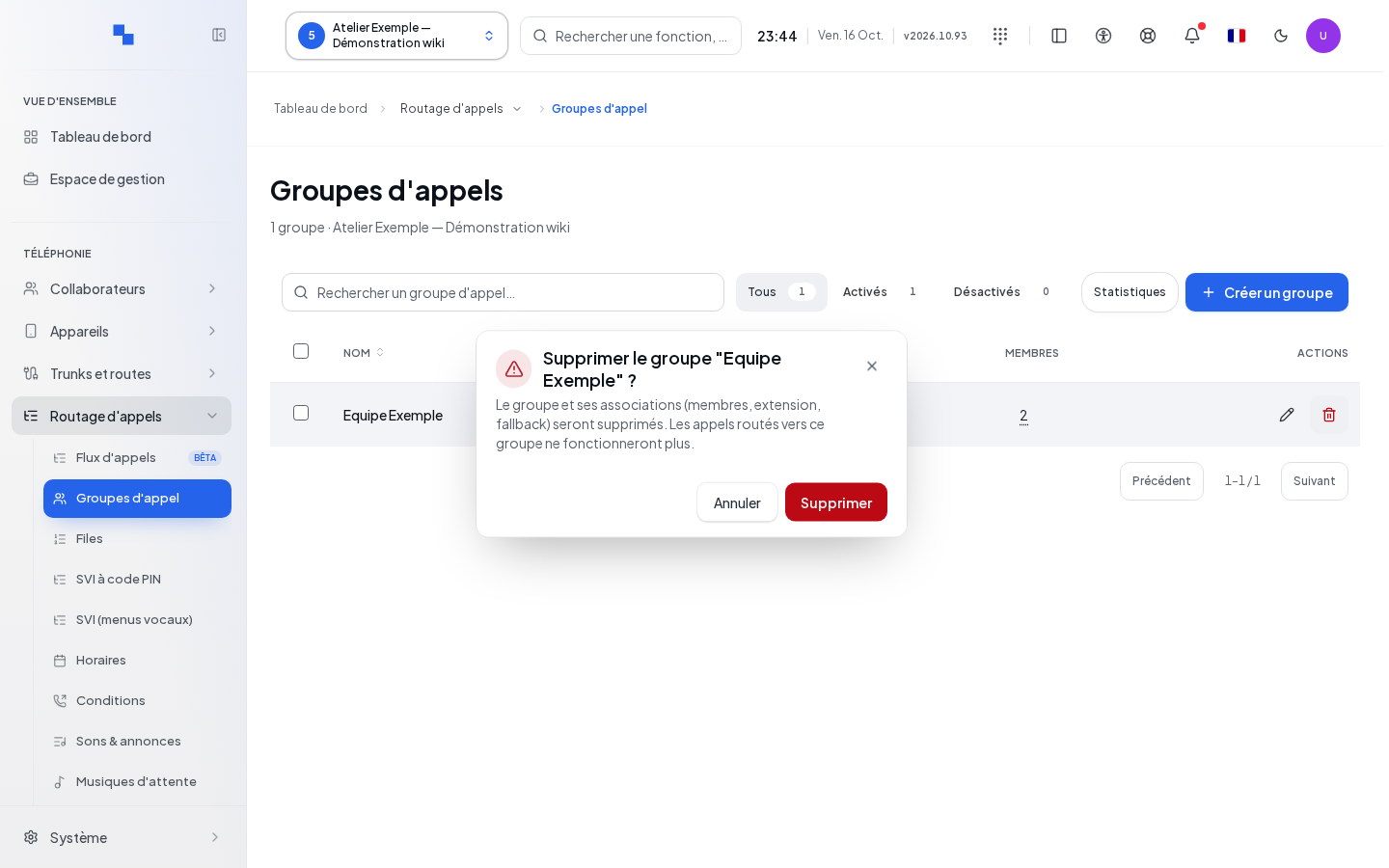
Delete opens a confirmation with the group's name. Deletion removes the group and its associations; routes pointing to it will need to be corrected. Bulk actions also allow enabling and disabling selected groups.
After "Group saved", reopen the form and check members, order, delays and final exit. Run a test with an answer and then without an answer. A disabled group remains disabled after a simple edit to its form.
If it doesn't work
"Choose a valid destination before saving.": complete the final exit. "Choose a sound to play.": select the sound in the relevant destination. If the form or members cannot be read, saving remains blocked to avoid overwriting them with an empty list. Reload after keeping a record of the problem context.