
Opening the Section
This administration entry groups together the telephone service screens. It is intended for administrators of the selected client. Open the section from the {marque} menu after selecting your client.
The entry does not have its own form. During Loading…, the application checks permissions and then opens the first accessible screen in the group. The destination may therefore differ depending on your account. If no screen in the group is accessible, the application looks for another authorized administration page.
Choosing Your Procedure
Checking the Result
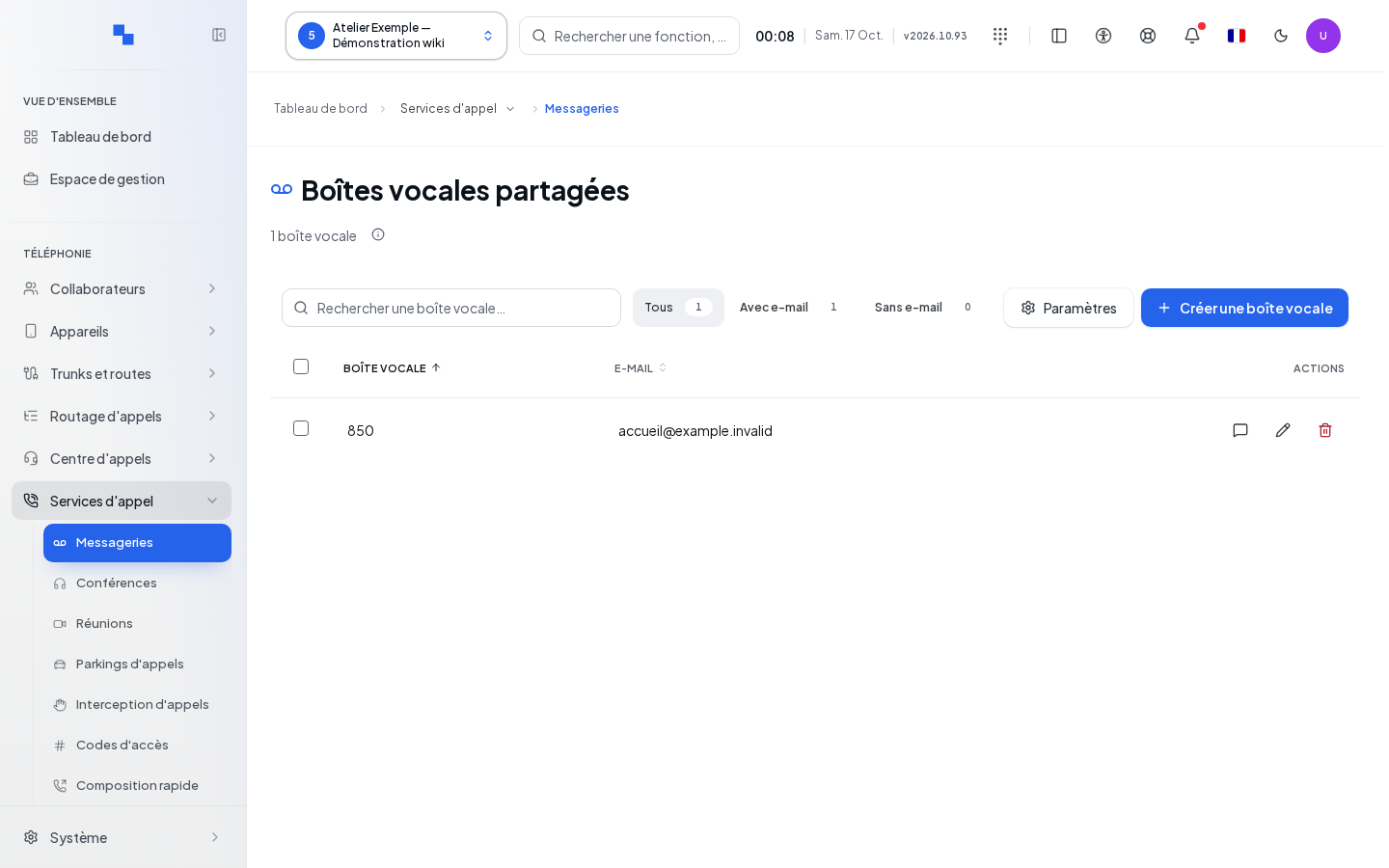
The title of the resulting page indicates which screen was actually opened. Refer to its article for the fields, actions, and confirmations. Simply accessing this section does not save any settings.
If This Does Not Work
Wait for the permission check to complete. If the section takes you elsewhere, have your account permissions verified. To understand the menus and client selection, see Navigation.