
Defining who can pick up calls from whom
An interception group allows an extension to pick up a call ringing on another authorized extension. Open interception groups in the client's call services. A distinction must be made between interceptors, who pick up calls, and targets, whose calls can be picked up.
An interception group does not have its own number. From an interceptor extension, the code *8 uses its memberships to find accessible calls.
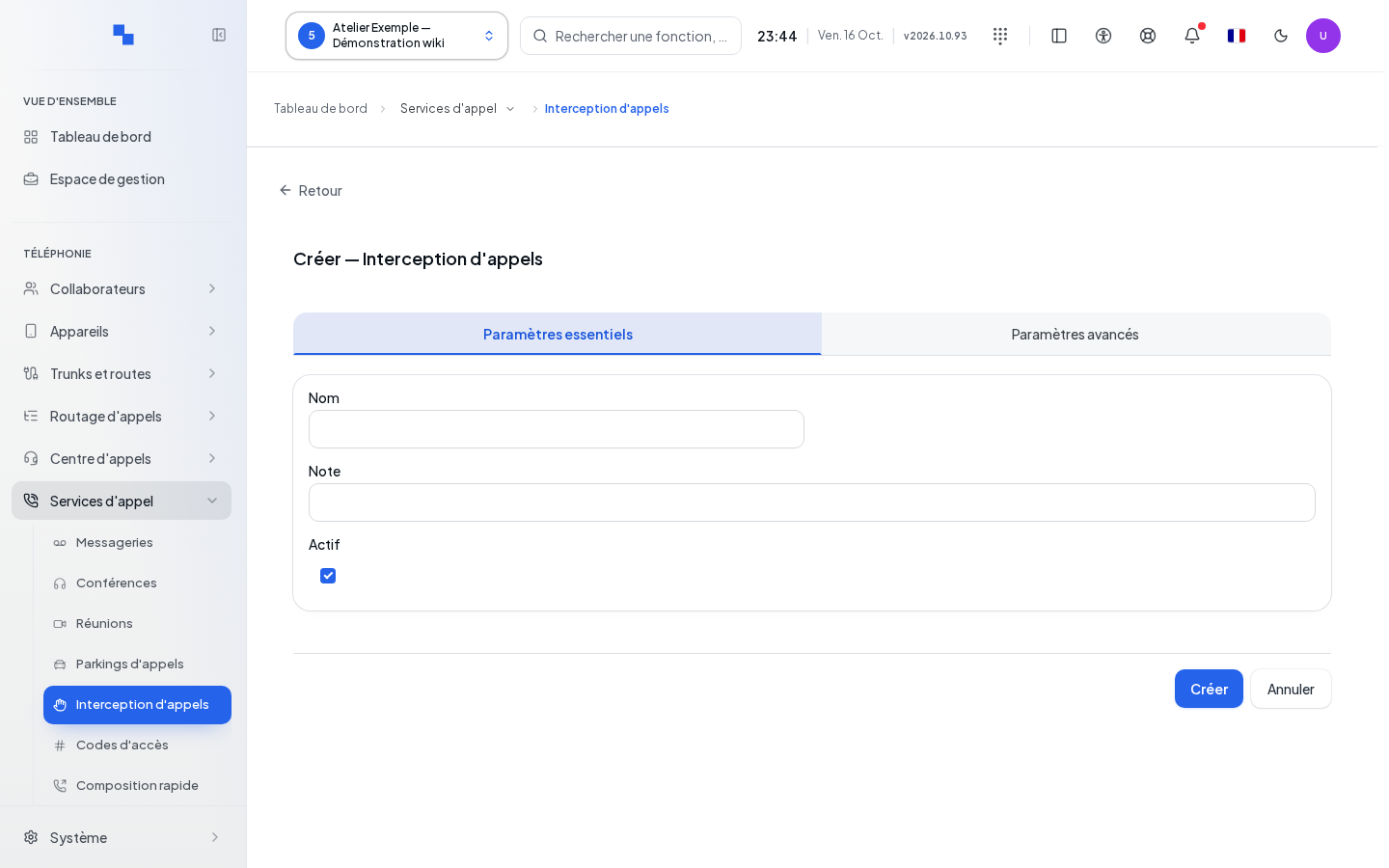
Creating or editing the group
| Field | Purpose | Possible values | Example |
|---|---|---|---|
| Name | Identifies the group; required | Non-empty text | Reception Team |
| Description | Explains the scope; optional | Text | Reception picks up calls from the secretariat |
| Enabled | Makes the group usable | Enabled upon creation | Disable during setup |
Open the creation form, fill in the fields, and save. Edit reopens the row; Cancel closes the form. Wait for confirmation before leaving the screen.
Choosing interceptors and targets
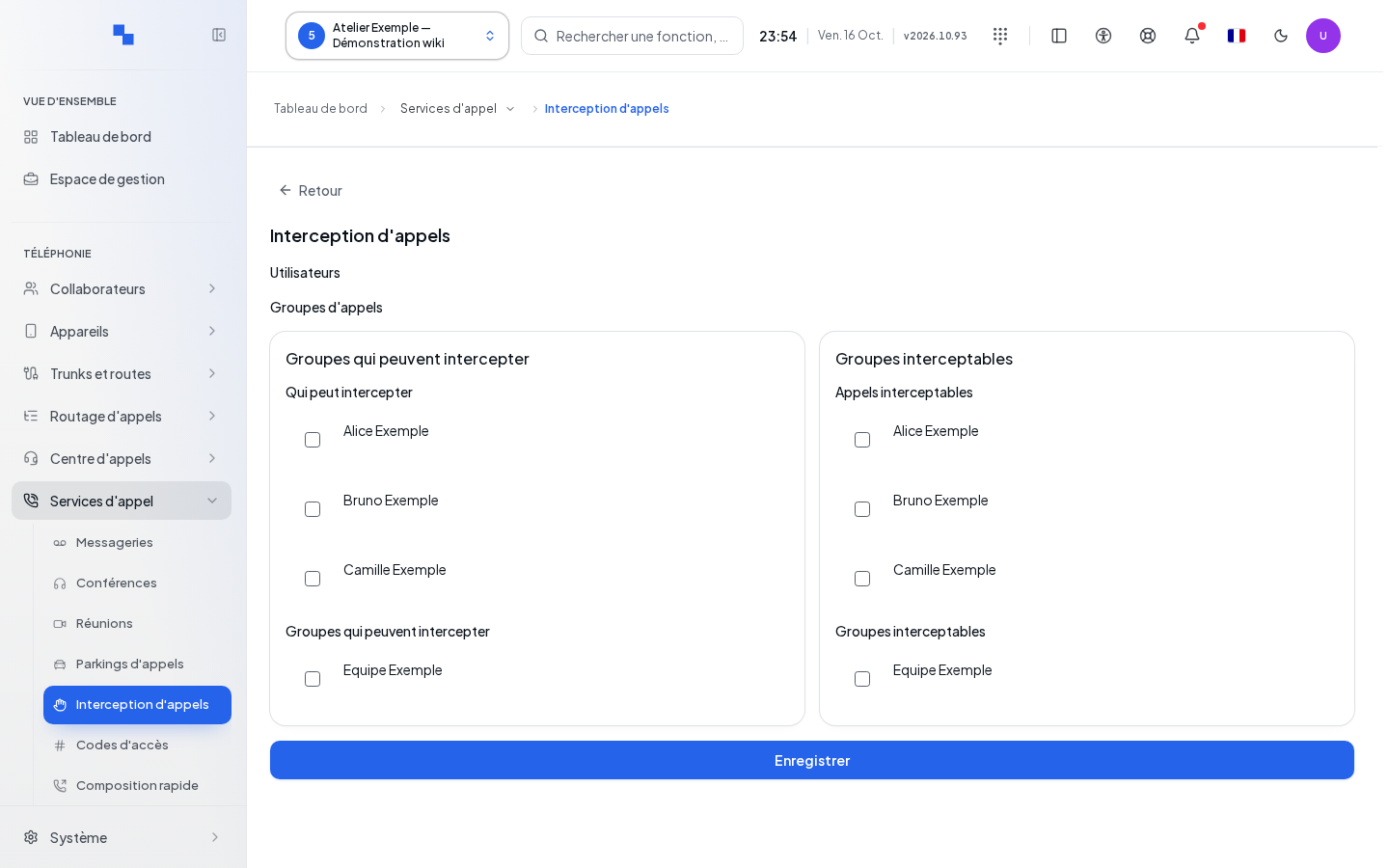
Click on Groups that can intercept to open the relationships. In the interceptor and target columns, check the desired users or groups; uncheck an association to remove it. The same object can have both roles if you check it on both sides. Click Save to apply all the changes. Closing without saving discards these choices. Changes to relationships are separate from the group name. Previous and Next browse through the user and group catalogs when more than 1,000 items are present; an error can be re-read with Refresh.
A group without an interceptor or without a target is marked Incomplete. The displayed member count must be read according to these two roles; belonging to the group does not automatically mean having both roles.
Deleting and verifying
Deleting the group requires confirmation. Users are not deleted along with it. Bulk actions can also enable or disable the selected groups. After configuration, have a target ring with a test call, then dial *8 from an authorized interceptor.
If it doesn't work
Remove search filters if the group is missing from the list. If reading fails, use Retry. If *8 does not pick up the call, check the interceptor and target roles, that the group is enabled, and that the call is still ringing. A write refusal requires correcting the indicated field or the account permissions.