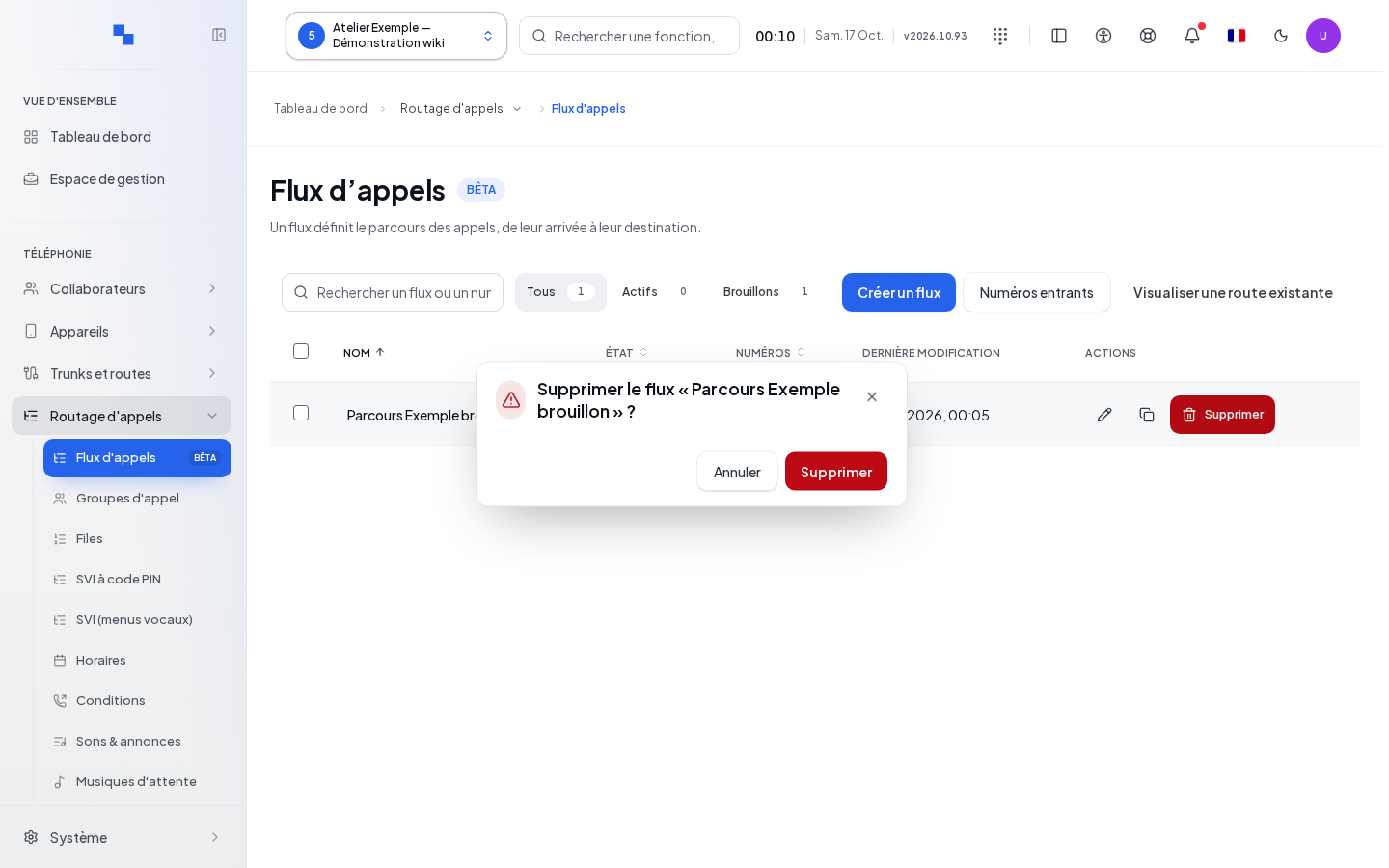
Understanding the flow and its draft
Open Call Flows for the customer. A flow represents the path of a call through connected blocks: greeting, schedule, menu, group, queue, voicemail or other processing. The draft is used to prepare and verify the path. Only publishing a validated version changes the active path.
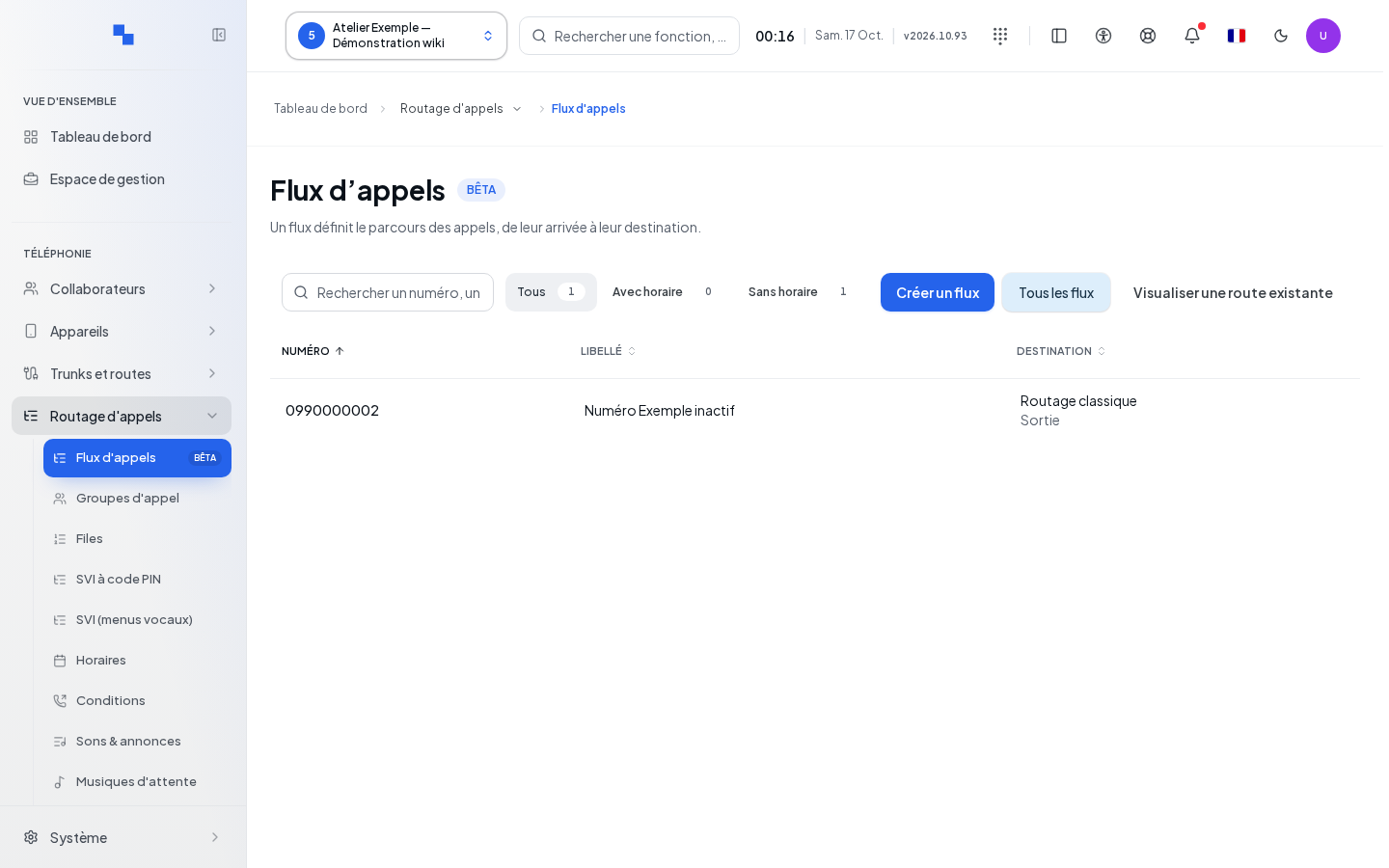
The list allows you to create, open and manage flows. The former Call Flows entry now shares this same management screen. DID Numbers opens the classic routes. View an existing route prepares the import of an existing path. Check write and publish permissions; actions on sounds or linked resources may require additional permissions.
Before you start, prepare the destinations, sounds and schedules. Note the public number concerned and the desired outcome for opening, closing, no answer and errors.
Creating the flow and its entry points
- Click Create a flow.
- Give it a clear name, for example "Main greeting".
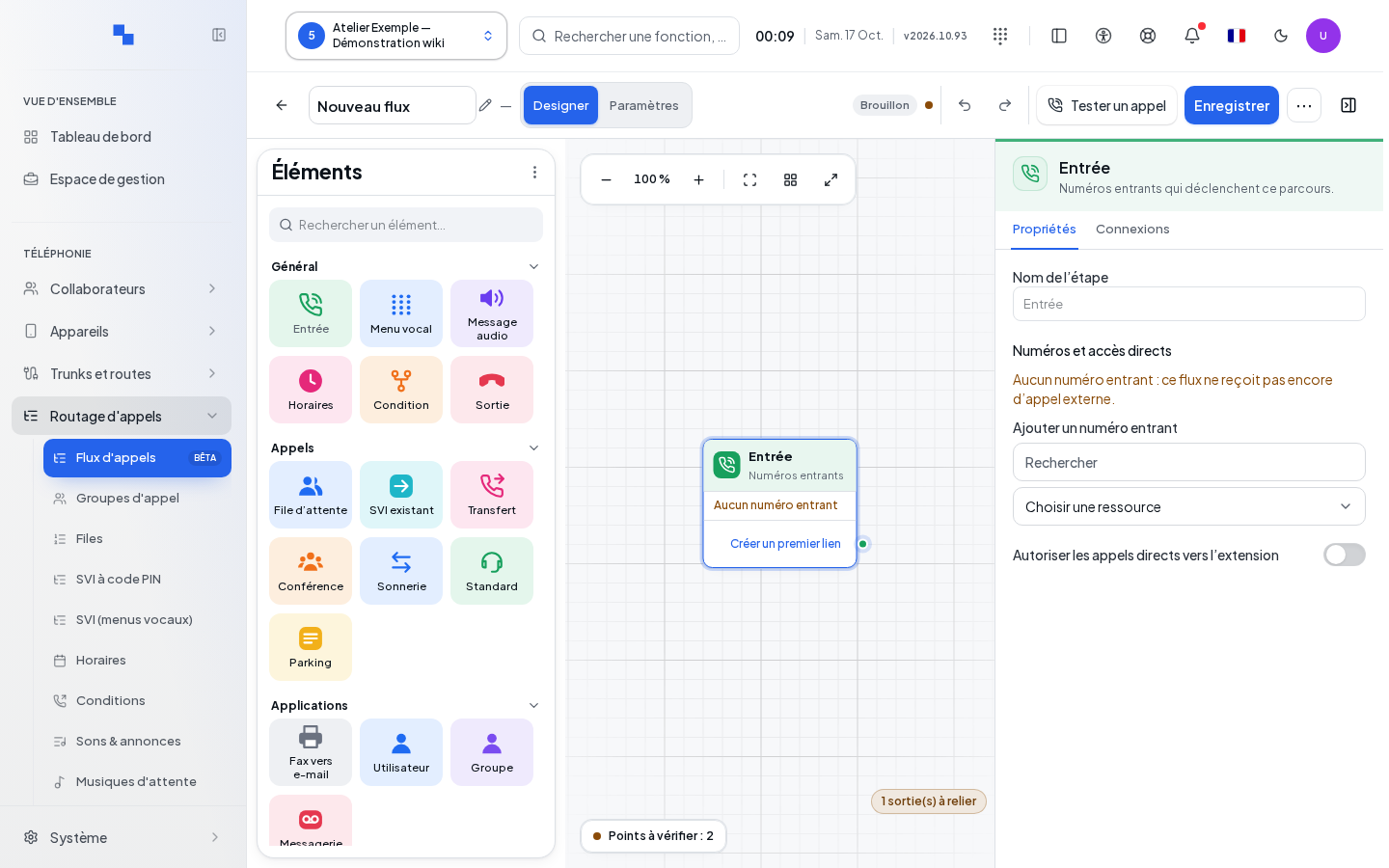
- Check the entry point of the graph, then add the necessary steps.
- Choose the DID numbers to attach and, if the feature is allowed, an internal number to reach the flow directly.
- Save the draft before validating and publishing.
Automatic number creation depends on the numbering plan and available permissions. If a number already belongs to another flow, the conflict message offers Open this flow. Review its usage before reassigning the number. Saving a new draft does not silently move active calls.
In Settings, the internal number has 2 to 8 digits, depending on the accepted format, and is chosen at creation; it can no longer be edited afterward. Assign automatically uses a compatible range. Allow direct calls to the extension separately controls direct entry. Remove removes an incoming number from the draft; check the stated effect before publishing.
You can start from a Template: select it, fill in its resources and language, then click Use this template. This action replaces the draft's graph with the template's graph. Missing resources are flagged and must be completed. Designer returns to editing; All flows returns to the list with unsaved changes protection.
Duplicate on a flow creates a separate piece of work. Give it a distinct name, check its entry points and validate it before any publication. Duplicating a flow is different from duplicating a block within the drawing.
Navigating the editor
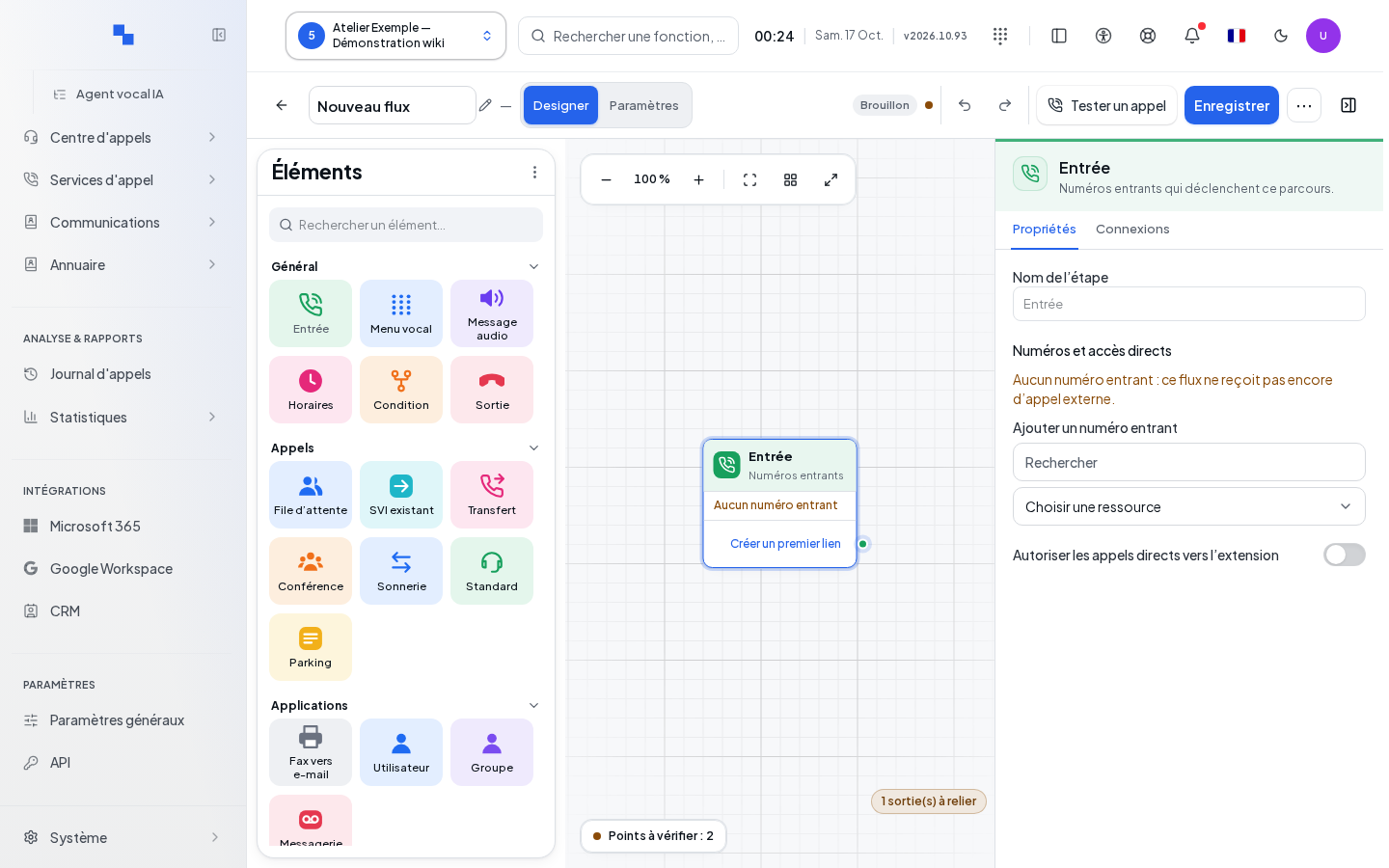
The Map view shows the blocks and their links. The Steps view makes linear reading of steps easier. Use zoom in or out, reset to 100%, fit to view and full screen to read a large path. The auto-arrange command rearranges the layout; review the links regardless. On small screens, open the palette and properties panels as needed for the task at hand.
Select a block to display its properties. Move it to clarify the drawing. The palette lets you add a block; inserting on a link lets you add a step between two operations. Each named output must be connected according to the expected outcome: success, no answer, error or key, depending on the block.
The Undo and Redo commands in the editor step back through graph operations. The shortcuts Ctrl or Cmd + Z and Ctrl or Cmd + Shift + Z are available. Deletion via keyboard affects the graph selection, not an entry in a field.
Connecting, duplicating and deleting blocks
Connect the desired output to the destination block. If you replace an existing link, review the confirmation: the previous branch will no longer be followed from this output. To remove a link, select it then use the delete command offered.
Duplication copies a block to prepare a similar step; check its settings and connect the copy. The entry block is unique and cannot be duplicated, deleted or chosen as the destination of a link. Deleting a block also removes its connections: the confirmation must be followed by a check of branches that became orphaned.
Disabling a block requires a connected Continue output, which allows it to be bypassed. A grayed-out block without a usable continuation does not constitute a complete path. A block's label is limited to 255 characters; choose a name describing its role, not just its type.
Choosing an existing resource
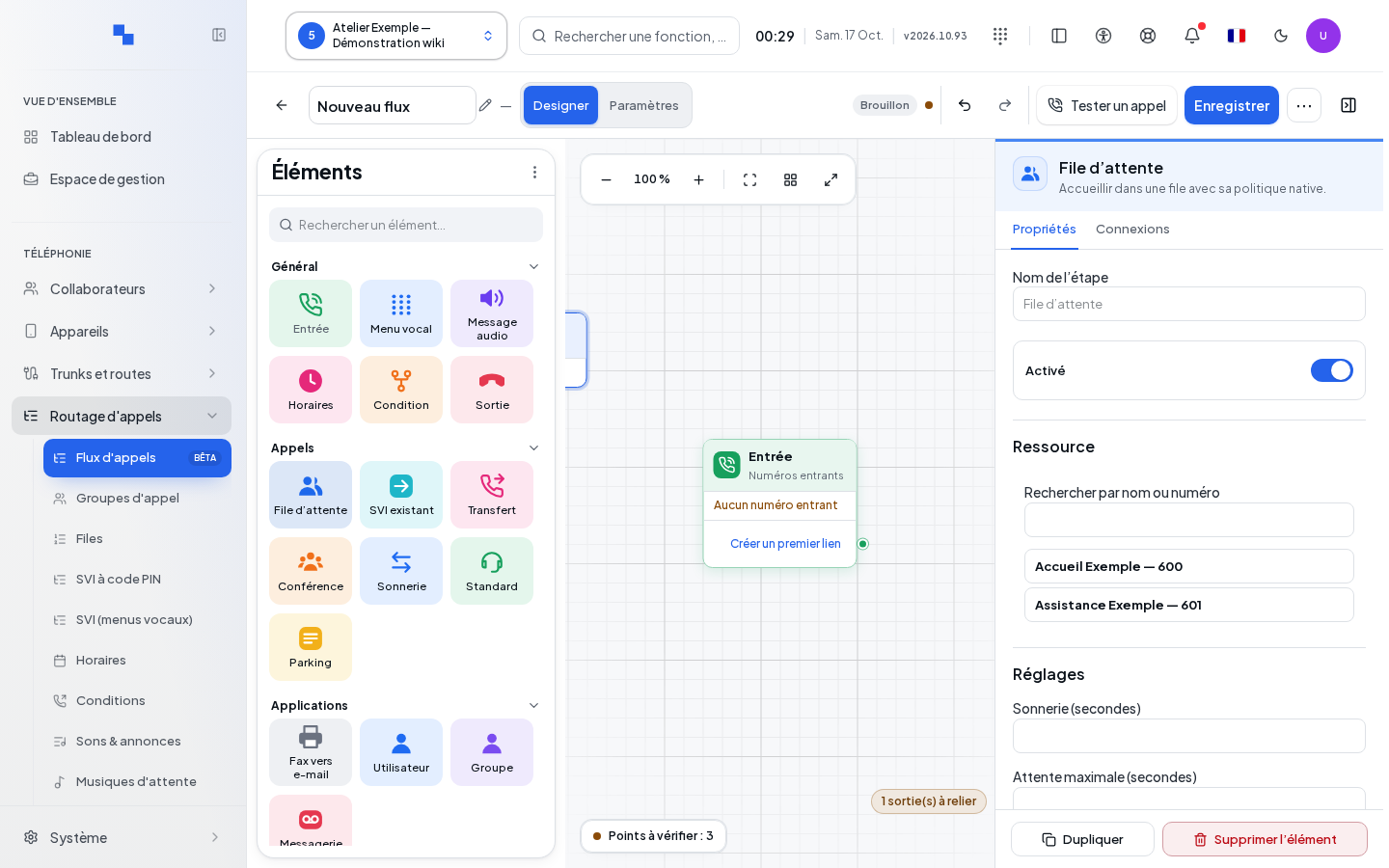
Selectors for sounds, users, groups, queues and other resources offer search and pagination. Enter part of the name, load more results if needed, then explicitly choose the resource. Open record lets you check or edit the resource within its own management screen.
If an error occurs, Retry reloads the catalog. An existing reference that cannot be found is retained until an explicit choice is made: do not replace it with the first row in the list. Check permissions, the customer and the existence of the object. Editing a shared resource can immediately affect other paths, even if the current flow remains in draft.
Distributing the call and managing hold time
| Field | Purpose | Possible values | Example |
|---|---|---|---|
| User / group | Rings a resource | Existing resource, delay from 1 to 300 seconds | Reception group, 25 seconds |
| Queue | Places the call in a queue | Existing queue, ringing from 1 to 300 seconds, maximum wait from 1 to 3,600 seconds | Support, 120-second wait |
| Voicemail | Allows leaving a message | Offered voicemail box | Reception box |
| Existing voice menu | Runs an already configured menu | Existing IVR | Language menu |
| Transfer | Sends to an internal or external number | Type and number, maximum 32 characters | Extension 6101 |
| Conference | Joins a conference | Existing conference | Reception meeting |
| Attendant / parking | Uses the selected service | Compatible resource offered | Customer parking |
| Ringtone / music | Holds the caller before continuing | Ringtone or music, 1 to 120 seconds | Music for 5 seconds |
| Hang up | Ends the call | Offered reason | Normal end |
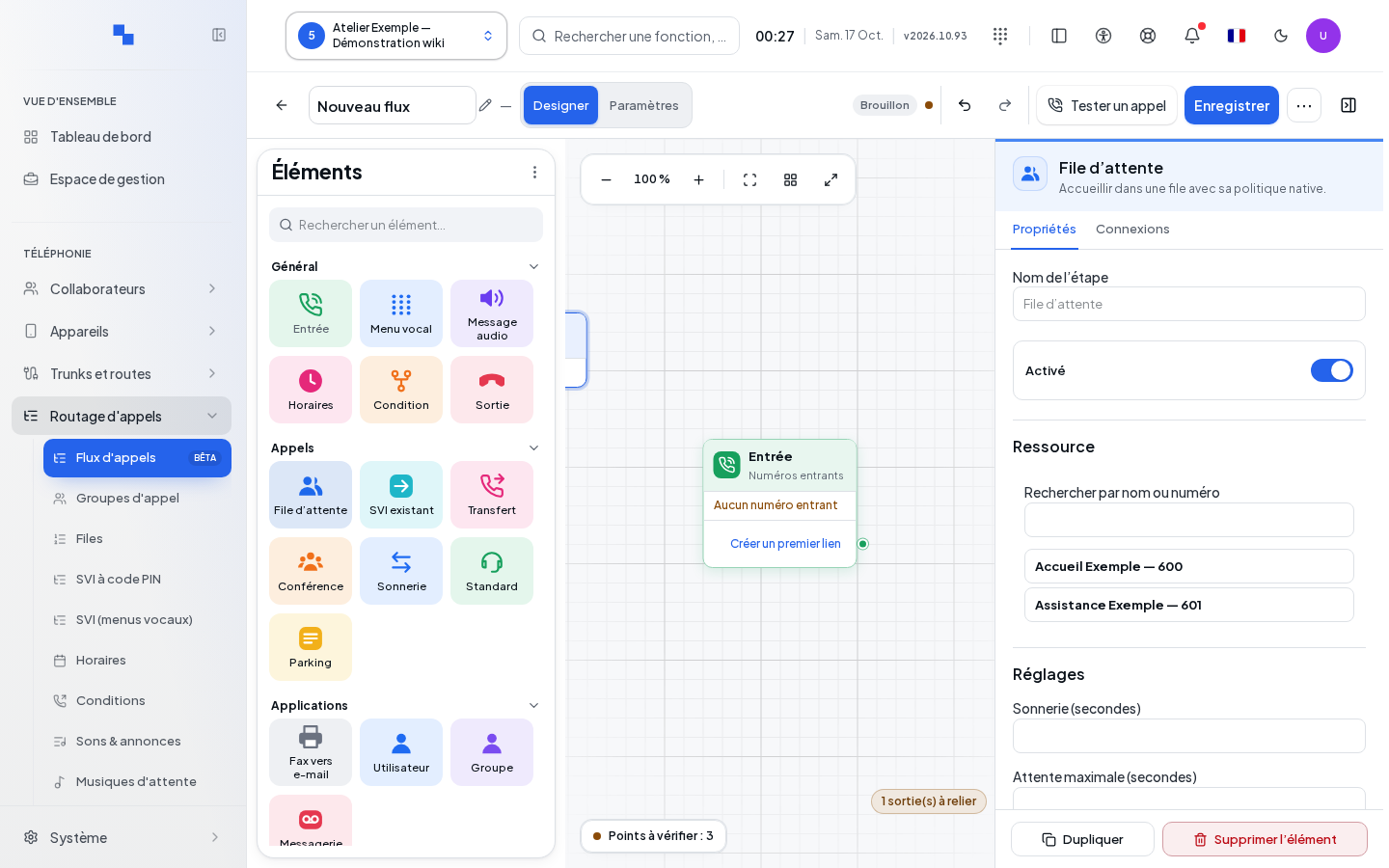
For the user, group or queue, choose whether fallbacks come from the resource itself or from the flow's outputs. The fallback mode determines where to correct a no-answer. Within a queue, also check the queue name announcement and whether transfer is allowed, if these options are offered.
For User, Group and Transfer blocks of type Internal, choose what the caller hears while the destination is ringing:
| Field | Purpose | Possible values | Example |
|---|---|---|---|
| During ringing | Chooses the sound heard by the caller while the destination is being called | Ringback tone (default) or Music | Music |
| Hold music | Chooses the music when Music is selected | Default system music or offered class | Customer music |
This setting accompanies the destination's ringing; the separate Ringtone / music block remains a holding step before continuation. It is not offered for an external transfer or for the Queue block. Switching the transfer to external removes this setting from the block.
Choose the music from the loaded list. If playback fails, the choice becomes unavailable; a saved class that is missing from the list is flagged. Save and publish the flow following the usual procedure, then make a test call: listen to the hold and check that the conversation is established upon answer. If the music cannot be played, the engine falls back to a ringback tone.
Provide an output for each relevant failure: busy, unavailable, no answer or wait expired. A configured delay without a fallback destination is not enough to build a usable path.
Playing an announcement or requesting a key press
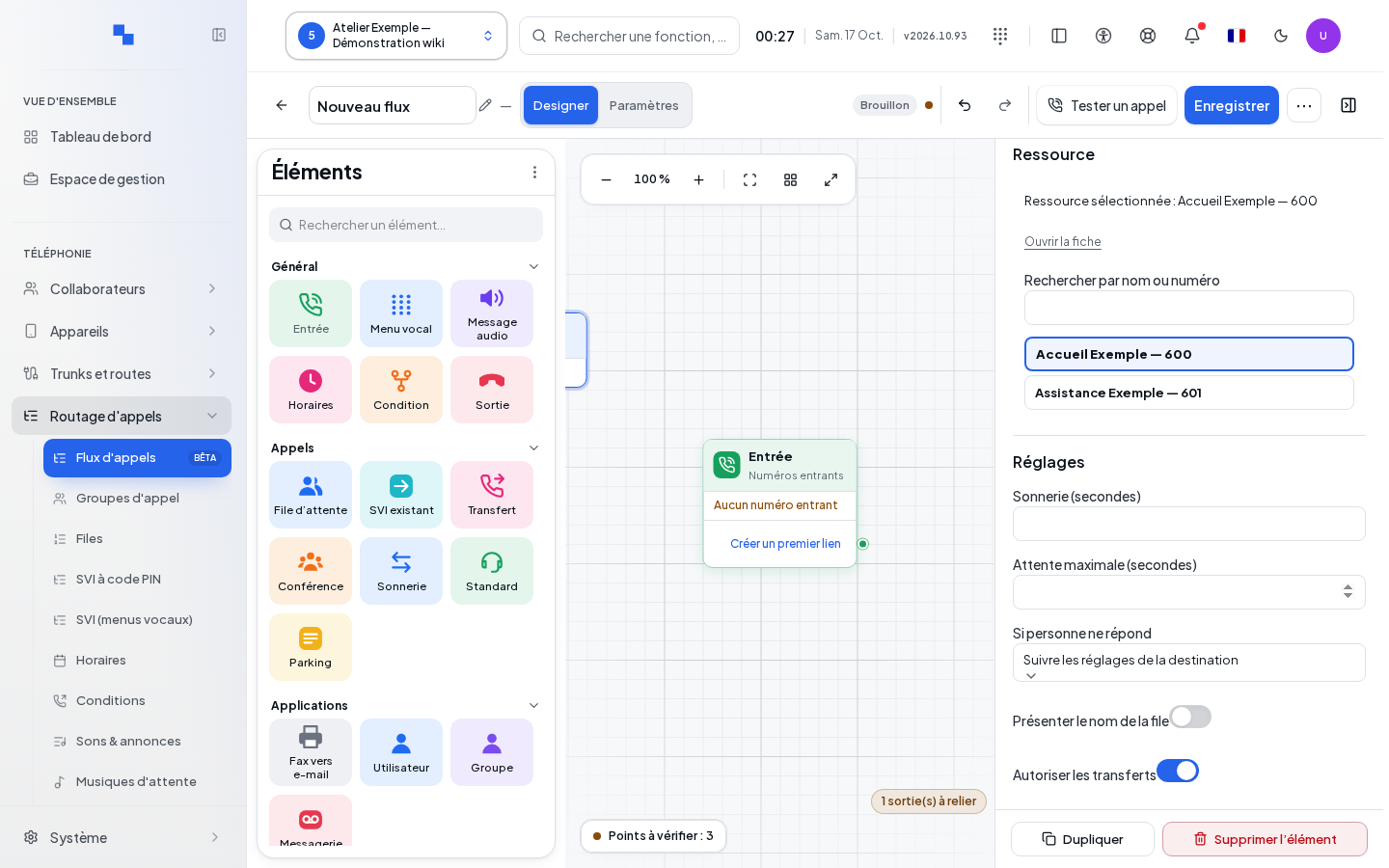
The playback block plays the chosen sound in the configured language, then follows its output. The language block changes the language used for the rest of the path. The interactive menu waits for a key among those configured: digits 0 to 9, star or pound. Connect each expected key to its destination.
The input timeout accepts 1 to 60 seconds and the number of retries 0 to 5. Prepare the outputs for no input and invalid input. Listen to the announcement to check that it exactly matches the connected keys. The language field is limited to 35 characters in the relevant blocks; use a language available for your media.
Preparing a sound from the flow
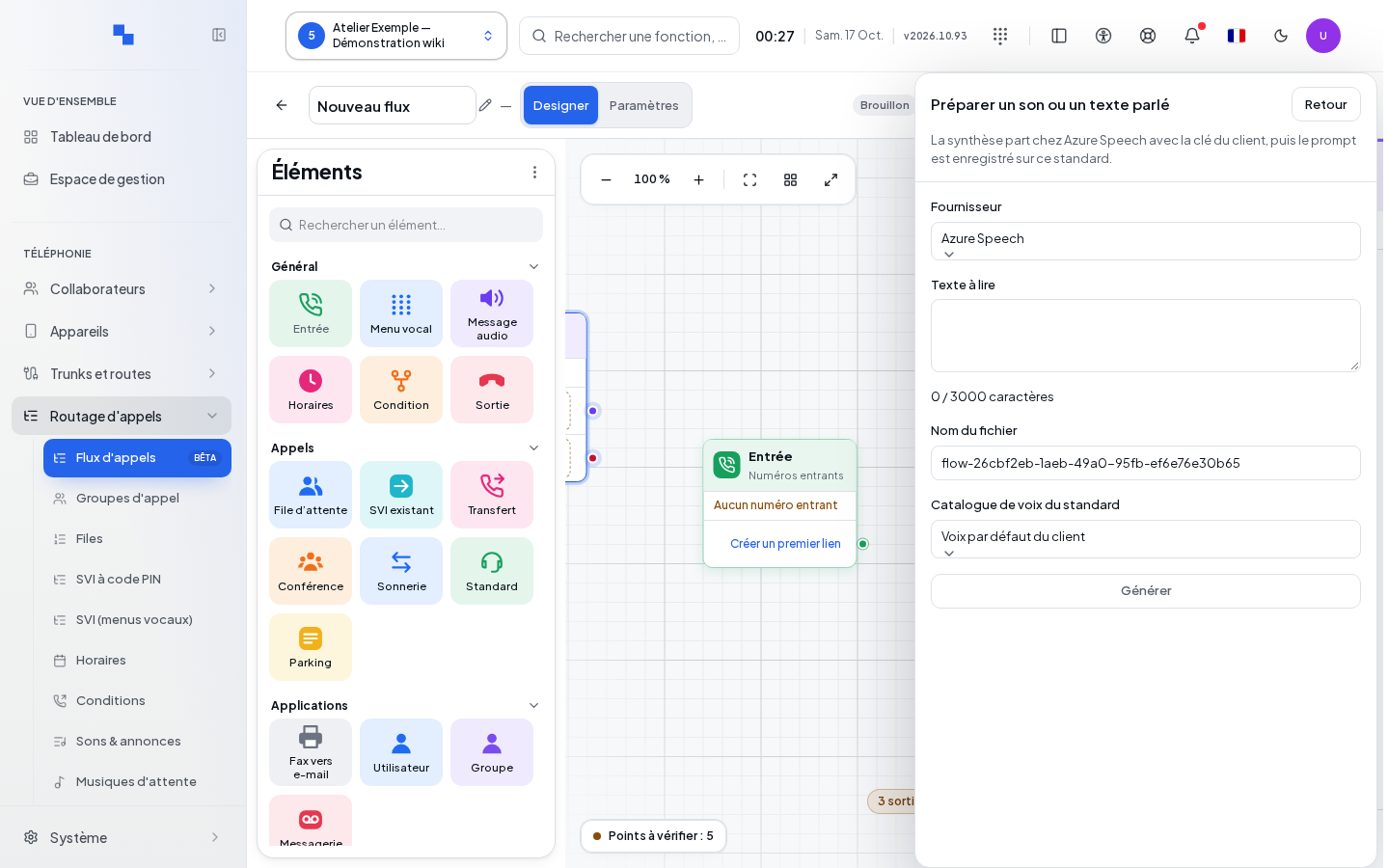
The sound preparation panel allows text-to-speech synthesis via the offered providers when the service and permissions are available. Enter text up to 3,000 characters, choose the language and offered voice, then a file name: a letter or digit at the start, followed by letters, digits, hyphens or underscores, up to 128 characters.
Start generation and listen to the result. Selecting the generated sound is only possible once the audio is available. Parameters ignored by the provider are flagged. On failure, fix the text, voice or service according to the reason before retrying. Creating the sound is a separate operation from publishing the flow; finding a sound in the catalog does not prove that the flow already uses it in production.
Deciding based on a schedule, condition or occupancy
The schedule block uses a shared schedule or its own configuration. Check the closed status and the intended behavior if the schedule is unavailable: follow closed status or an explicit destination, depending on the offered choice. Connect the outputs and test an open date as well as a closed date.
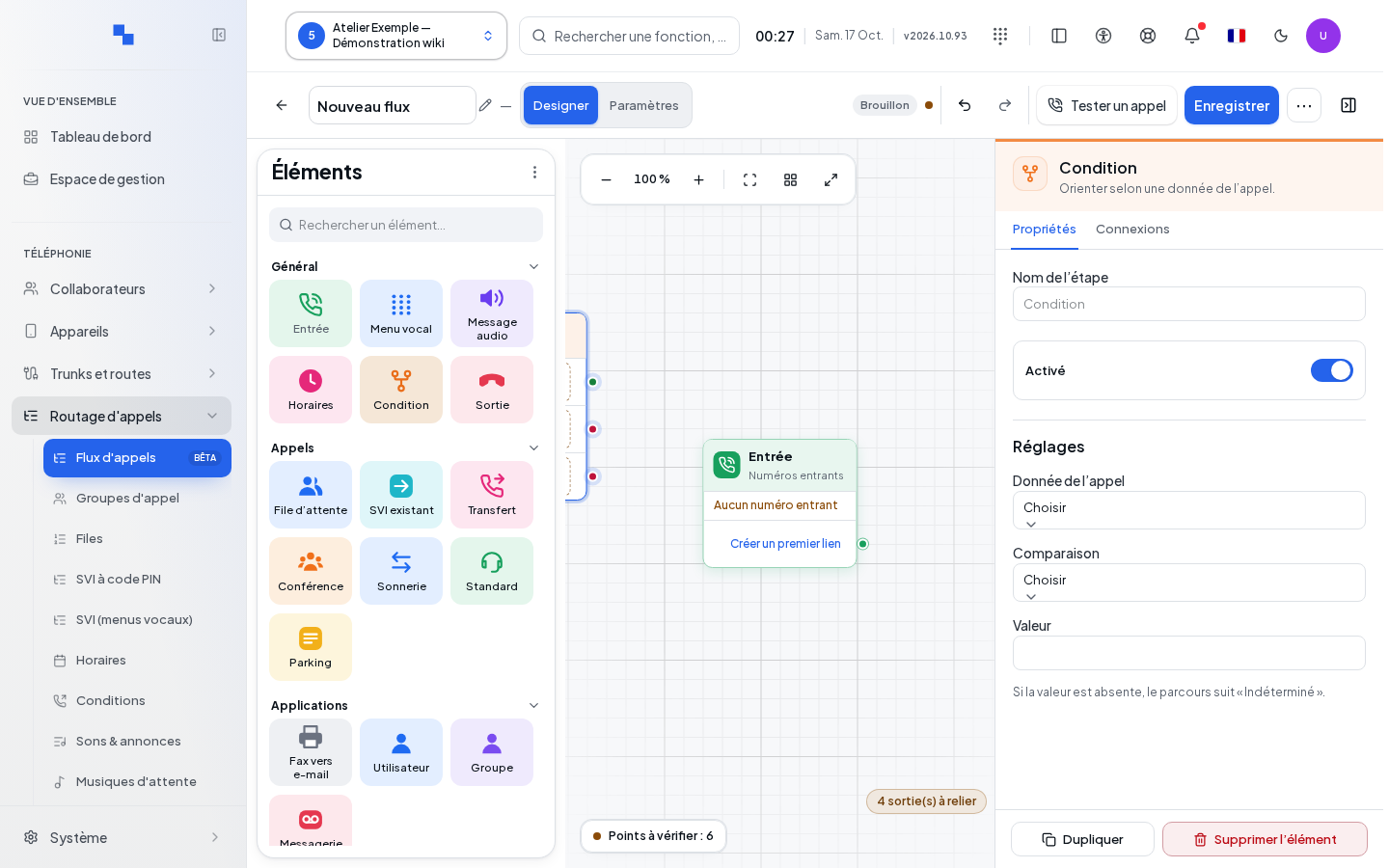
A condition compares the calling number, the originally dialed number, the language or a variable. Choose equality, prefix, list membership or presence as needed. A variable name is limited to 64 characters; a list contains at most 64 values. Plan for Undetermined when the expected value does not exist.
In parameter tables, Add a row adds a name-and-value pair; deleting a row only removes that pair. Check for unique names before validating.
The variable block writes a text, number or boolean value for subsequent use. Respect the type used in comparisons. The occupancy check applies to a group, queue or trunk, with a threshold from 1 to 100,000; choose the correct resource and connect the offered outcomes.
The switch block follows the state of the selected switch. Check its actual state and the associated paths. Directory or service blocks only become executable if the engine reports support for them.
Presenting the call and integrating an external service
The caller ID block allows the number and name to be replaced or prefixed according to the offered choice. The number is limited to 32 characters and the name to 128. This internal change must remain compatible with your carrier's presentation rules for outgoing transfers.
The webhook publishes an event whose name is limited to 128 characters, with the selected allowed fields. An acceptance output means the event was accepted for sending; it does not prove delivery to the destination system.
The HTTP block uses an authorized connector, via GET or POST, with a maximum timeout of 1 to 5,000 milliseconds. Parameter and extracted variable names accept 1 to 64 letters, digits, hyphens or underscores; values are limited to 4,096 characters. Configure the data sent and the values captured, then connect success, error and timeout. Do not assume that an HTTP call can reach an arbitrary address: use the offered connector.
The voice agent block selects the agent and its language, with a duration of 30 to 1,800 seconds. Fax-to-email requires a primary address of up to 254 characters, additional recipients on separate lines, and a subject of up to 200 characters; the received document is delivered as a PDF. Check the associated services and failure outcomes.
A block may be available for preparing the draft but unavailable for execution on the current engine. Validation must confirm the necessary capabilities before publishing.
Simulating without placing a call
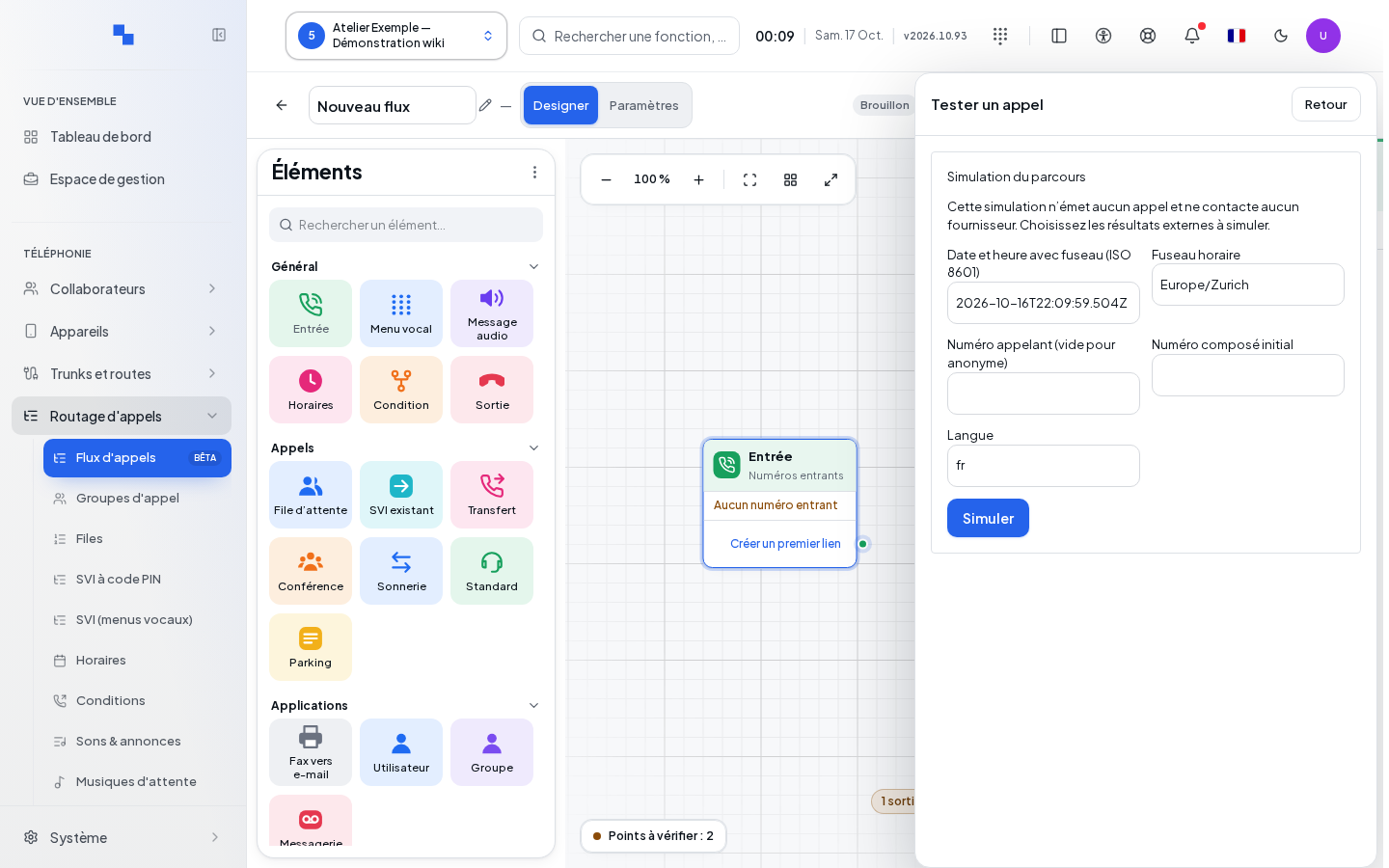
Open the simulation to test the current graph. Enter the date and time with their time zone, the caller, the called number and the language. Prepare the menu choices and the results of external actions: the simulation does not make a real call, does not actually transfer, and does not contact external services.
Menu inputs are limited to six. For simulated actions, provide the expected result and duration, from 0 to 1,800,000 milliseconds. A successful HTTP call can provide up to 64 typed variables. These imposed values are used to explore a branch; they do not constitute an observation of the real service.
Run the scenario, then step forward or backward through the trace to understand each decision. The simulation path is limited to 20 steps and does not allow cycles. Export the JSON result if you need to share the analysis; protected variables are masked there. Modifying the graph clears the previous trace: rerun after making corrections.
Test at minimum the open state, closed state, a valid key press, no input, and the main destination failures. Supplement the simulation with a real call after publishing.
Saving, validating and publishing
- Save the draft and wait for success. As long as there are unsaved changes, publication preparation is blocked.
- Run Validate and review each issue. Click an issue to select the affected block and locate its field or output. Fix references, missing branches or unavailable capabilities.
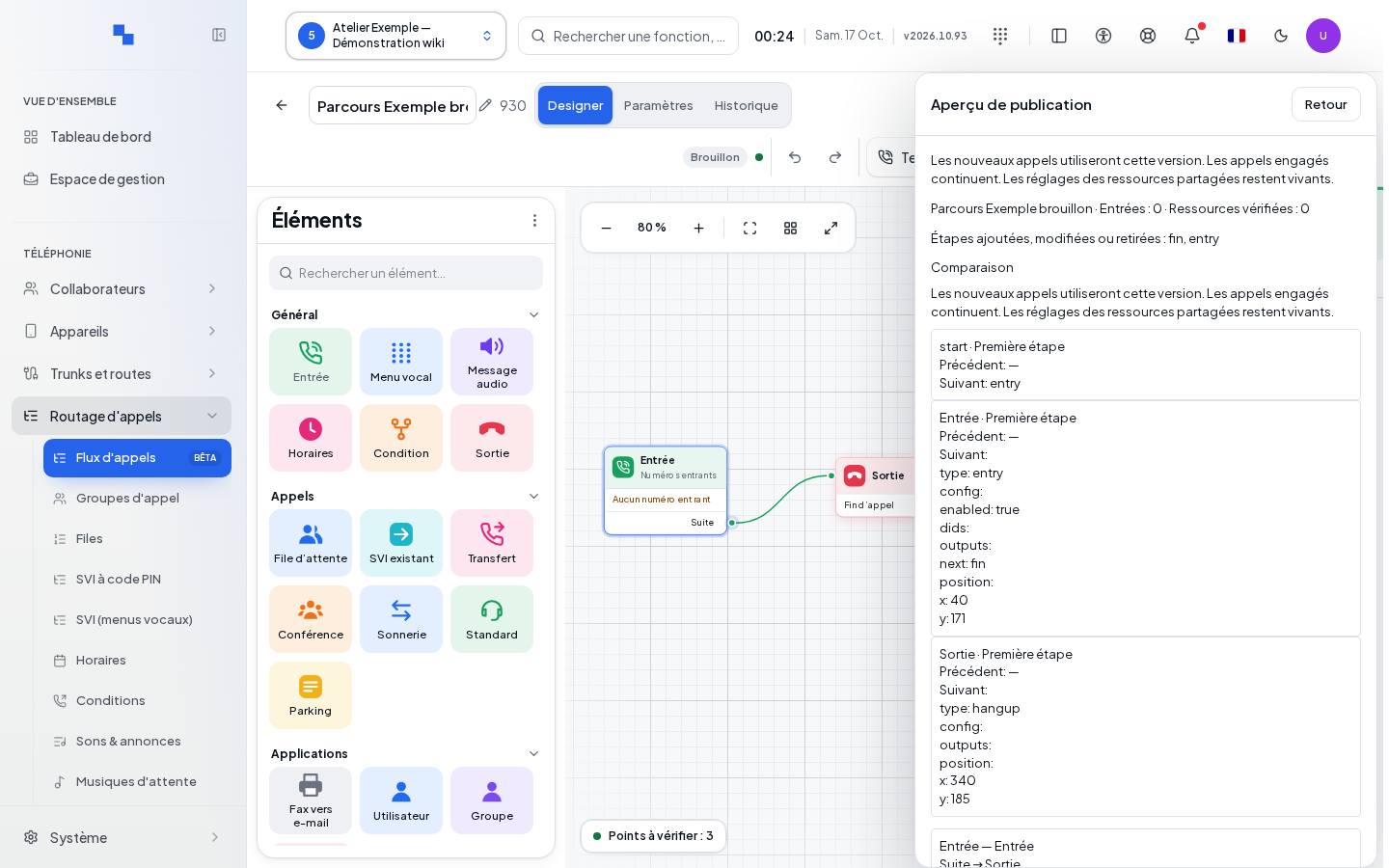
- Prepare publication. Review the preview of entry points and changes.
- Check shared resources: their current state is part of the validation. A change made since the check may require re-validation.
- Confirm publication, then verify the active version.
New calls use the new version; calls already in progress continue on their version. After publishing, call each important entry point and check the destinations. Saving a draft and a successful simulation do not replace this publication step.
In case of a version conflict, reload the server version or duplicate the work according to the options offered. Do not repeat a save assuming no one has modified the flow in the meantime. A modified dependency may also prevent publication or a rollback; refresh resources and validate again.
Importing an existing route
From the number browser, All DIDs returns to the list; clicking an already-attached number opens its flow. Create a flow or an offered template prepares a new path. Convert to flow reuses the available reconstruction and remains blocked if it contains unsupported issues. Retry reloads the data from the panel in error.
Choose View an existing route, select the incoming number then review the graph preview, recognized resources and points to fix. Import as draft prepares a flow without activating it. The original route continues to function as long as publication has not taken over its entry point.
Some settings of the incoming route, notably its schedule, greeting and caller ID, remain managed on the incoming number. Check these elements in its record rather than assuming the import moved them all into blocks. Validate, simulate then publish following the usual procedure.
Reviewing history and rolling back to a version
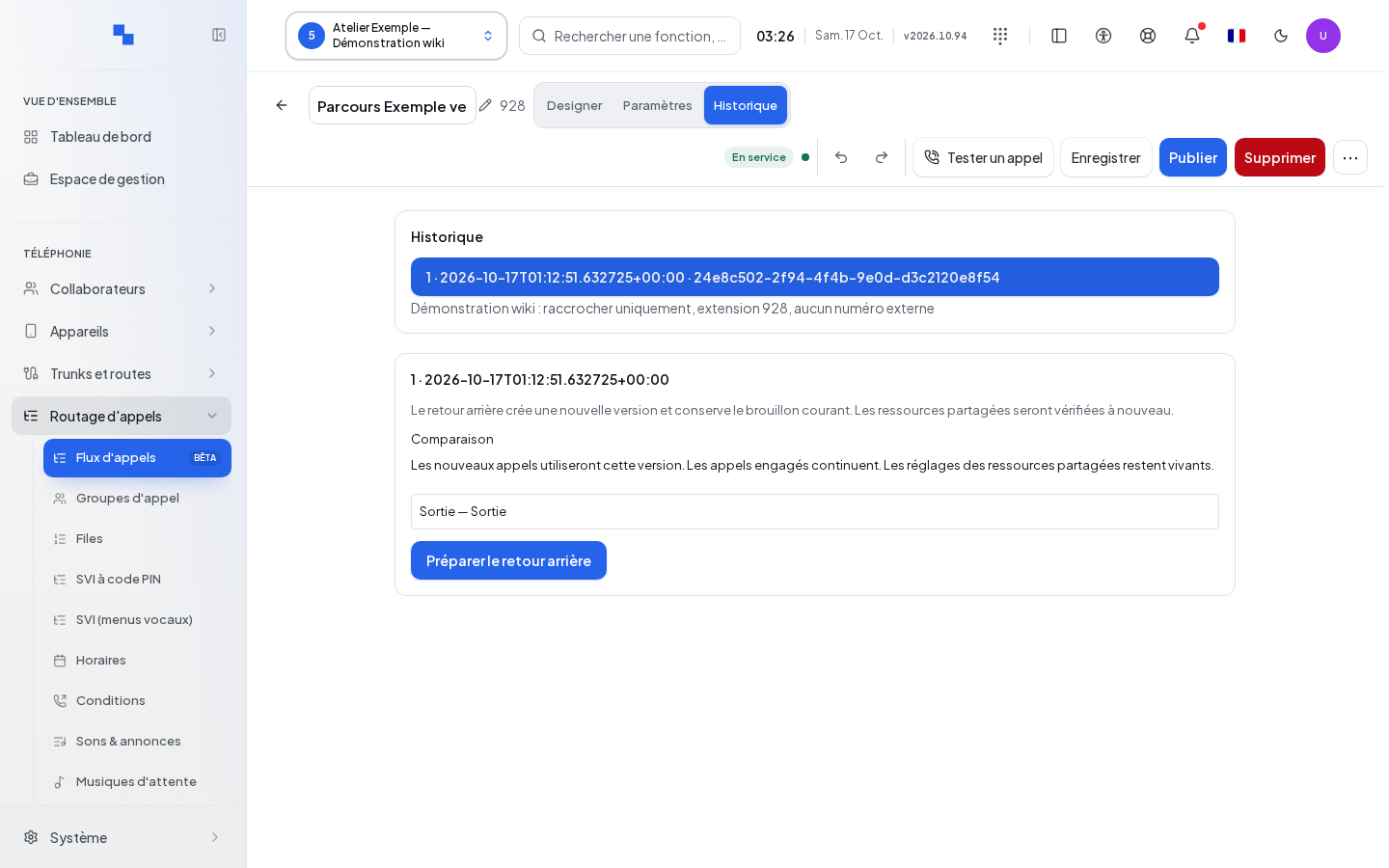
The history displays versions with pagination. Open a version and compare it to the current version before choosing a rollback. Prepare rollback creates a new version from the old one; this does not erase the history and preserves the current draft.
Shared resources are checked against their current state. An old version may therefore have become invalid if a destination has been removed. Fix the dependencies then restart the preparation; duplication can be used to resume this work separately when offered on screen. Review the confirmation and test calls after activating the rollback.
Deactivating or deleting a flow
Deactivation requires confirmation and restores the previously planned routes for the numbers involved. The flow's internal number becomes unavailable: check the users who dial it. Verify restored routes and make a test call.
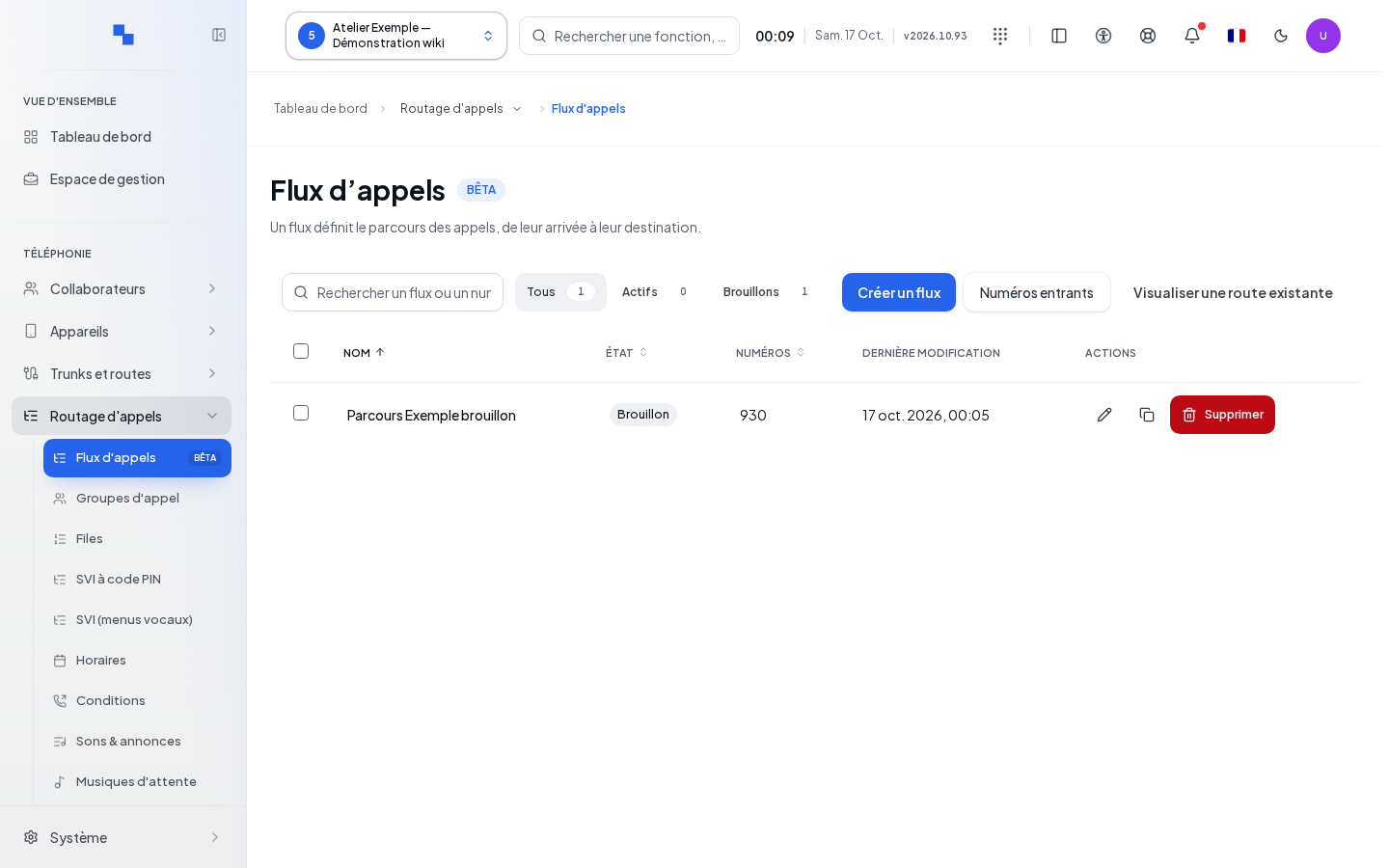
Deletion is a separate action. Review the flow's name and the consequences in the confirmation dialog. If a dependency prevents deletion, open the indicated resource, remove or replace its reference, then try again. After success, check the list and the numbers that were attached to the flow.