
Preparing a voice menu
An interactive voice response system, or IVR, plays a greeting and routes the caller according to the key pressed. Open IVR (voice menus) for the client. Prepare a free extension number, the announcement, and the destinations. Write access to menus allows them to be modified; generating a sound also requires access to sounds.
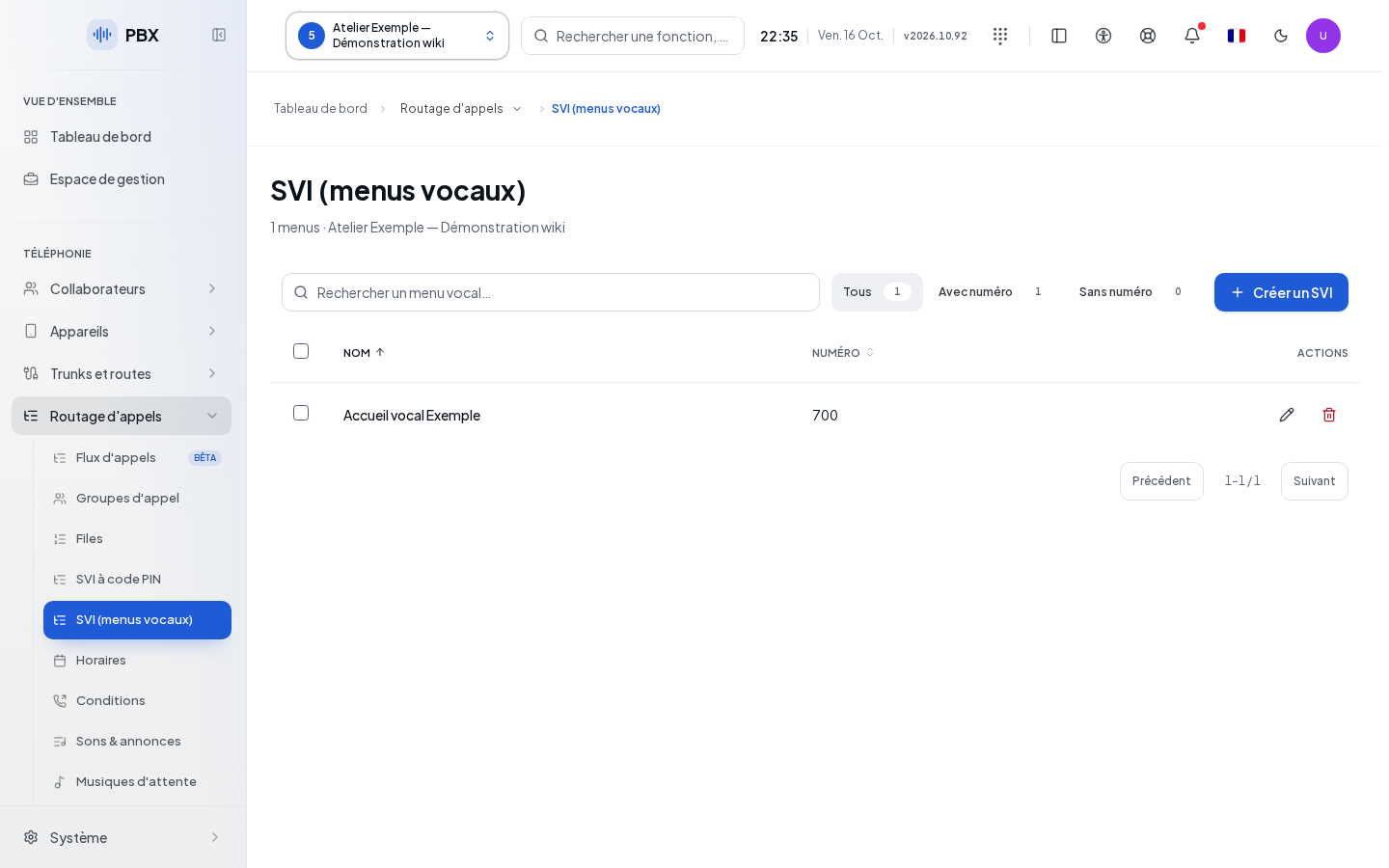
The list can be searched by name, number, or announcement. The filters All, With number, and Without number, along with sorting and pagination, help you find a menu. Click on its name or on Edit. Create an IVR opens a blank form.
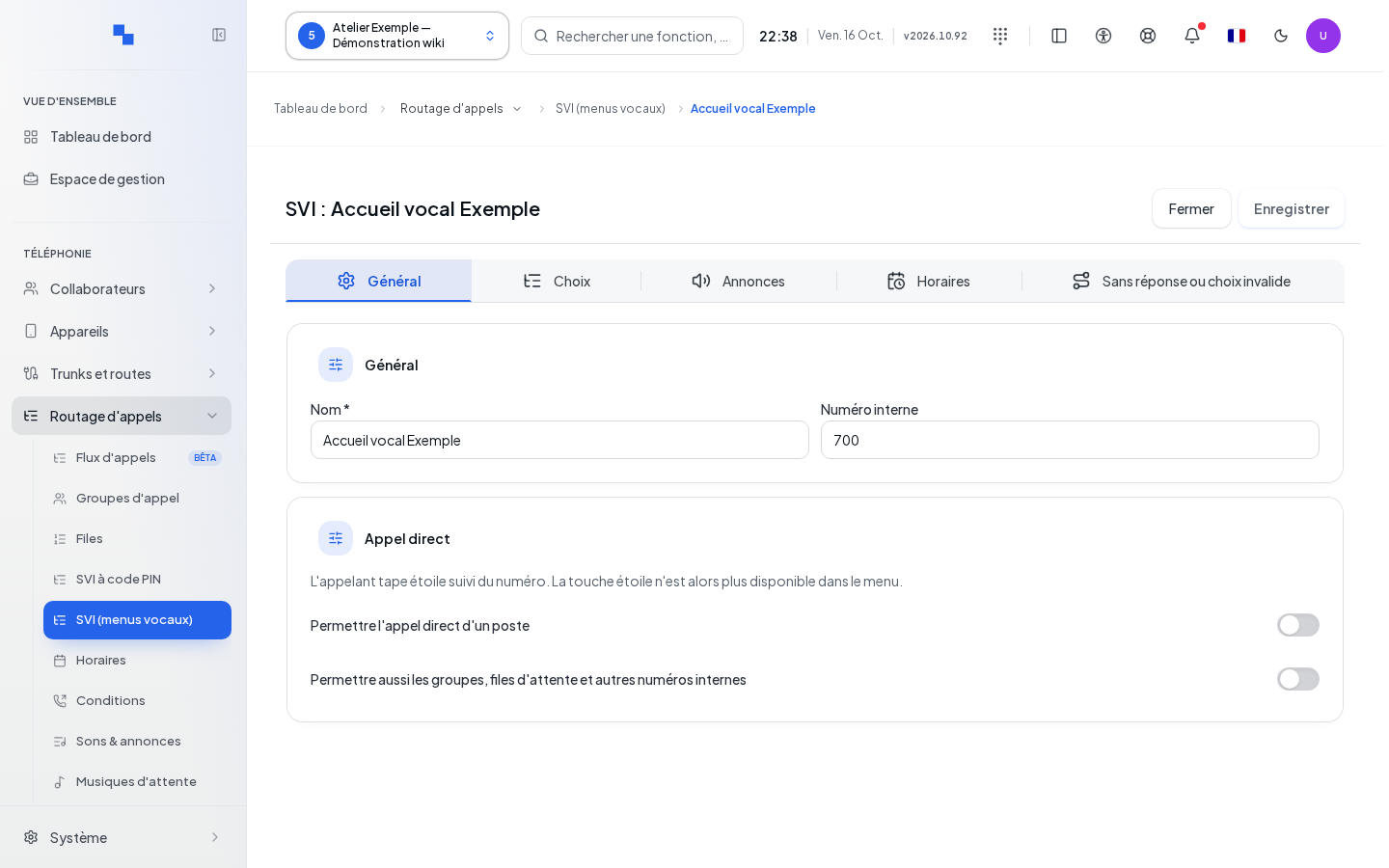
Filling in General
| Field | Purpose | Possible values | Example |
|---|---|---|---|
| Name * | Readable name; required | Non-empty text | Main greeting |
| Extension number | Menu number; required | Number accepted by the client's dial plan | 4300 |
| Direct user dialing | Allows direct dialing by the caller | Disabled at creation; uses the star key | Enable if the announcement explains this path |
| Direct service dialing | Extends the direct dialing path to authorized services | Option linked to the direct dialing path | Depending on the client's needs |
A choice already assigned to * prevents enabling direct user dialing. Remove or move this choice before proceeding. When the direct dialing path is active, the star line is no longer offered as a regular choice.
Linking keys to destinations
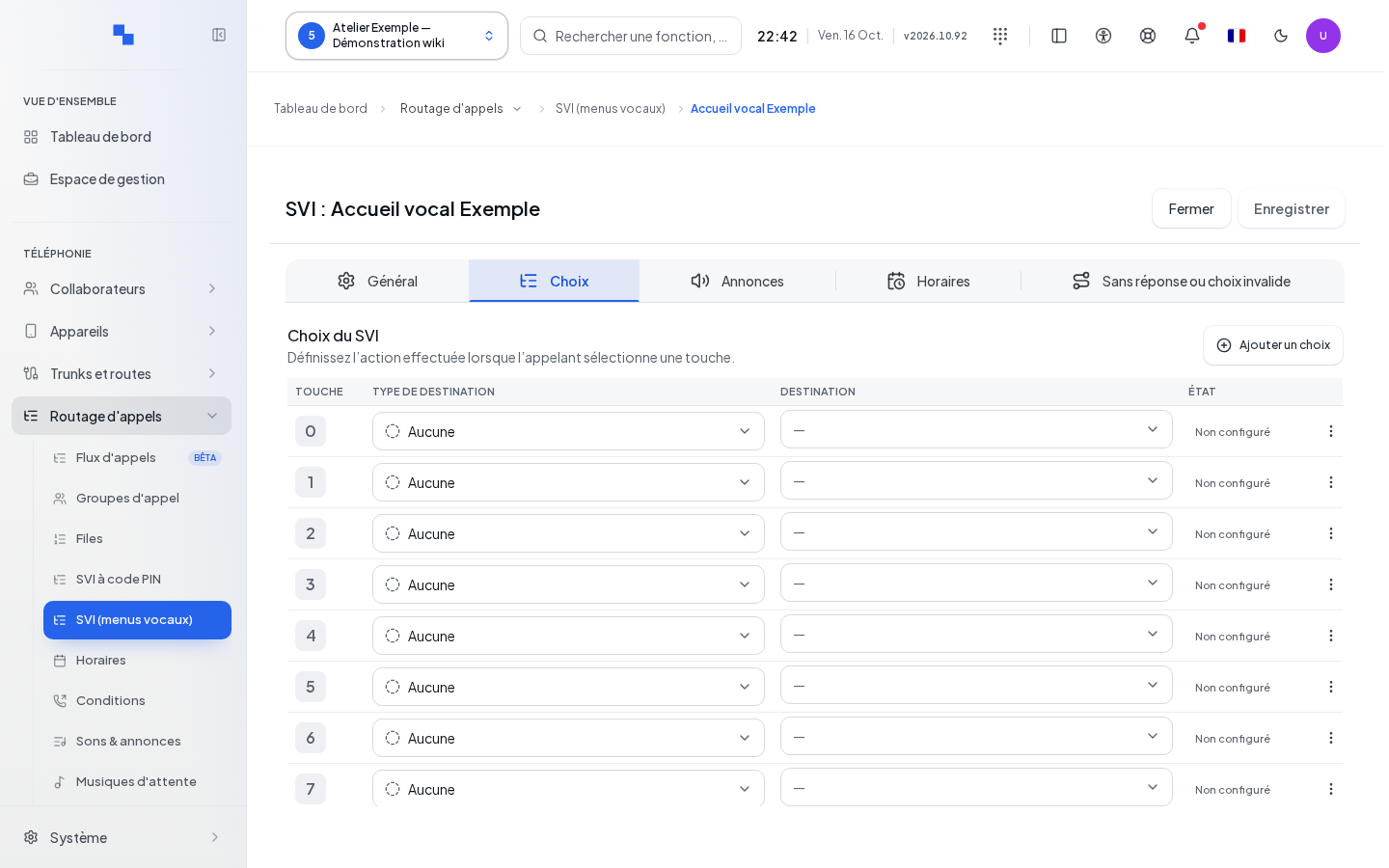
Open Choices. The keys 0 through 9, *, and # each have a row. Choose the destination type, then its target. A complete destination is marked as configured.
Add a choice moves the cursor to the first available key; it does not create a thirteenth key. In a row's actions, Remove this choice clears its destination from the draft. An unassigned key and a destination explicitly set to Not used are distinguished on the screen.
Only a single character is allowed for a key. Duplicates are rejected. A destination that the form cannot read is flagged and kept: it is not silently erased by your save.
Preparing the announcement
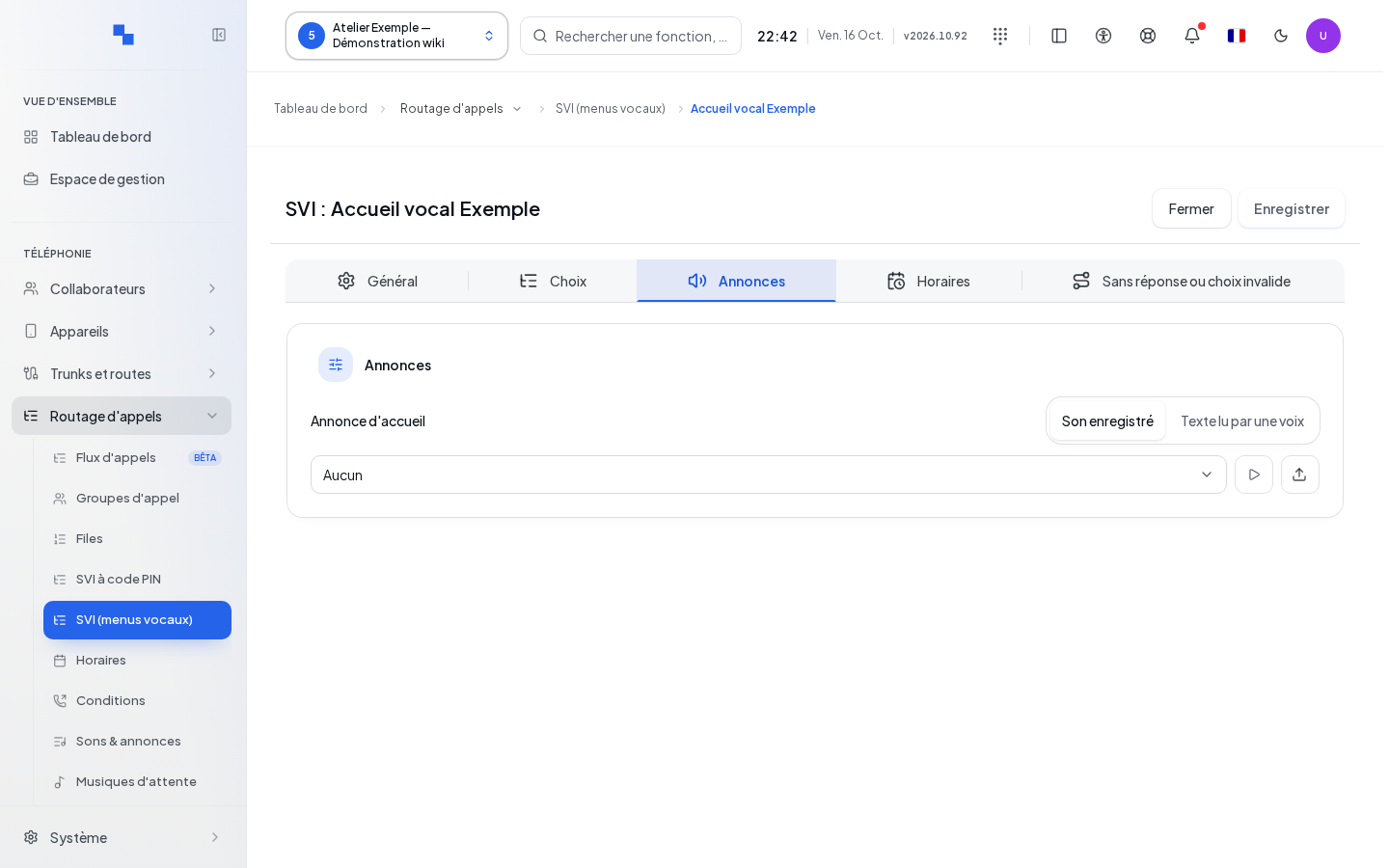
In Announcements, choose an existing sound or the text-to-speech mode when allowed. Fill in the provided text, language, and voice. Listen lets you check the result. An empty text announcement prevents creation.
The speech synthesis is performed before the menu is saved. If it fails, the form is not written by that attempt. The same synthesis can be reused when the text and voice are unchanged. Sound catalog or provider errors must be fixed before proceeding.
Schedules and behavior with no choice
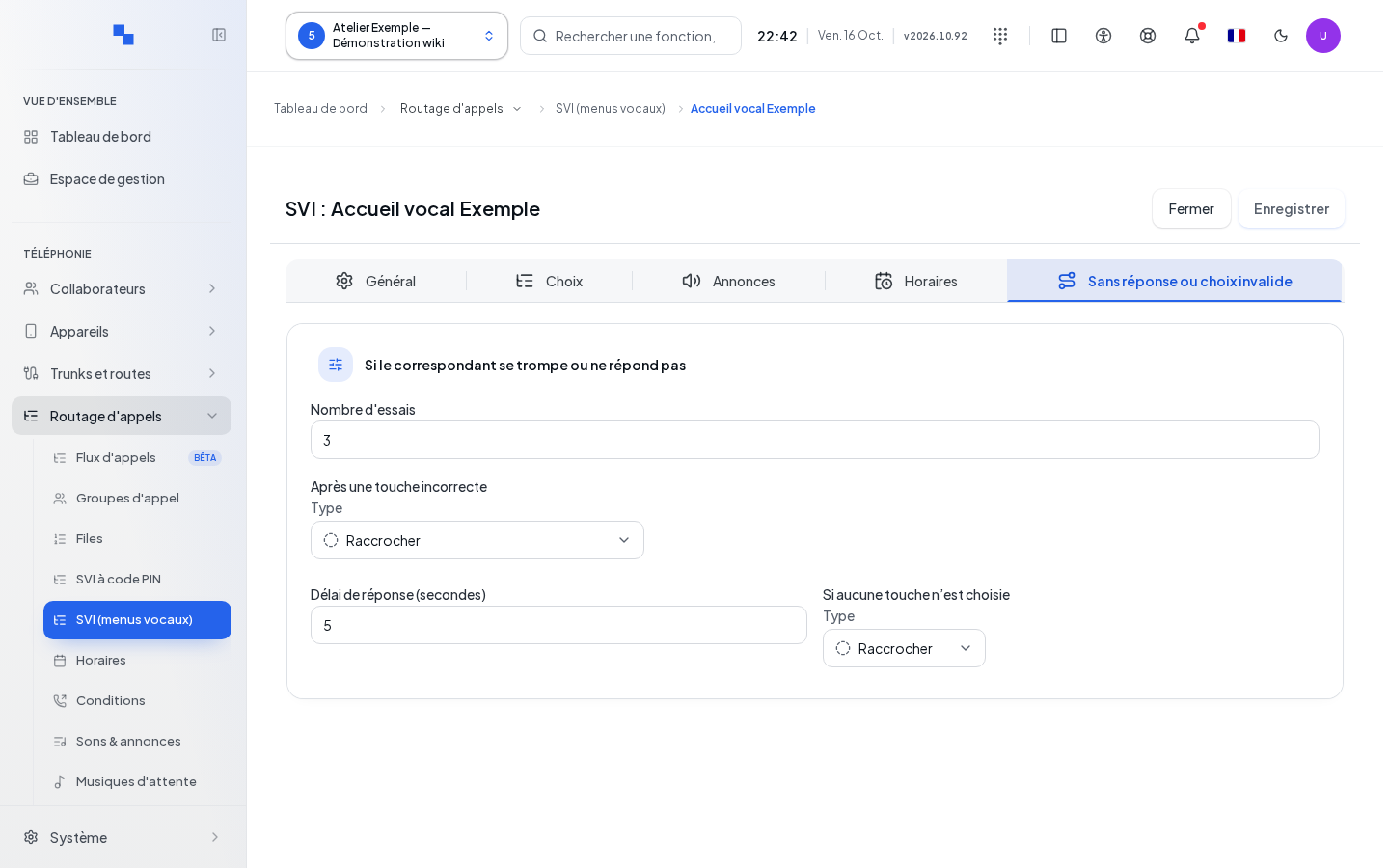
In Schedules, choose permanent opening, shared or dedicated hours, and the closing destination. In No response or invalid choice, set the outcomes:
| Field | Purpose | Possible values | Example |
|---|---|---|---|
| Number of attempts | Number of replays before exiting | From 0 to 10; 3 by default; 0 does not replay the announcement | 2 |
| After an incorrect key | Exit after choice errors | Hang up, replay the menu, or complete destination | Welcome voicemail |
| Response delay (seconds) | Wait time for input | From 1 to 30; 5 at creation | 5 |
| If no key is chosen | Exit when there is no input | Hang up, replay, or complete destination | Reception group |
Some fields are only shown if the server can support them. An empty fallback value meaning Hang up ends the call; it is not a guarantee of automatic return to the greeting.
Saving and deleting
Click Create or Save. During Saving…, wait. Close processes the draft before returning to the list. The button is disabled if required data is missing, a destination is incomplete, a delay is invalid, or the existing menu's data cannot be reliably read.
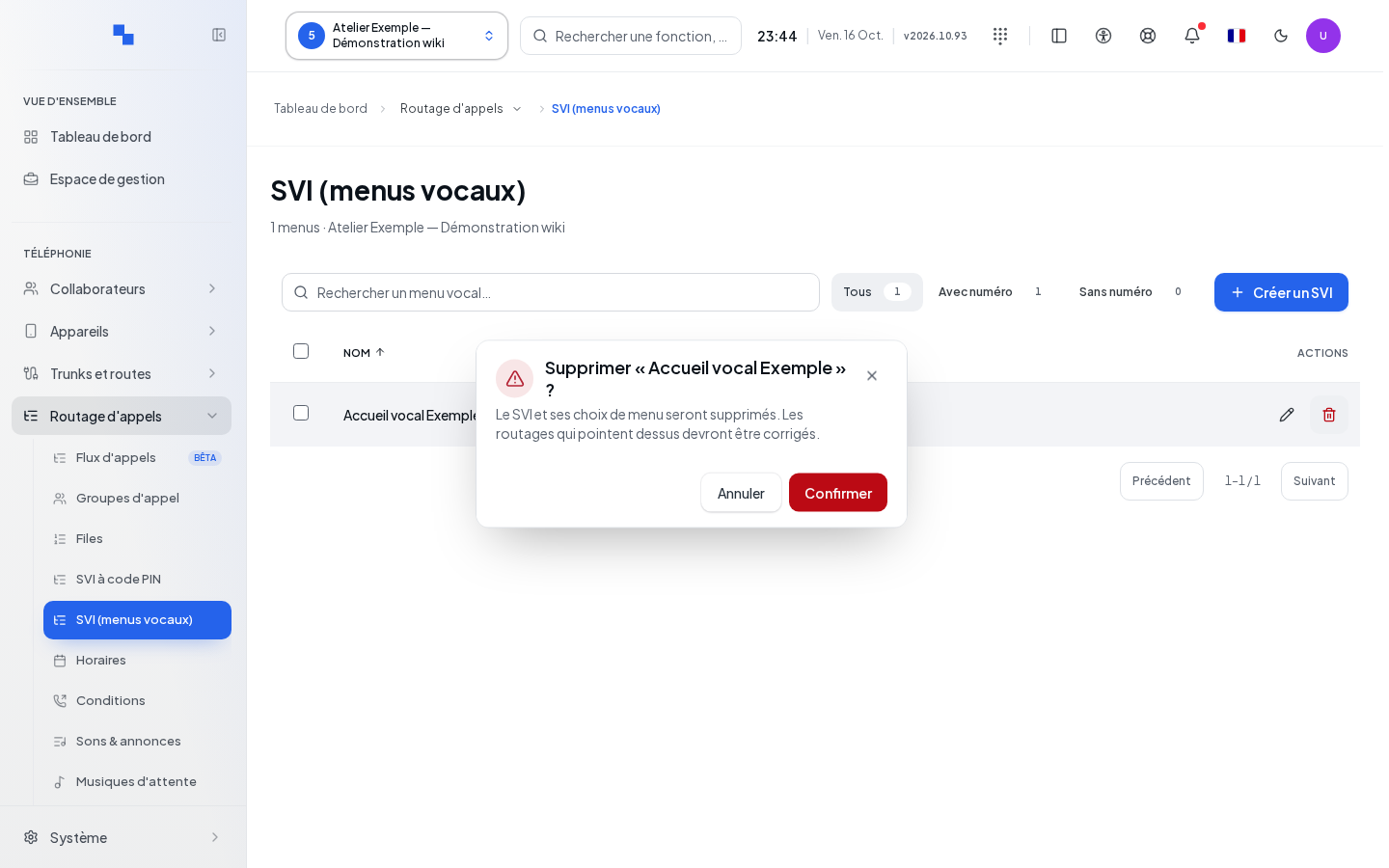
Deletion from the list requires confirmation. It deletes the IVR and its choices; correct any routes that pointed to it. After "IVR saved", check the menu from a handset: a valid key, an invalid key, and no input.
If it does not work
"Name: field required." and "Number: field required." indicate that General needs to be completed. "Number of attempts: from 0 to 10." indicates that the attempts value needs correcting. If the screen indicates that the menu was created but its configuration is incomplete, use its Edit link and check the saved choices. Do not recreate the menu. "This destination cannot be loaded." indicates that the resource and permissions need checking, without deleting the default line.