
Understanding call parking
A parking lot allows you to put a call on hold at a numbered position to retrieve it from another extension. Open Call Parking for the desired client. Prepare a free range for the positions and a separate drop-off number. This page manages parking lots; it does not manage a list of members.
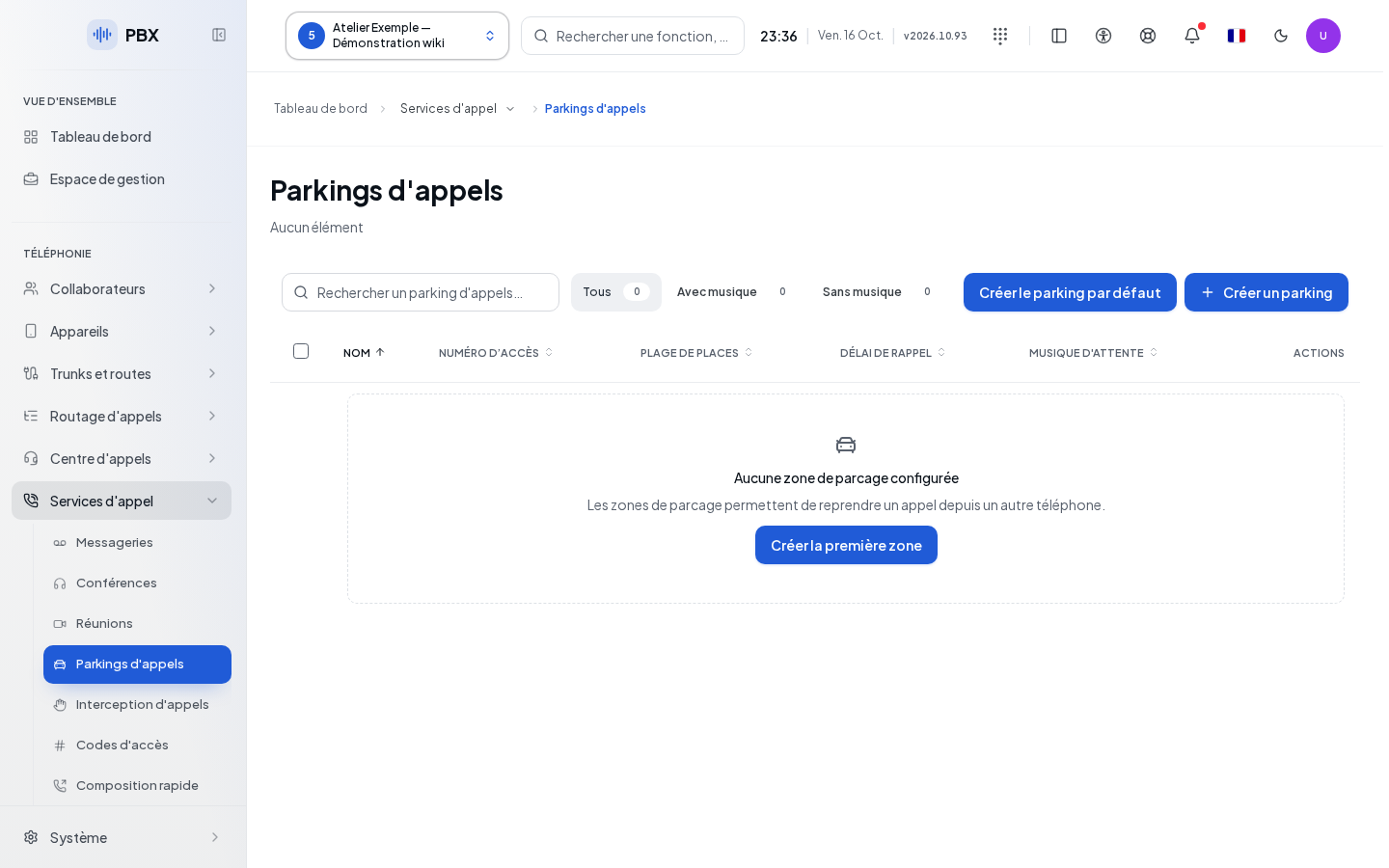
Creating a parking lot
Create default parking lot directly sends a configuration with drop-off number 700, positions 701 to 750, and a return after 45 seconds. First check that these numbers suit the client. For a different configuration, open the creation form and fill it in.
| Field | What it's for | Possible values | Example |
|---|---|---|---|
| Name | Identifies the parking lot; required | Non-empty text | Reception |
| First position | Inclusive start of the range; required | Positive integer | 701 |
| Last position | Inclusive end; required | Integer at least equal to the first position | 710 |
| Extension | Number used to drop off a call; required | Free number suited to the client's dial plan | 700 |
| Return delay | Time before an unanswered call returns | 10 to 3,600 seconds; 45 by default | 60 |
| Hold music | Audio heard while parked | Choice available for the client, in advanced settings | Reception Music |
Click Save and wait for the response. Edit opens the row's values. Check both bounds whenever you change the range. Cancel discards the form, subject to confirmation when leaving a draft.
Searching, deleting, and verifying
Search, sortable headers, and filters help you find the parking lot, including by the presence of hold music. Deletion requires confirmation; cancel to keep the parking lot. Bulk actions apply to the selected rows.
After saving, check the drop-off number, range, and delay in the list. During an agreed test, park a call, note the announced position, and retrieve it from another extension. Also check the return behavior when no one picks up the call.
If it doesn't work
A last position lower than the first is rejected. A delay outside the 10 to 3,600 second range must be corrected. If a number conflicts, check the Dial Plan. A read error can be retried with Retry; do not replace an unknown configuration with assumed values.