
Open the creation of a voice menu
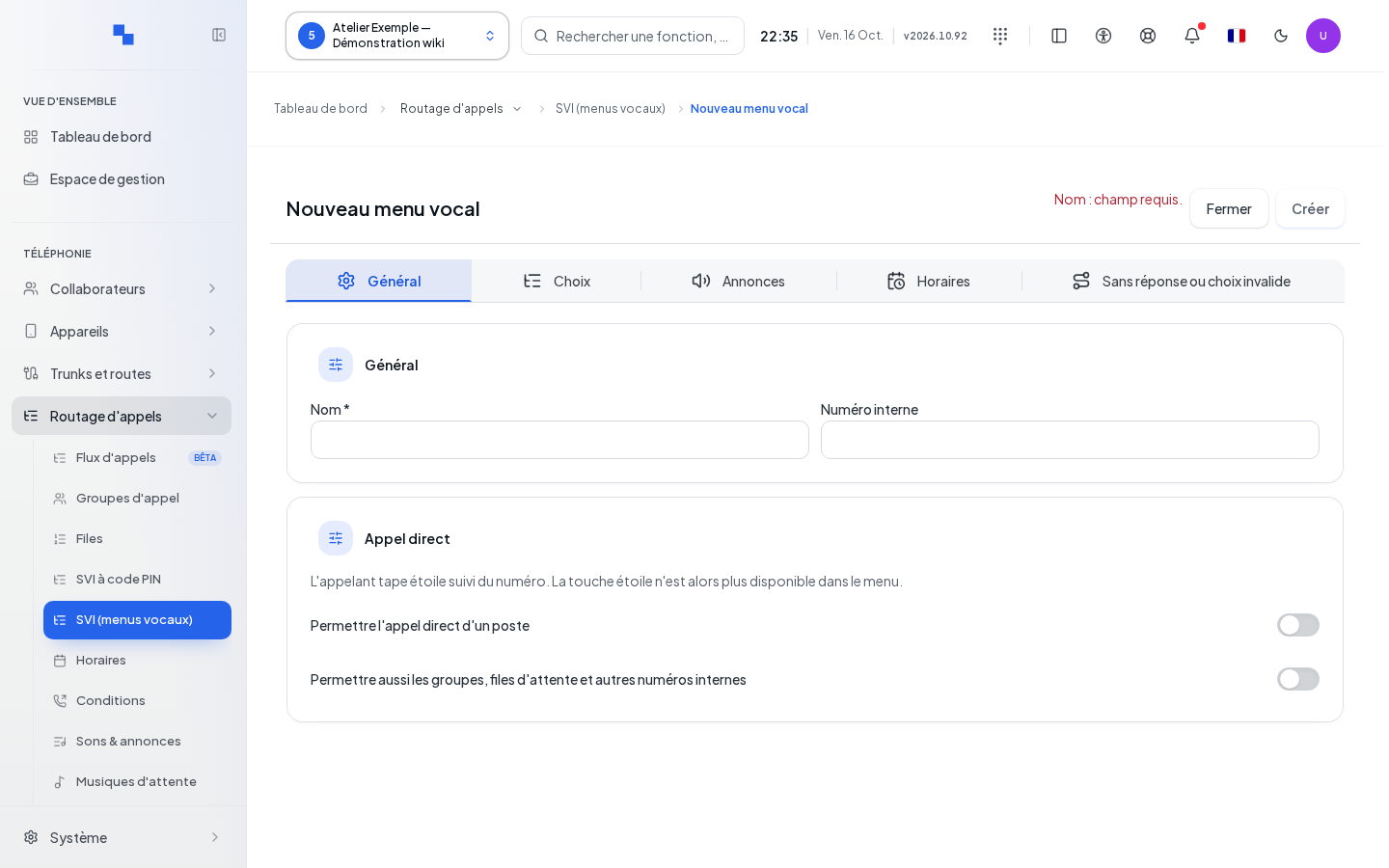
The New voice menu entry opens directly the creation form for the IVR, for the selected customer. An IVR is a voice menu that routes the call according to a key press. Prepare a name, an available internal number and existing destinations. Creation requires write permissions on menus; synthesizing an announcement additionally requires permissions on sounds.
- Fill in General with the name and the number.
- Assign the keys in Choices.
- Choose the welcome message in Announcements.
- Set Schedules and No answer or invalid choice.
- Click Create and wait for the confirmation. Close allows you to exit after the draft has been processed.
Delays, fields and errors are detailed in Voice menus. This entry is not a different wizard and does not create anything by simply being opened.
Check the result
After "IVR saved", find the menu in the list and perform checks for valid key, incorrect key and no input. If a partial creation is reported, open the existing menu with Edit before starting over.