
Organizing internal numbers
A numbering range reserves an organization for assigning internal numbers, also called extensions, to customer users. Select the customer, then open Numbering Ranges. You need read access to extensions to view the page, write access to manage a range, and read access to users to choose an owner.
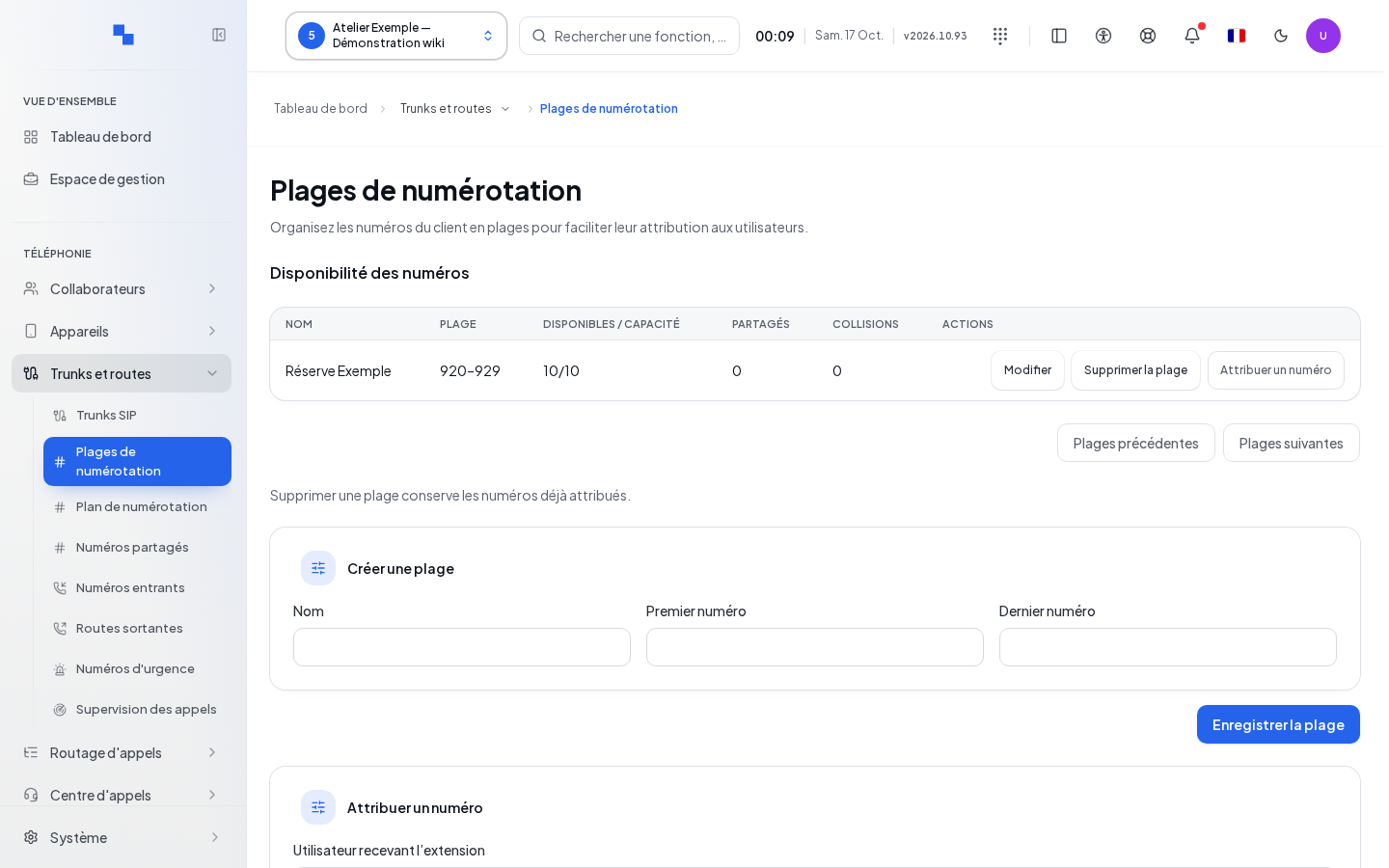
The Number Availability table shows the boundaries, the numbers available within the capacity, shared numbers, and conflicts. Use Previous Ranges or Next Ranges to browse the results, in groups of 50.
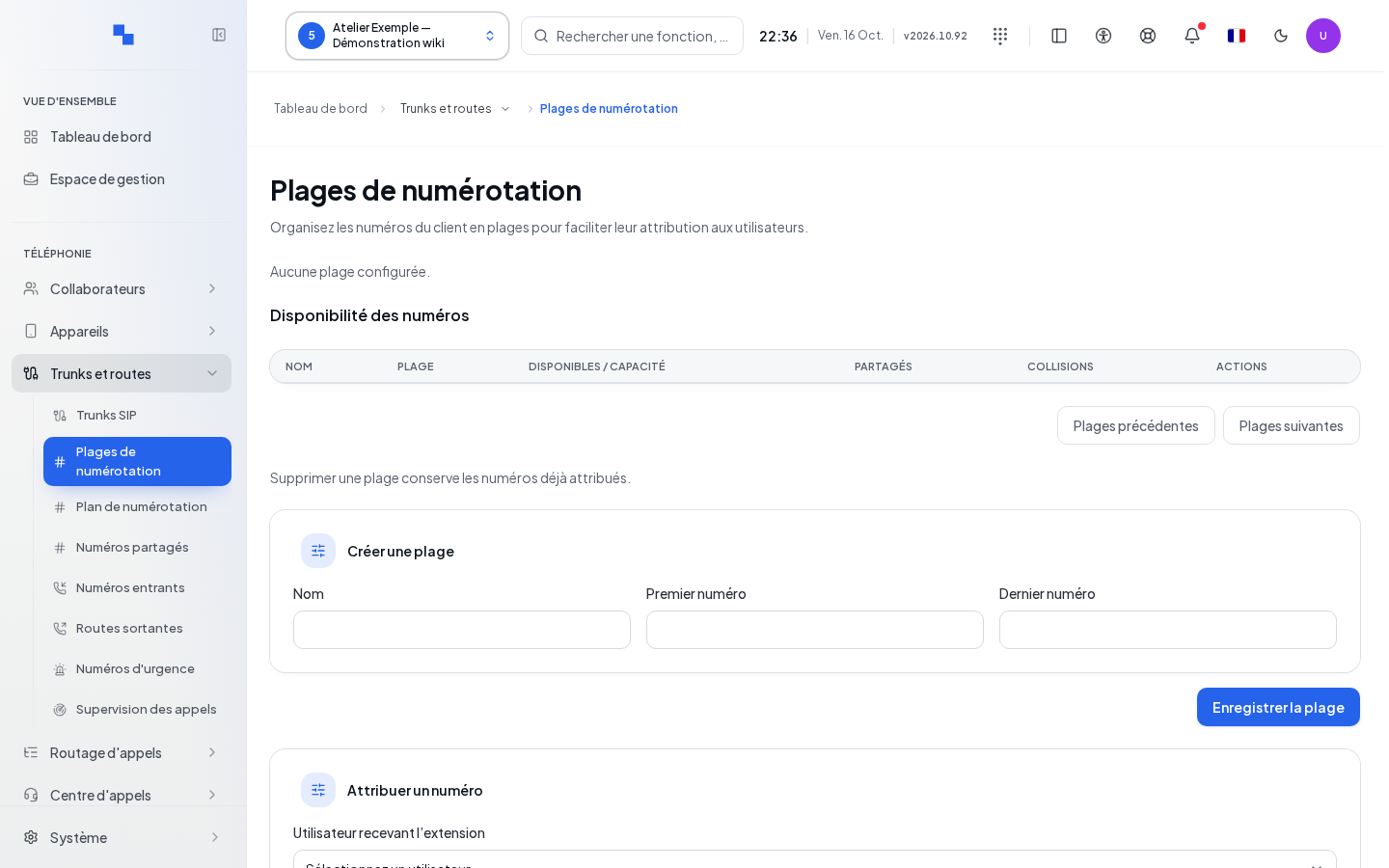
Creating and editing a range
| Field | What it's for | Possible values | Example |
|---|---|---|---|
| Name | Identifies the range; required | Text, up to 120 characters | Reception extensions |
| First number | Inclusive boundary; required | Number with 2 to 8 digits | 2100 |
| Last number | Inclusive boundary; required | At least the first number; up to 10,000 numbers in a range | 2199 |
Enter these values, then click Save Range. Edit reloads the row into the form. Cancel Edit clears this form and returns to creation mode. Commands are unavailable during a write operation. The server also checks the consistency of the range; the save is not confirmed until its response is received.
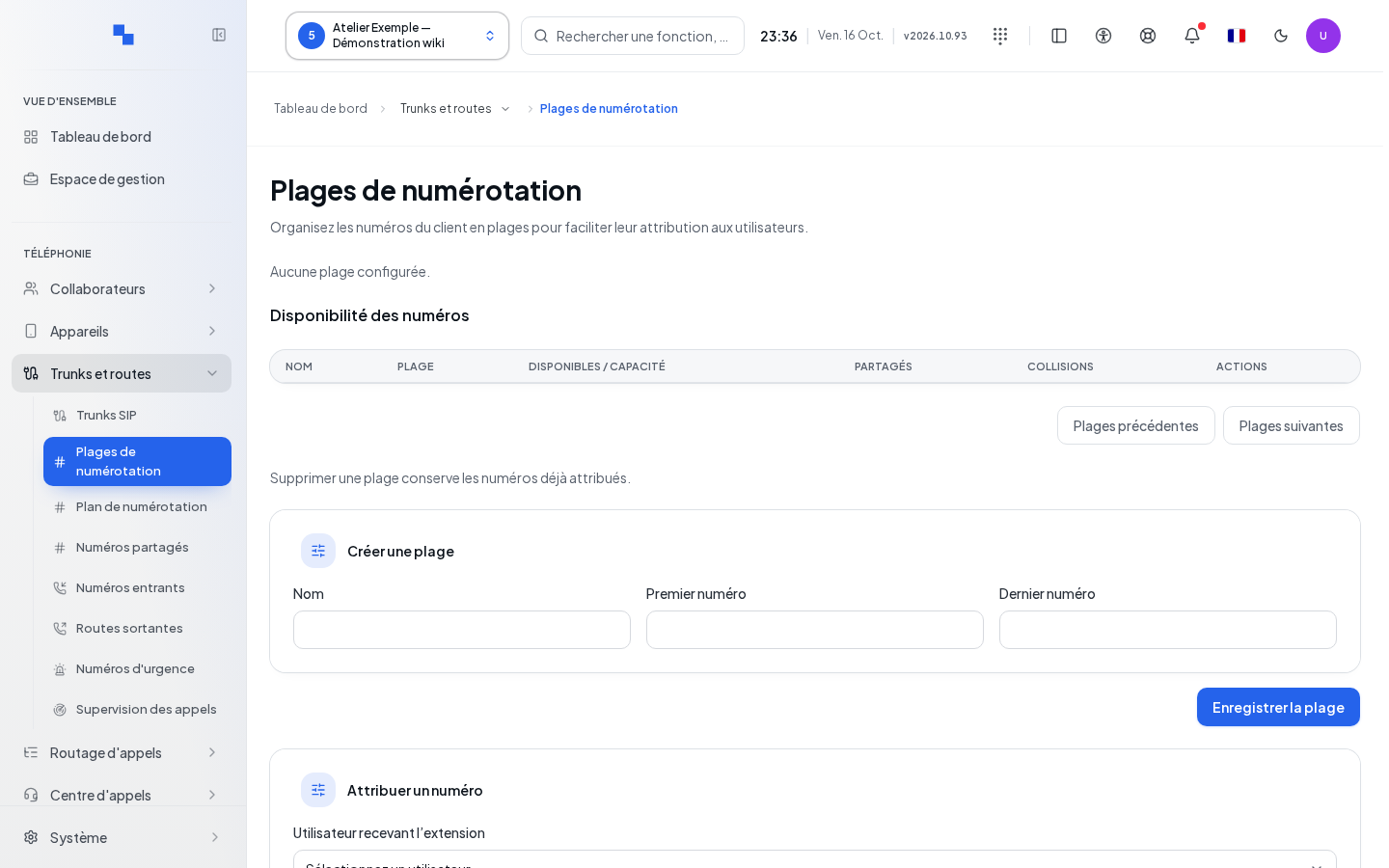
Assigning a number
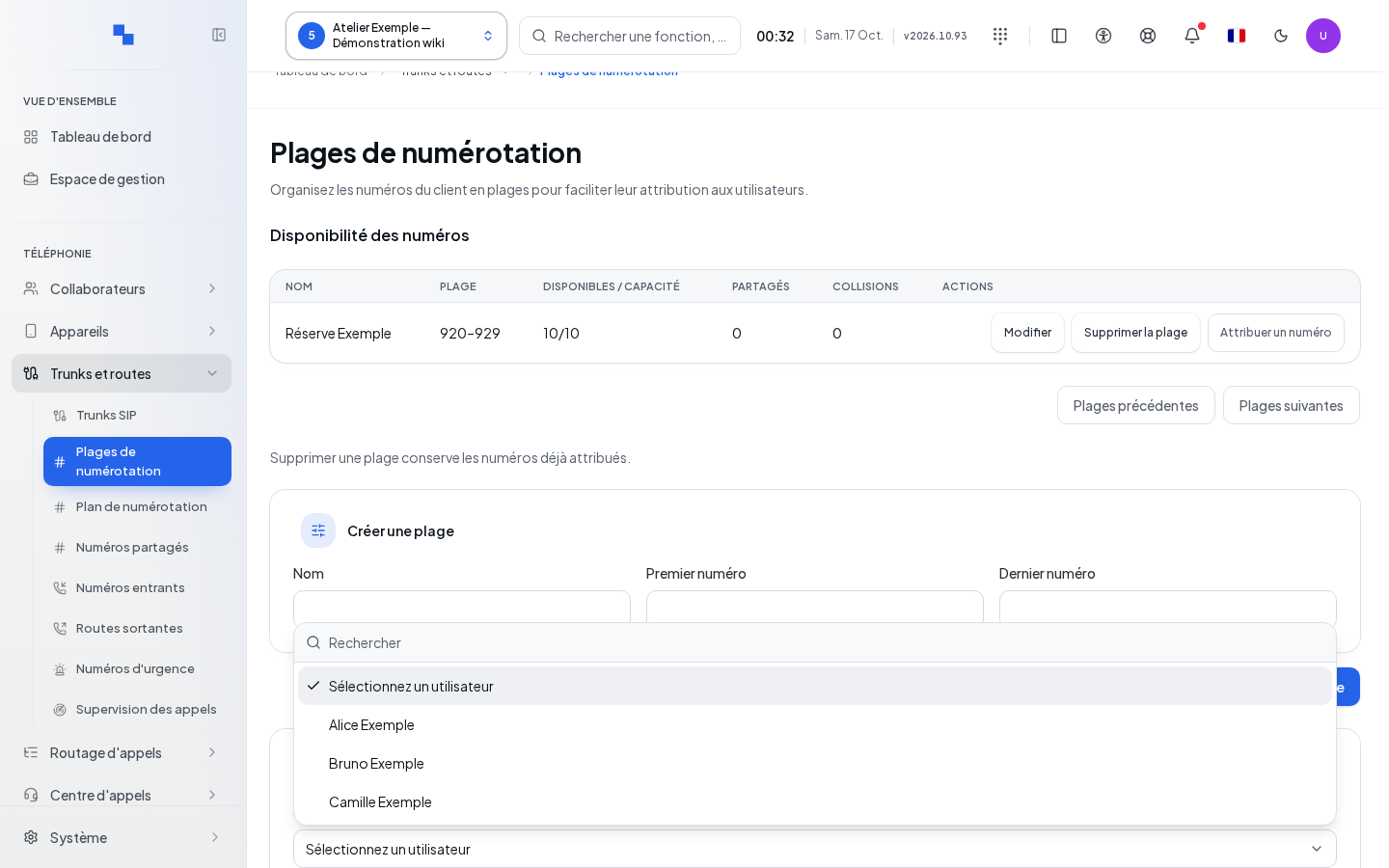
- In User receiving the extension, search for and select a person. The Previous Users and Next Users buttons browse the catalog.
- Click Assign Number on the desired range.
- Note the number shown in "Extension … has been created."
- Check the owner in the Dial Plan.
The server chooses an available number; you do not enter the assigned number in this action. The button remains disabled until a user is selected.
Deleting a range
Delete Range acts directly on the range. Numbers already assigned are retained. This action does not delete users' extensions. After success, the range disappears from the table; if the last row on the page disappears, pagination may go back to the previous page.
If this doesn't work
"Select a customer.": choose the customer. "Read access to extensions is required.": have your permissions checked. Retry relaunches the read operation after a failure. Correct the boundaries if the server rejects the range, or choose another range if no number is available. A conflict counter calls for a plan review before continuing with assignments.