
Using a Delegated Login Link
This page opens an administration session from a delegation link provided by an authorized tool. It is not a form where you enter a username or password. Use the complete link you received, in the context and for the account intended by your administrator.
- Open the complete link.
- Wait for "Signing in…".
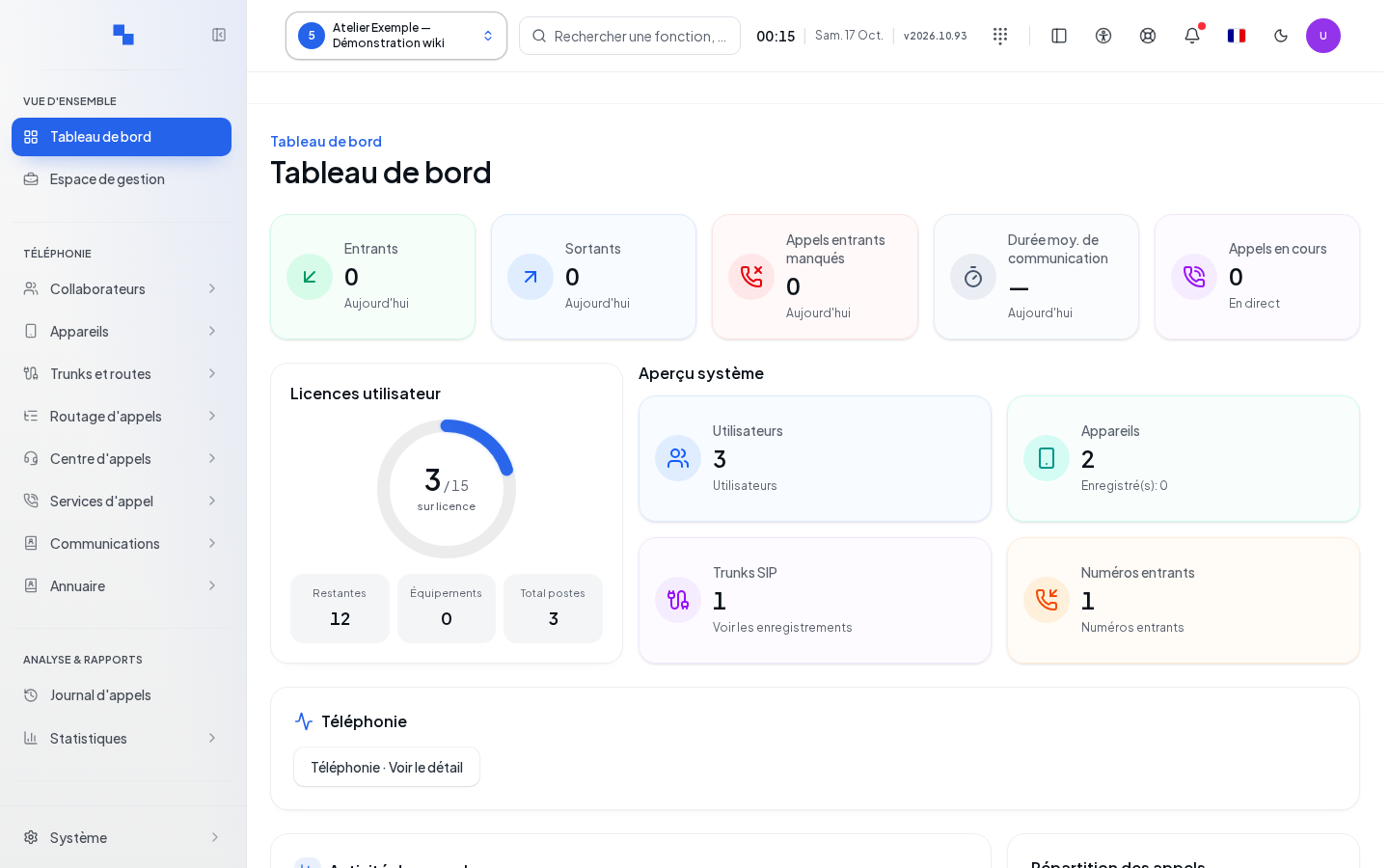
- Verify that you land on the administration dashboard and that the selected customer is the correct one.
The sensitive fragment disappears from the address bar as soon as the link is processed. Do not share the original link and do not include it in a screenshot.
If It Doesn't Work
"Login failed. Redirecting…" appears before returning to the login page, after about a second and a half. This can happen with an incomplete link, a rejected token, or a session that does not grant access to administration. Request a new link from the sender or follow Login. An ordinary user session does not allow opening administration through this entry point.