
View the customer's plan
The Numbering Plan describes internal numbers and their destinations. An internal number is also called an extension. Open this page after selecting the customer. Read permissions allow viewing; write permissions are required to add, modify, or delete.
The Extensions and Numbering Plan tabs serve distinct purposes: the former manages extensions, the latter explains assignments and conflicts.
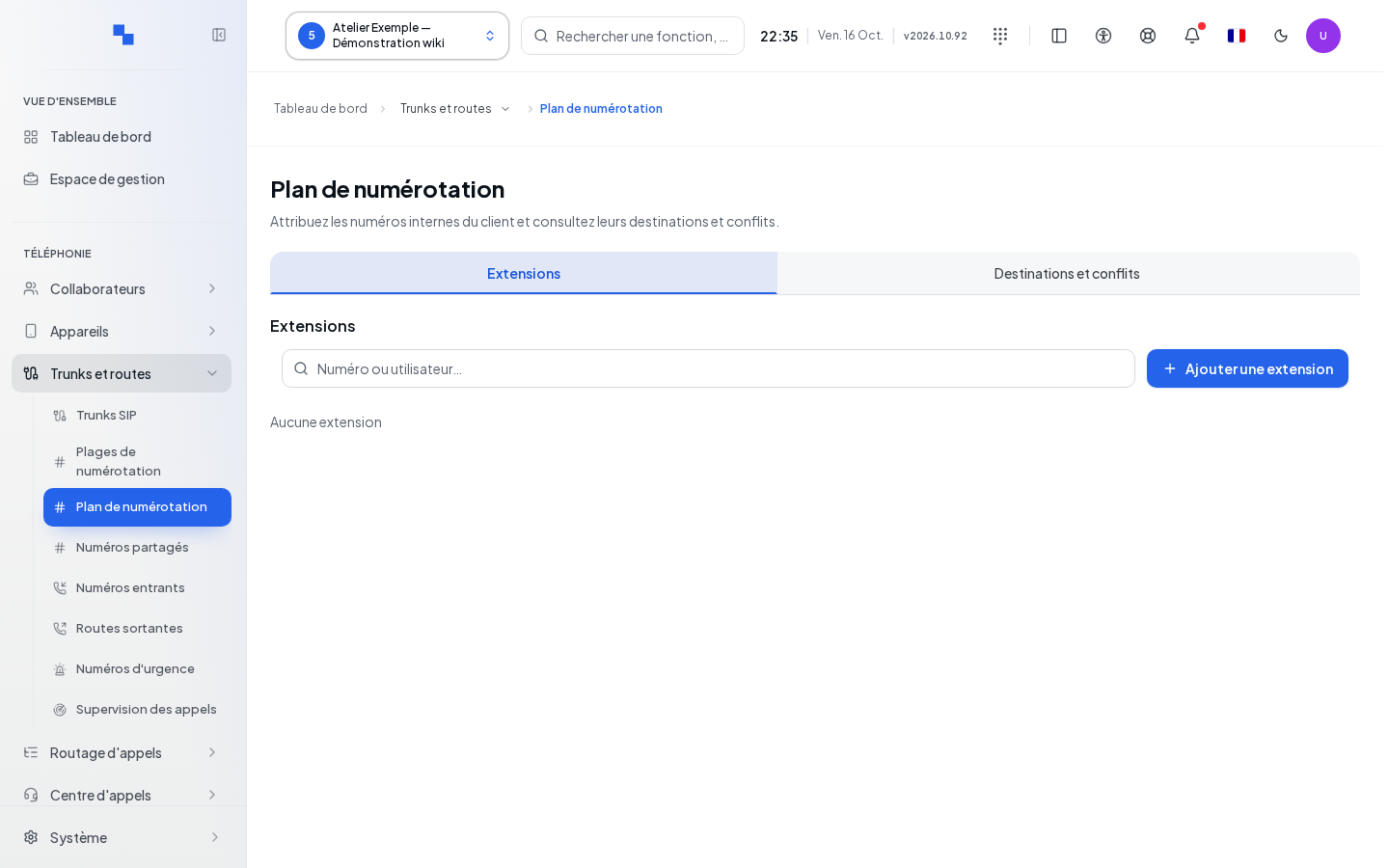
Manage extensions
- In Extensions, search for the number. Sorting arranges numbers and other values in a readable manner; pagination allows access to other results.
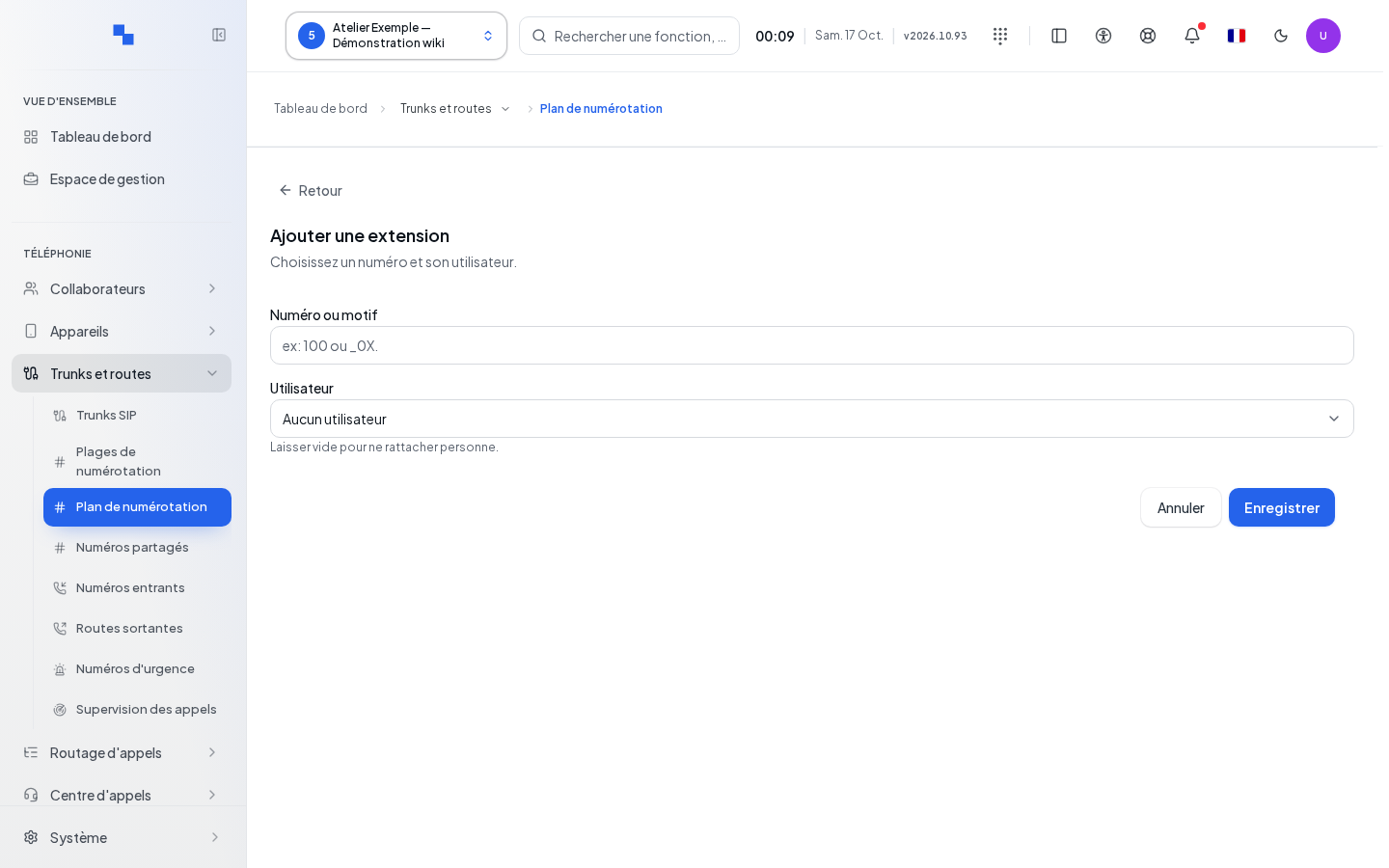
- Click Add an extension or Edit on a row.
- Enter the number and, if necessary, the user.
- Confirm and wait for "Extension saved."
| Field | Purpose | Possible values | Example |
|---|---|---|---|
| Number or pattern | Identifies the extension; required | Value accepted by the internal plan; numeric numbers follow the server's numbering rules | 2101 |
| User | Links the extension to a person; optional | User from the catalog or no assignment | Reception staff |
Previous and Next in the user selector browse the catalog. A value not present on the current page remains selected. Removing the user during an edit unlinks the extension; leaving this selection unchanged keeps the assignment. Cancel closes without submitting the entry.
Outbound route patterns are configured in Outbound Routes, not by creating an extension here intended to replace them.
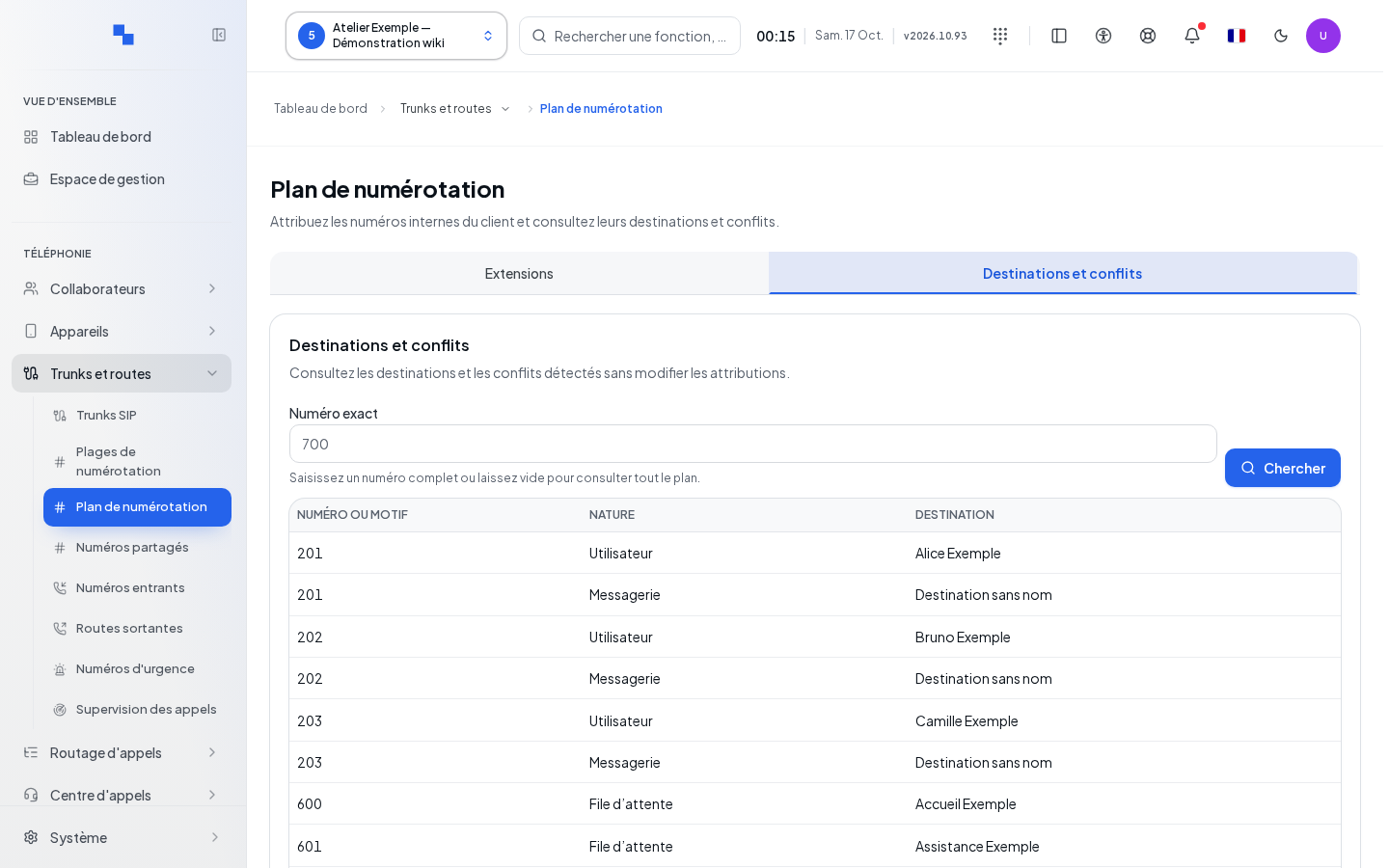
Review a destination or conflict
Open Numbering Plan. Optionally enter an Exact number, then run the search. Review the associated resources and any reported conflicts. A single number display may involve multiple associations: verify the owners before deleting anything. The results are for diagnostic purposes only and do not place a call.
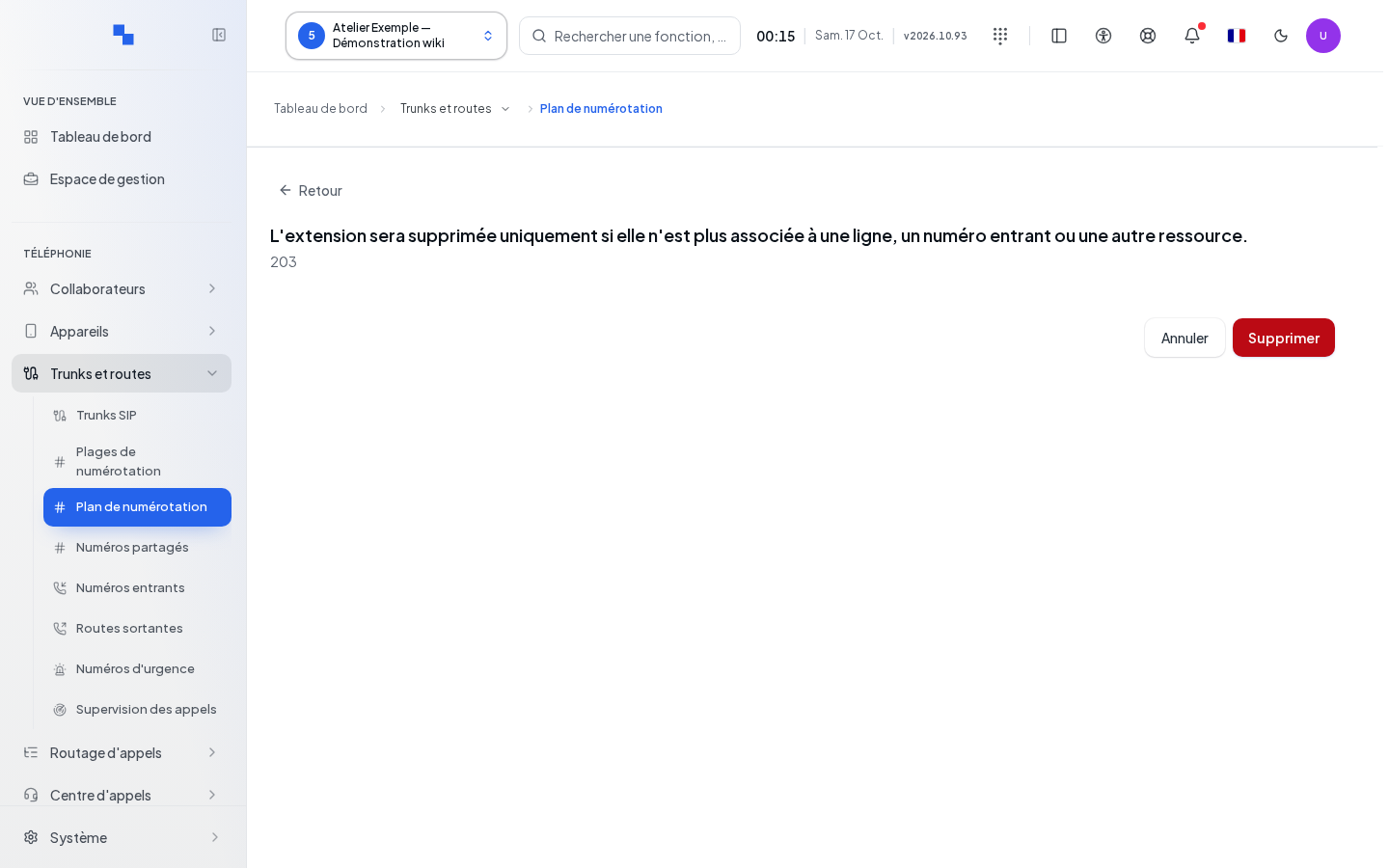
Delete and verify
Click Delete for the desired extension. The confirmation specifies that it will only be deleted if it is no longer associated with a line, an incoming number, or another resource. Cancel to keep it. If the server refuses, first remove the association in its appropriate record, then try again. Success displays "Extension deleted" and removes the row.
If this doesn't work
"The number is required." requests a value in the form. A read refusal is not an empty list. Rerun the suggested read and provide the server error message if the conflict or failure persists. To automatically assign an available number, see Numbering Ranges.