Prepare a code menu
Open PIN Code IVR for the customer. This menu requests a numeric code then routes the call to the destination associated with the code. It is suitable, for example, for temporary access. Prepare the announcements, destinations, and validity period before creating the codes.
Search for the menu in the list or open the creation form. Write permissions are required to manage its settings and codes. Save the menu first: code management becomes available on an existing menu.
Configure the menu
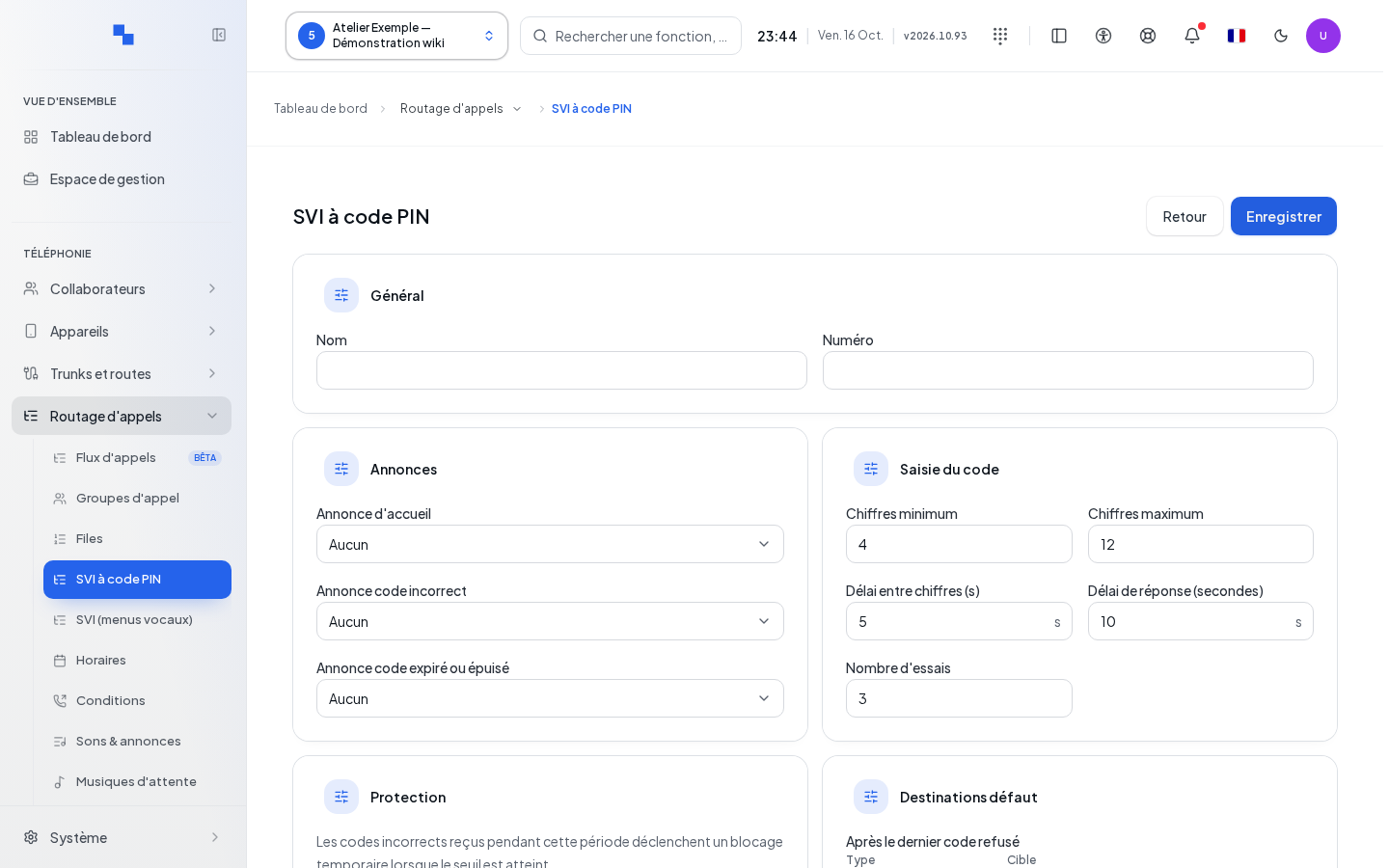
| Field | Purpose | Possible values | Example |
|---|---|---|---|
| Name | Identifies the menu | Required, 200 characters maximum | On-call access |
| Number | Makes the menu directly reachable | Optional, free internal number | 860 |
| Welcome announcement | Explains the entry | Existing sound | Please enter your code |
| Incorrect code announcement | Notifies of a rejection | Existing sound | Code not recognized |
| Expired or exhausted code announcement | Explains a code that has become unusable | Existing sound | Contact reception |
| Minimum / maximum digits | Sets the code length range | 1 to 32; minimum must be less than or equal to maximum | 4 to 12 |
| Inter-digit timeout (s) | Limits the wait between two keys | 1 to 120 seconds | 5 |
| First entry timeout | Limits the wait before the first digit | 1 to 300 seconds | 10 |
| Number of attempts | Limits attempts per call | 1 to 20 | 3 |
| After the last rejected code | Handles final failure | Proposed destination | Hang up |
| If the caller enters nothing | Handles no entry | Proposed destination | Reception |
| Incorrect codes before blocking | Protection threshold | 1 to 100 | 5 |
| Control period | Window counting incorrect codes | Value displayed in minutes, corresponding to 1 to 86,400 seconds | 15 minutes |
| Blocking duration | Duration of the protection | Value displayed in minutes, corresponding to 1 to 86,400 seconds | 15 minutes |
Choose the three announcements, fill in the timeouts and fallback destinations, then save. Do not confuse attempts within a call with the protection threshold over a period. Check the units displayed next to each field.
Create or edit a code
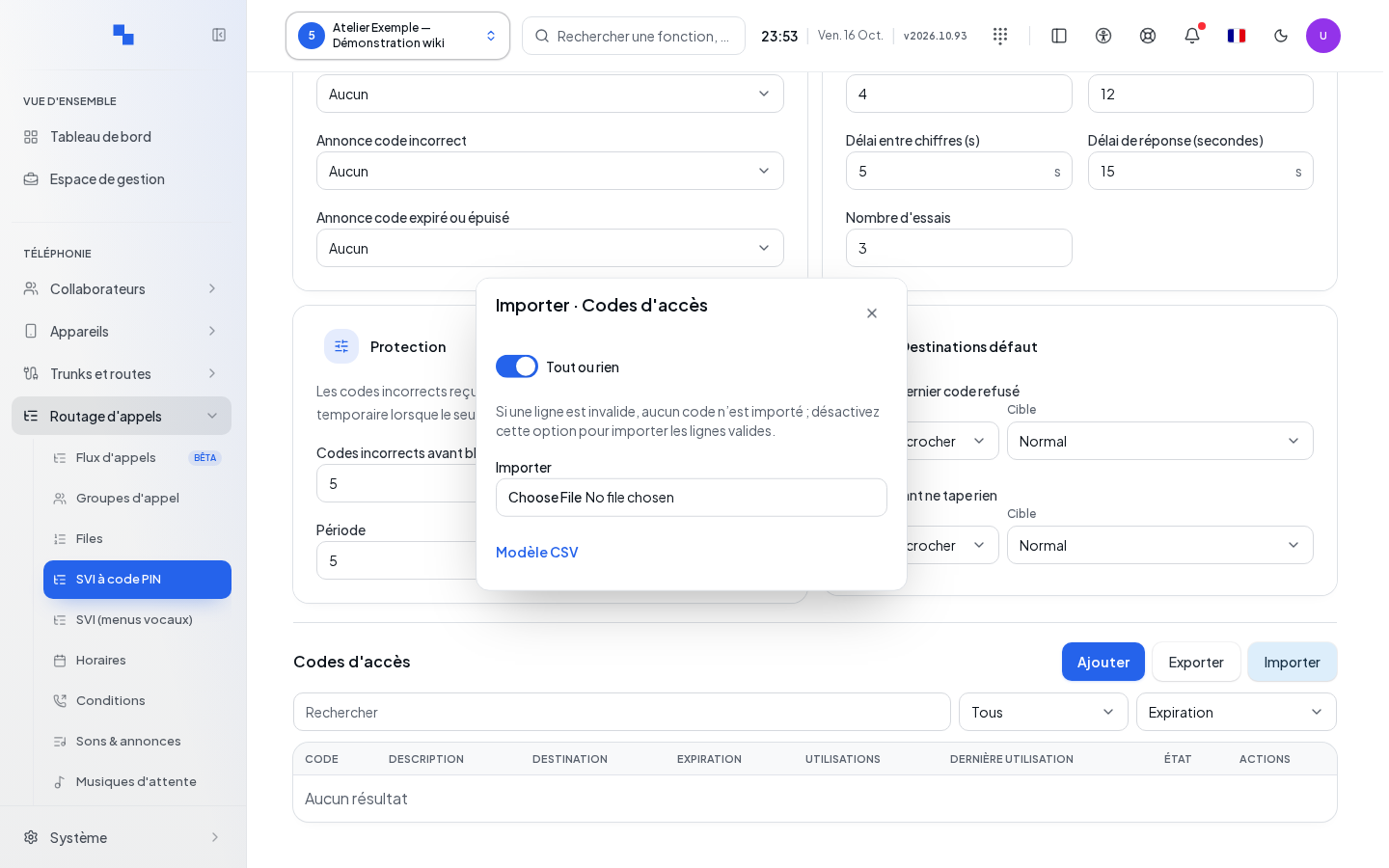
In the saved menu, open the add code form. Enter a numeric-only code, within the menu's length limits. Automatic generation proposes a code of the chosen length; it does not save it for you.
Provide a required description, up to 500 characters, and the destination. Set Validity: optional start date and expiration. Shortcuts for one day, seven days, or one month make selection easier; review the resulting date in the displayed time zone. For limited use, disable unlimited uses and enter a positive integer.
Save then locate the row. To edit a code, open its actions, correct the values, and save. Search by code or description; sort by dates and uses to identify access entries to review. Expiring soon, Exhausted, and expired describe different situations: increasing a usage limit does not fix an expired date.
Export and import a CSV
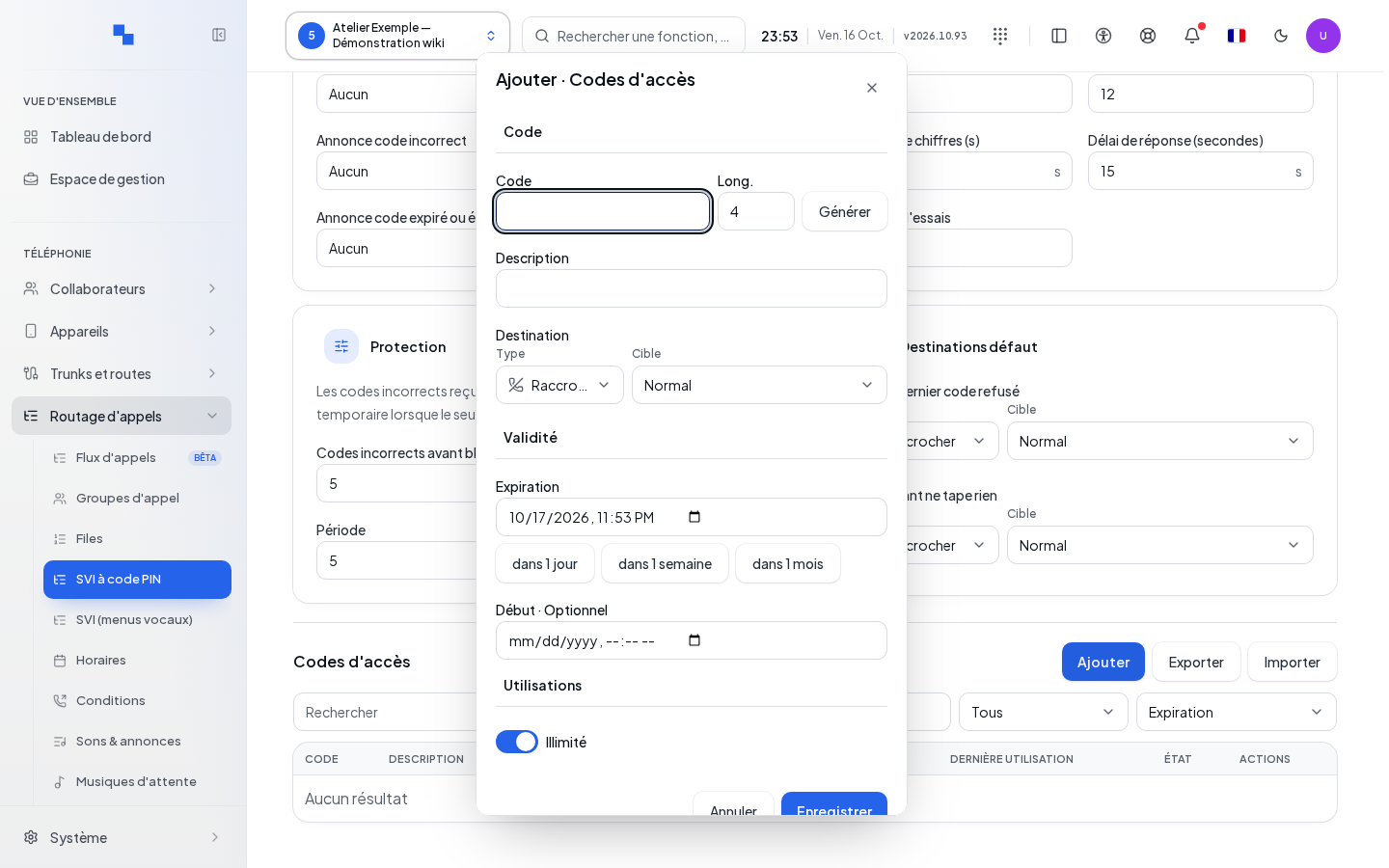
The export downloads the menu's codes. Keep this file according to your organization's access rules: it contains the codes themselves. The import template provides the columns code, description, expires_at, max_uses, and destination. Keep exactly these five columns in this order. The destination is a JSON object: preferably reuse a value obtained by exporting a correctly configured code. In a CSV, its internal quotes must be doubled and the field enclosed in quotes. For expiration, prefer a date with time and time zone, such as 2026-12-31T18:00:00+01:00. The forms 2026-12-31 18:00 and 2026-12-31 are also accepted, but interpreted as UTC, without using the form's time zone. An empty usage limit means unlimited; otherwise use a positive integer. The file is limited to 8 MiB.
Open the import and first choose All or nothing. When enabled, a default on one line cancels the entire import. When disabled, valid lines can be imported despite other errors. Selecting the file triggers the import; so prepare this choice before selecting the CSV.
Review the number imported, the errors per line, and any global cancellation. Correct the indicated lines. In a partial import, do not consider the whole file as failed: check the codes already present before submitting a correction.
Delete and test
Deleting a code requires confirmation specific to that code. Deleting the menu is a separate action, also confirmed; it removes the access point to these codes. Check the destinations that call the menu before deleting it.
To test, call the menu with a valid code then check the destination and the usage counter. Also check the no-entry case and an incorrect code. Do not multiply errors on a live access point: the configured blocking mechanism actually applies.