
Creating a Hold Music
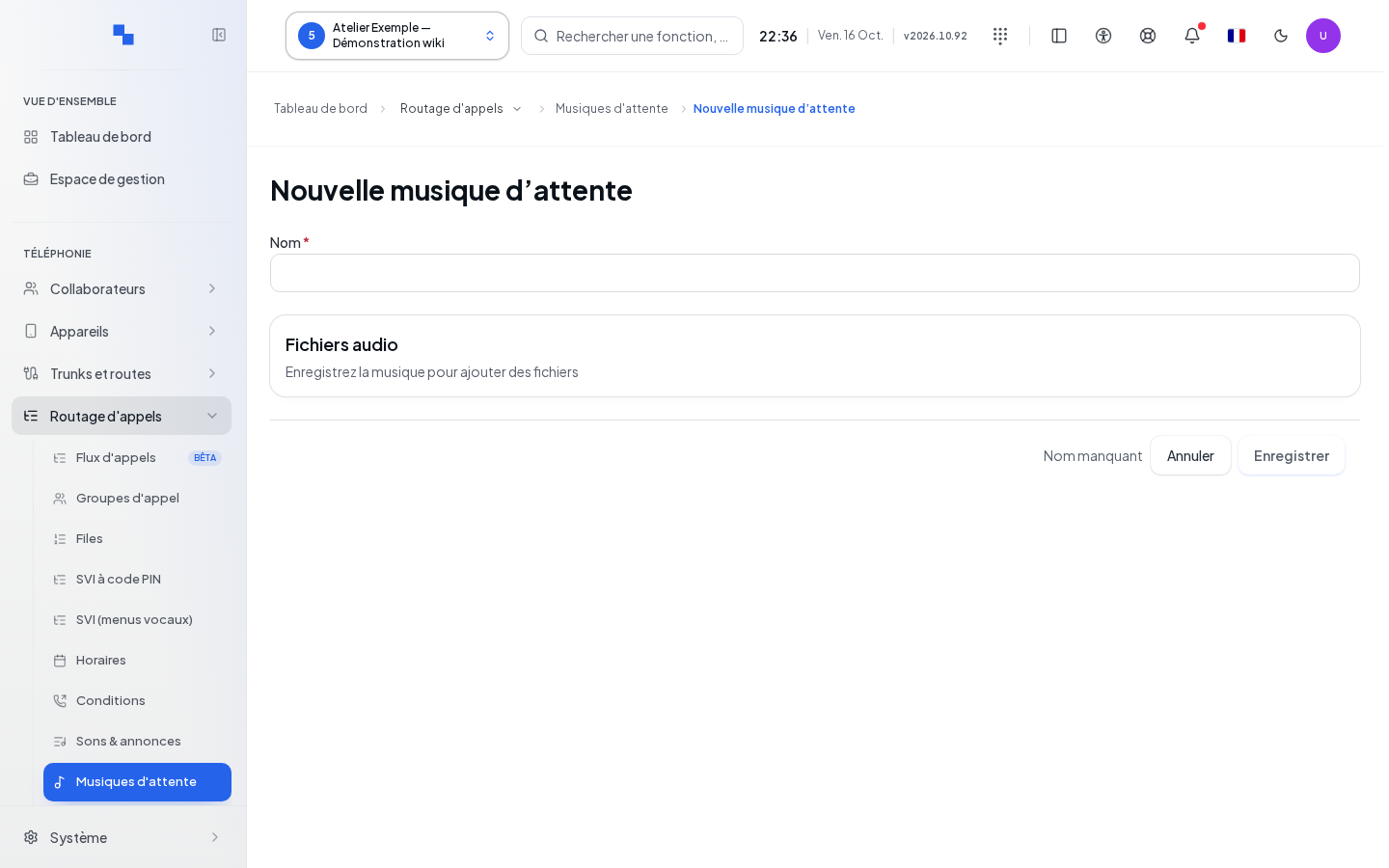
Click Create a Music from the list, or use this direct entry. Enter the Name (required, 200 characters maximum), then Save. Wait for the record of the created music to open before uploading files. Cancel returns to the list. Without write access, creation is unavailable.
Preparing and Checking the Audio
The record follows the management described in Hold Music. Import WAV, MP3, or Ogg files of 20 MB and 10 min 55 sec maximum each, then listen to the result. File imports and deletions are saved immediately. Leaving the record does not cancel them.
A dedicated music must then be selected in the service that will play it, for example a queue. Make a call and place it on hold to check the result. The default music also provides radio source settings; dedicated music tracks on this screen use files.