
Supervising a Queue
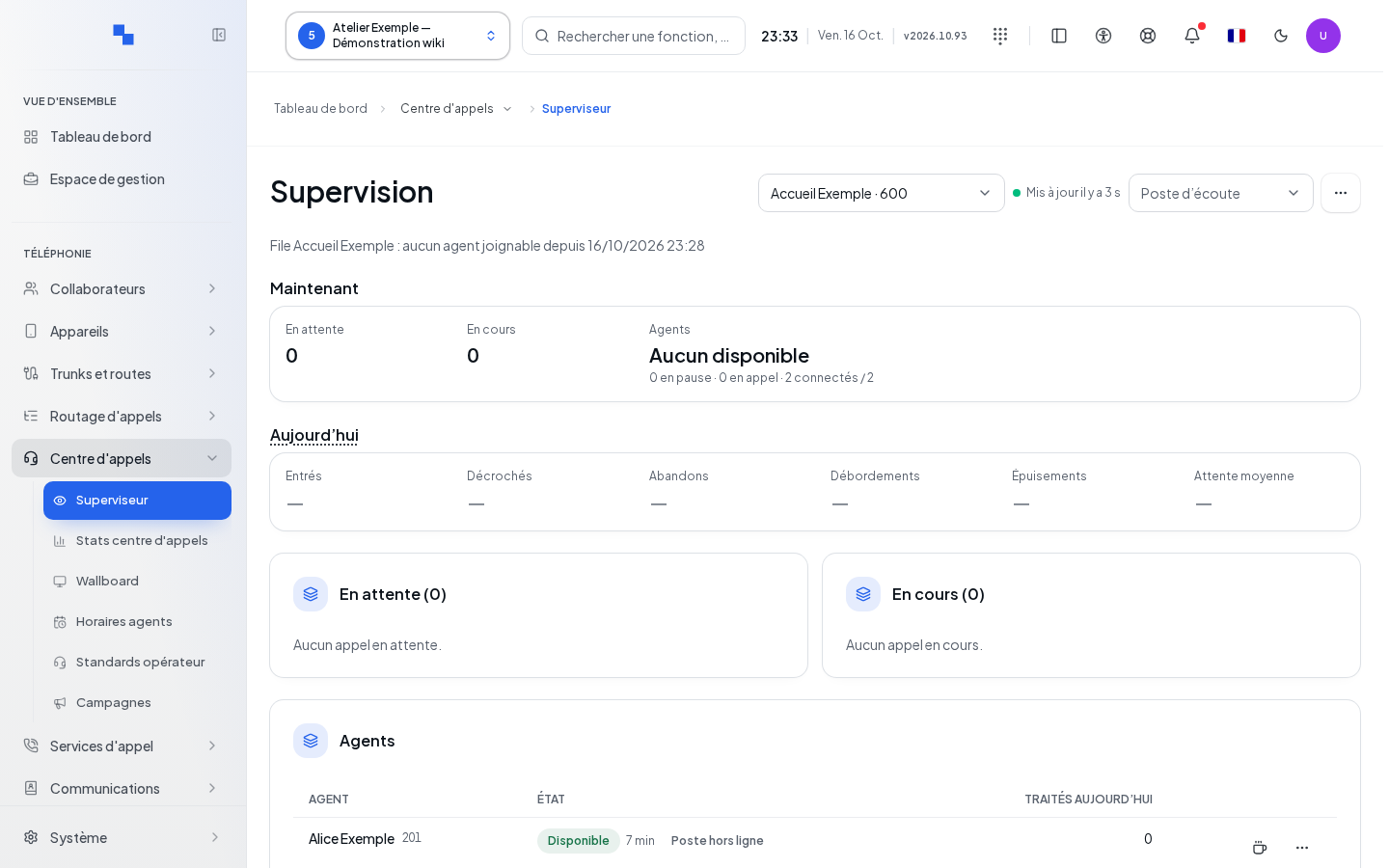
This screen is intended for the call center manager. Select the client, then the queue to supervise. The rights to read queues, modify queues, and listen to calls are distinct.
The view distinguishes calls Waiting, In progress, and Agents. Daily counters follow the client's time zone. Members are refreshed every five seconds, catalogs every thirty seconds, and statistics every minute. The freshness indicator shows whether the live view is usable.
Reading the Queue and Conversations
Waiting displays callers, their wait time, and the queue thresholds. In progress displays conversations with the identified agent when known. A stale state or engine unavailability is still flagged; a call shown in a last known state should not be treated as reliably live.
In Other actions, Agent schedules opens the schedules. Configure this queue opens the queue configuration. Check the selected queue before using these links.
Managing Agents
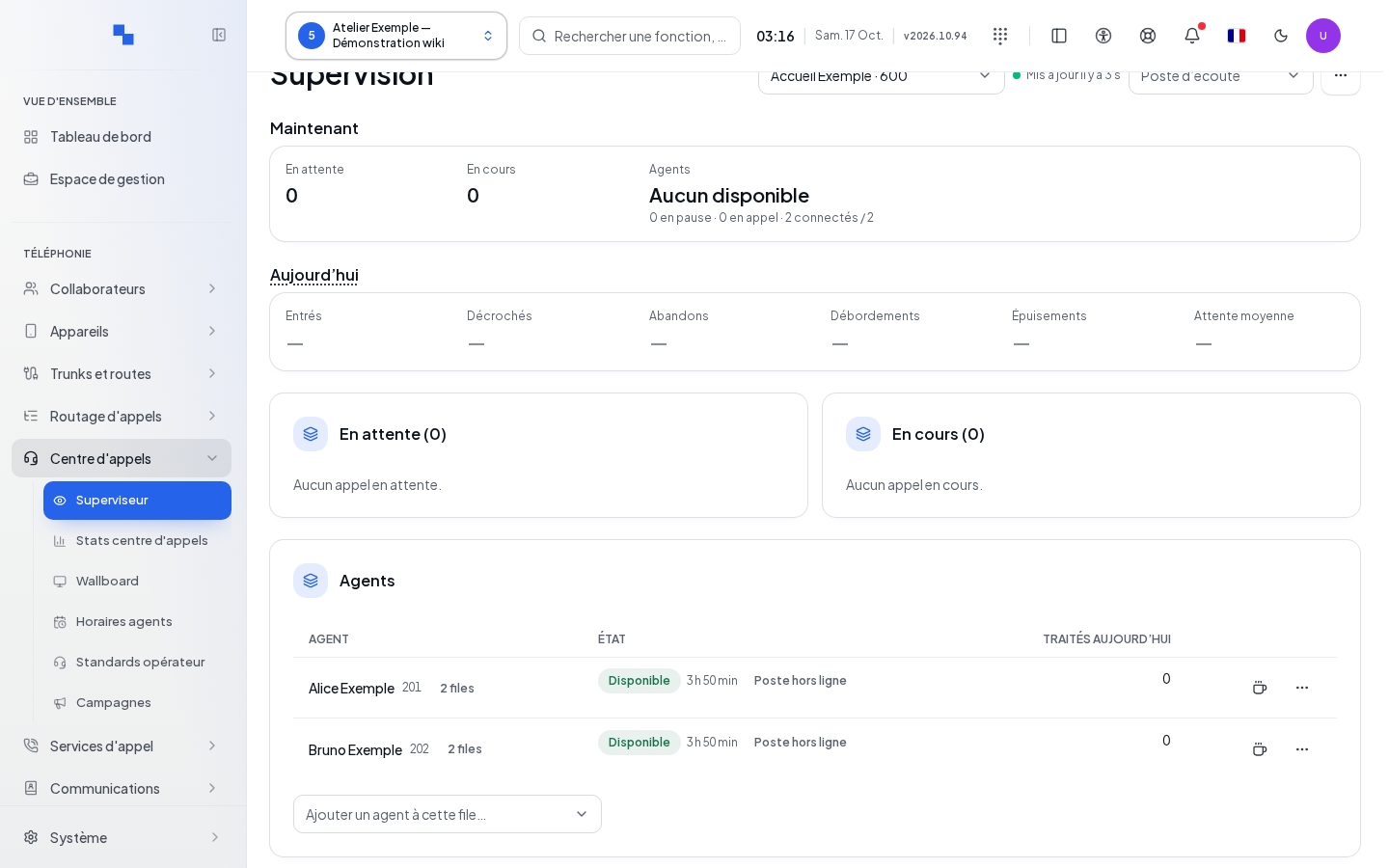
The list distinguishes availability, connection, pause, missing skills, and absence based on the schedule. A connected agent is not necessarily eligible to receive a call.
- Locate the agent in the selected queue.
- Use the available commands to connect, disconnect, pause, or resume their distribution.
- Wait for the result message and the list refresh.
- If a connection leaves the agent paused, use the pause resume separately; the warning specifies this case.
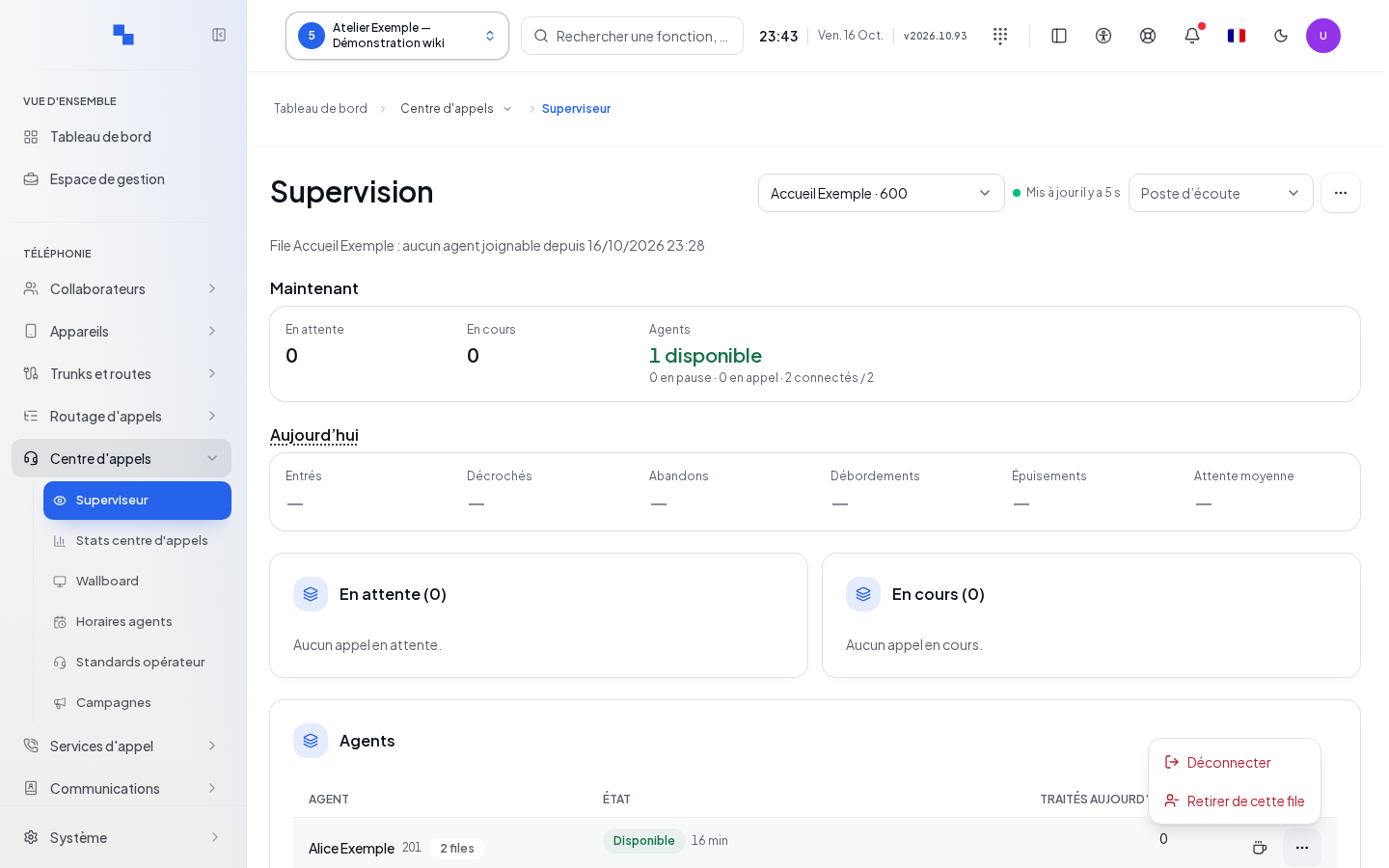
These actions apply immediately to queue membership. The Other actions for menu provides additional commands for the row. The queue counter allows you to examine other memberships; check their scope before acting.
To add a user not in the queue, choose them from the list of candidates. Declare required skills prepares the addition of the skills required for this queue. Only check this option if the agent actually has these skills. Confirm the addition with the displayed command and verify their presence in Agents. Removing a member applies to the selected queue.
Listening, Whispering, or Barging In
First choose the listening device from the available devices; the choice is remembered per client. Listening requires call action and listening rights, an available device, and a channel that is still active.
- Listening allows you to follow the conversation.
- Whispering allows you to assist the agent.
- Barging in allows you to join the exchange.
Click the desired mode for the relevant call. The server rechecks the call at the moment of clicking; a channel that has disappeared or been reassigned may be rejected. Wait for the confirmation and the ringing of the selected device. An unavailable button may be due to the missing device, rights, or the absence of an active call.
Verifying the Result and Troubleshooting
After an action, check the member in the correct queue and the newly measured state. A read error does not mean that no agent exists. Have the rights checked if the commands remain unavailable. If listening is refused, retry with a call that is still active and check the device; convey the exact message without repeating requests on a call that has ended.