
Open Instagram Publications
This page allows the channel administrator to prepare and publish Reels for a configured Instagram channel. Select Channel Name. Back to Instagram returns to the Instagram configuration of the conversations workspace.
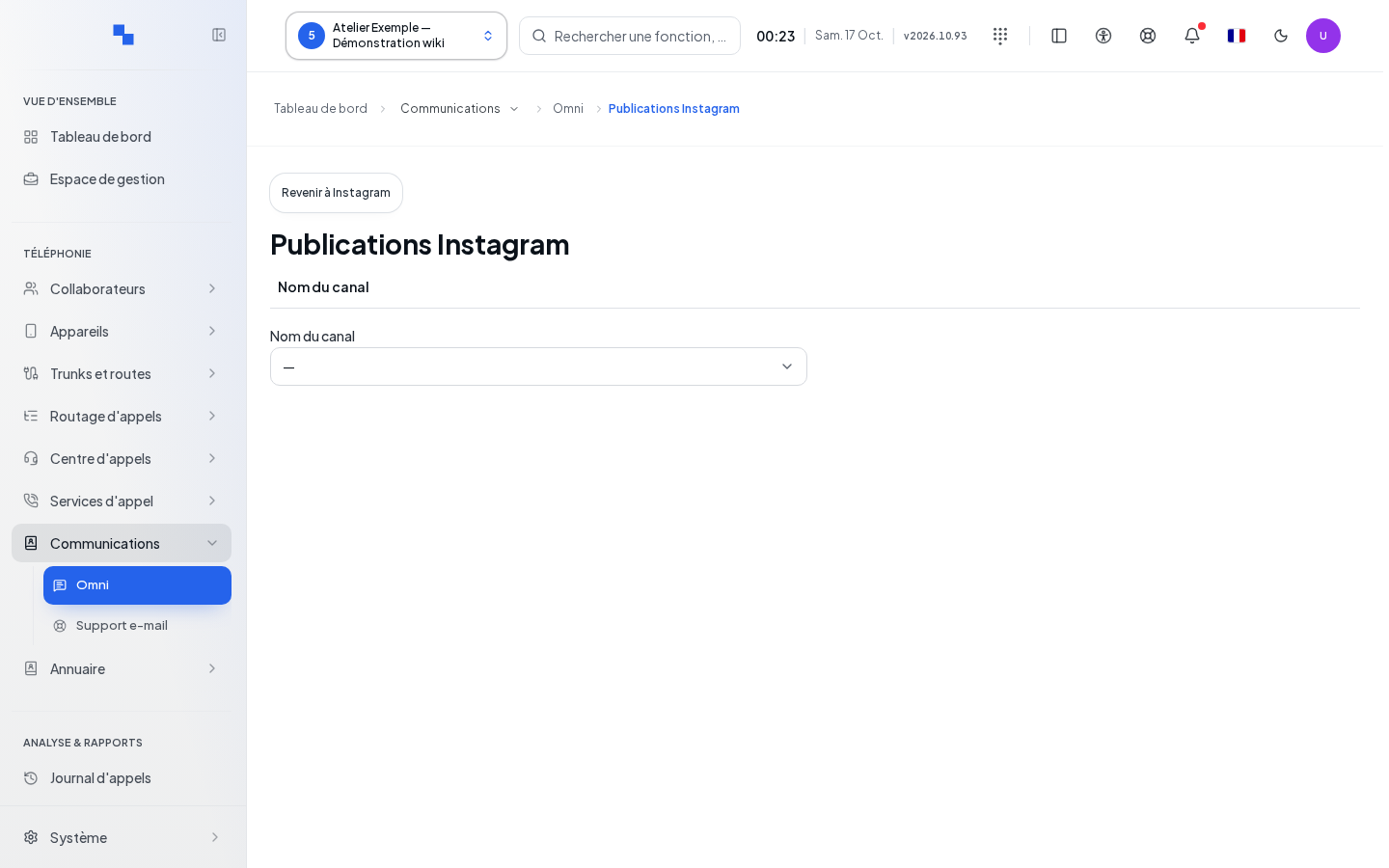
Create a Publication
| Field | Purpose | Possible Values | Example |
|---|---|---|---|
| Channel Name | Choose the relevant account | Available Instagram channel | Demo account |
| File URL | Specify the video; required | URL, maximum 2,048 characters | HTTPS address of your test video |
| Caption | Accompany the video; optional | Maximum 2,200 characters | Welcome introduction |
- Wait for the list of publications to load.
- Enter the URL and caption.
- Click Create. This operation prepares the publication; it does not replace the publishing step.
- Read the status of the created Reel.
- Use Refresh on the row when this command is available.
- When the Reel is ready, click Publish to actually publish it.
Write commands require channel management rights. The list also has a refresh command that re-reads publications, distinct from updating a row.
Verify the Result and Handle an Uncertain Response
Statuses distinguish between pending, ready to publish, published, failed, and uncertain result. Publish only appears for a ready publication. After a creation with an uncertain response, the form retains the request and locks the fields; do not prepare a duplicate in another window. Review the publications and the displayed message before proceeding.
If the list cannot be read, its refresh command allows you to try again. For a provider error, keep the exact message and have the channel checked in Livechat.