
Open the Statistics group
This menu entry is an access point to a group of functions in the administration console. It waits for your permissions to be verified, then takes you to the first visible page of this group. It does not have its own form.
- Log in with your administration account.
- Select the relevant client when working on its functions.
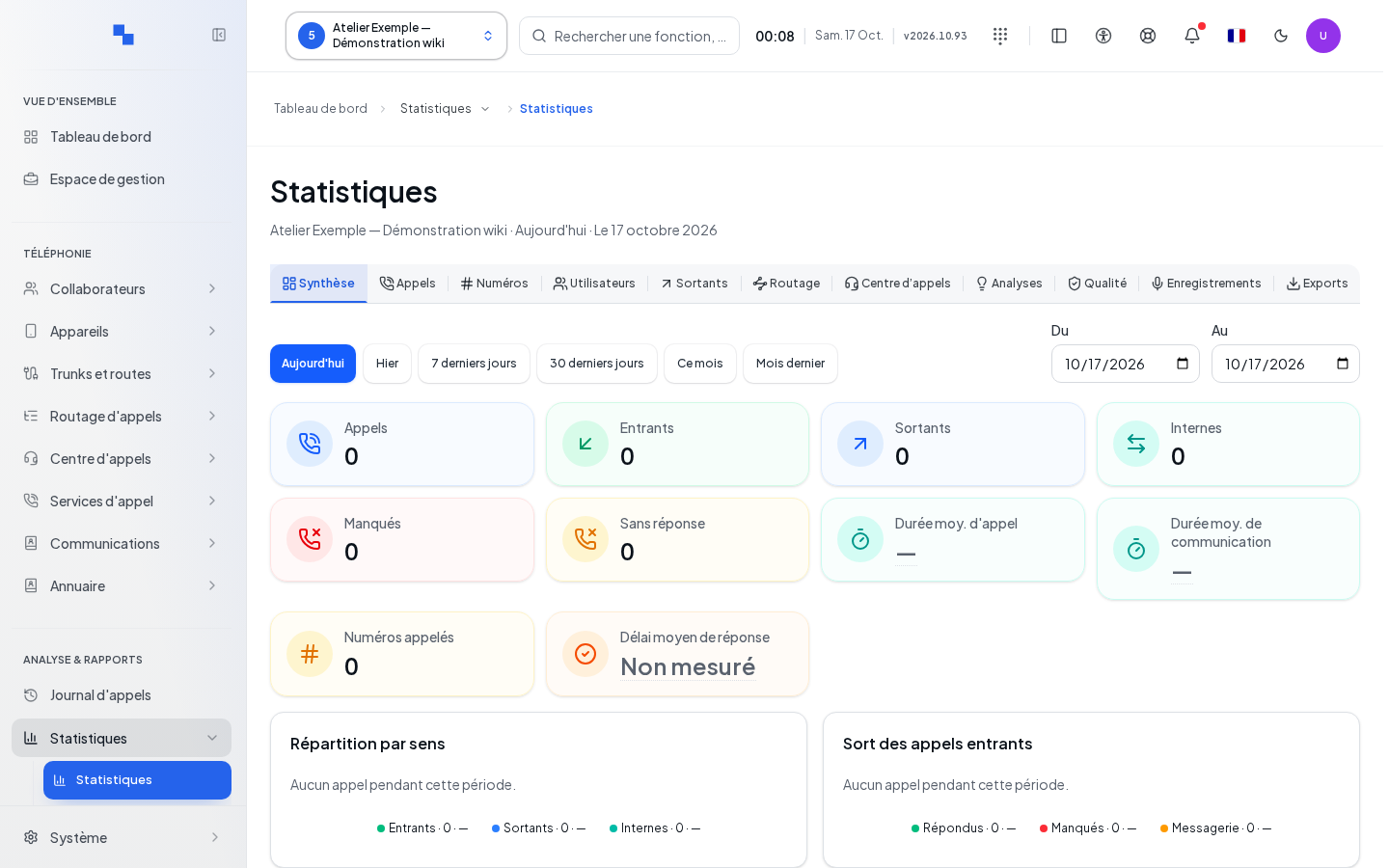
- Click Statistics.
- Wait for loading to finish and check the title of the page obtained.
Understanding the destination
The destination depends on your profile. If no function in the group is accessible to you, the console uses another authorized administration page. Another account may therefore arrive at a different screen with the same menu entry.
To continue the main workflow, see Client Statistics. The commands to use are those of the page actually opened.
Verifying access
If you arrive at a different page, have your administrator verify the group's permissions. If loading does not complete, check your session and retry the entry after reconnecting. This entry does not create or modify any data during the redirection.