
Reading client statistics
Select the client, then open Statistics. Access to statistical aggregates and access to call detail are managed separately. A detail tab may be disabled while the summary remains accessible.
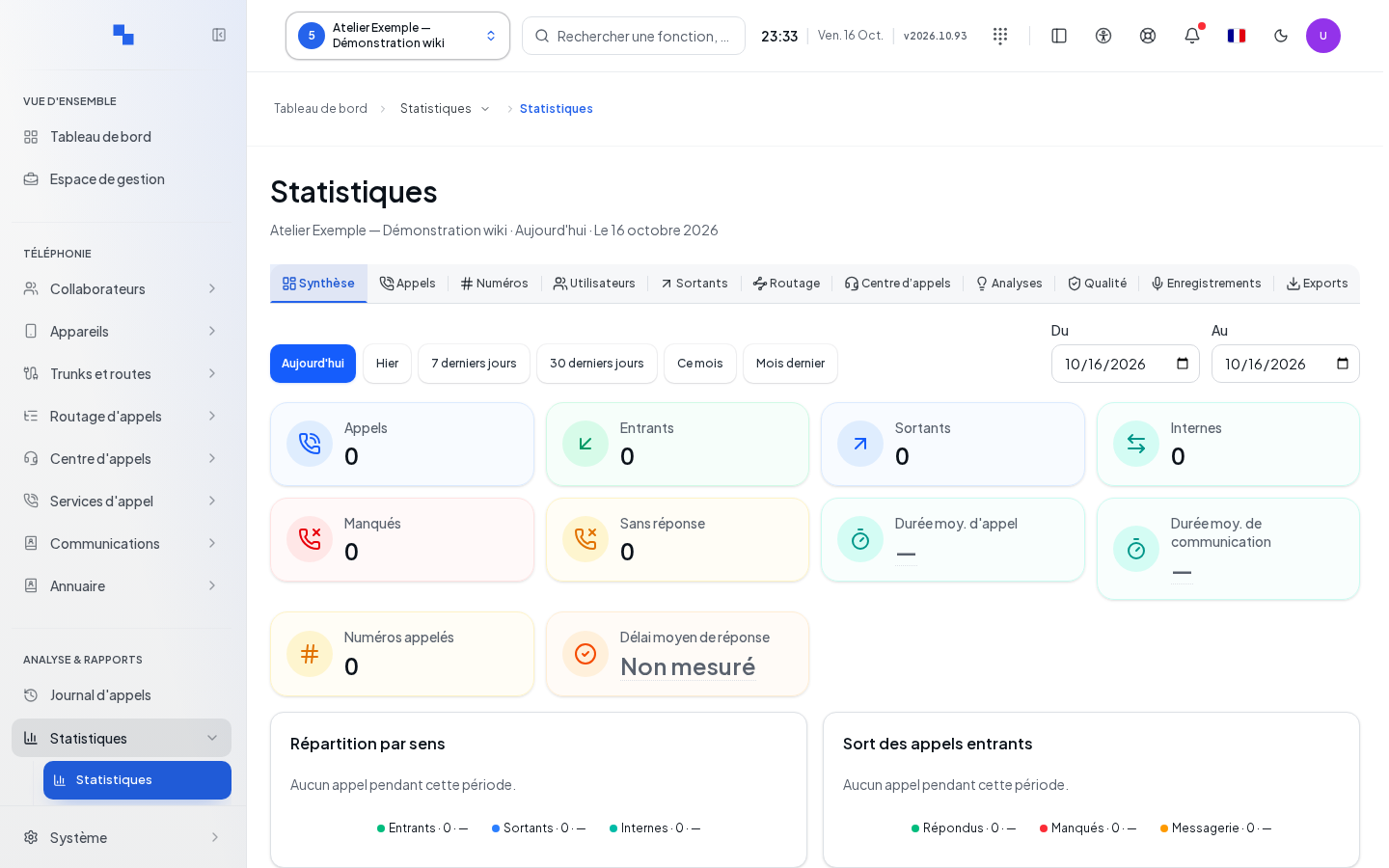
Choosing the period
| Field | Purpose | Possible values | Example |
|---|---|---|---|
| Preset period | Quickly select an interval | Available periods; today by default | Today |
| From | Start of the period | Valid calendar date | First day of the month |
| To | End of the period | Calendar date compatible with the start date | Reporting day |
Click a preset period or fill in both dates. A manual entry disables the preset period and resets the calls to their first page. Check the time zone and boundaries displayed above the results: they follow the client and the server information. An invalid period displays an error and must not be used as a basis for the report.
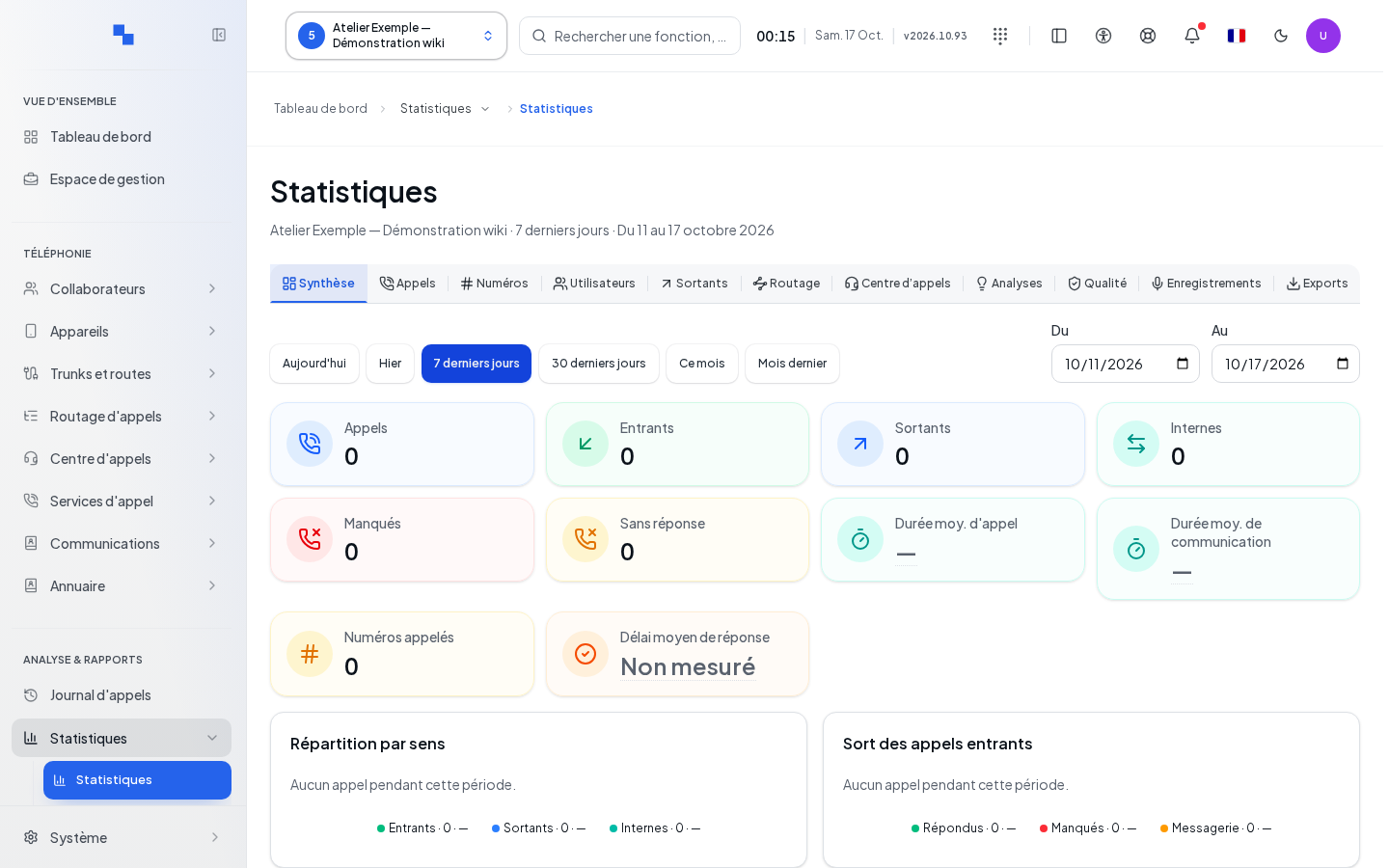
Browsing the tabs
| View | What it shows |
|---|---|
| Overview | Inbound, outbound, and internal volumes, missed calls, unanswered calls, average durations, and response time; comparison with the previous period |
| Calls | Call records with start time, direction, source, destination, status, and duration |
| Numbers | Breakdown by direct external number, also known as DID |
| Users | Breakdown by user |
| Outbound | Details of outbound activity |
| Routing | Group and routing activity |
| Call Center | Link to queue statistics with the period retained, and recovery information |
| Analytics | Comparison with the previous period and available signals |
| Quality | Metrics available in call detail |
| Recordings | Information available on recordings |
| Exports | Summary tables and exportable detail |
The exact labels are those shown in your interface. An unknown indicator or an incomplete result remains flagged; it must not be mentally replaced with zero. Call duration and talk time are different measurements.
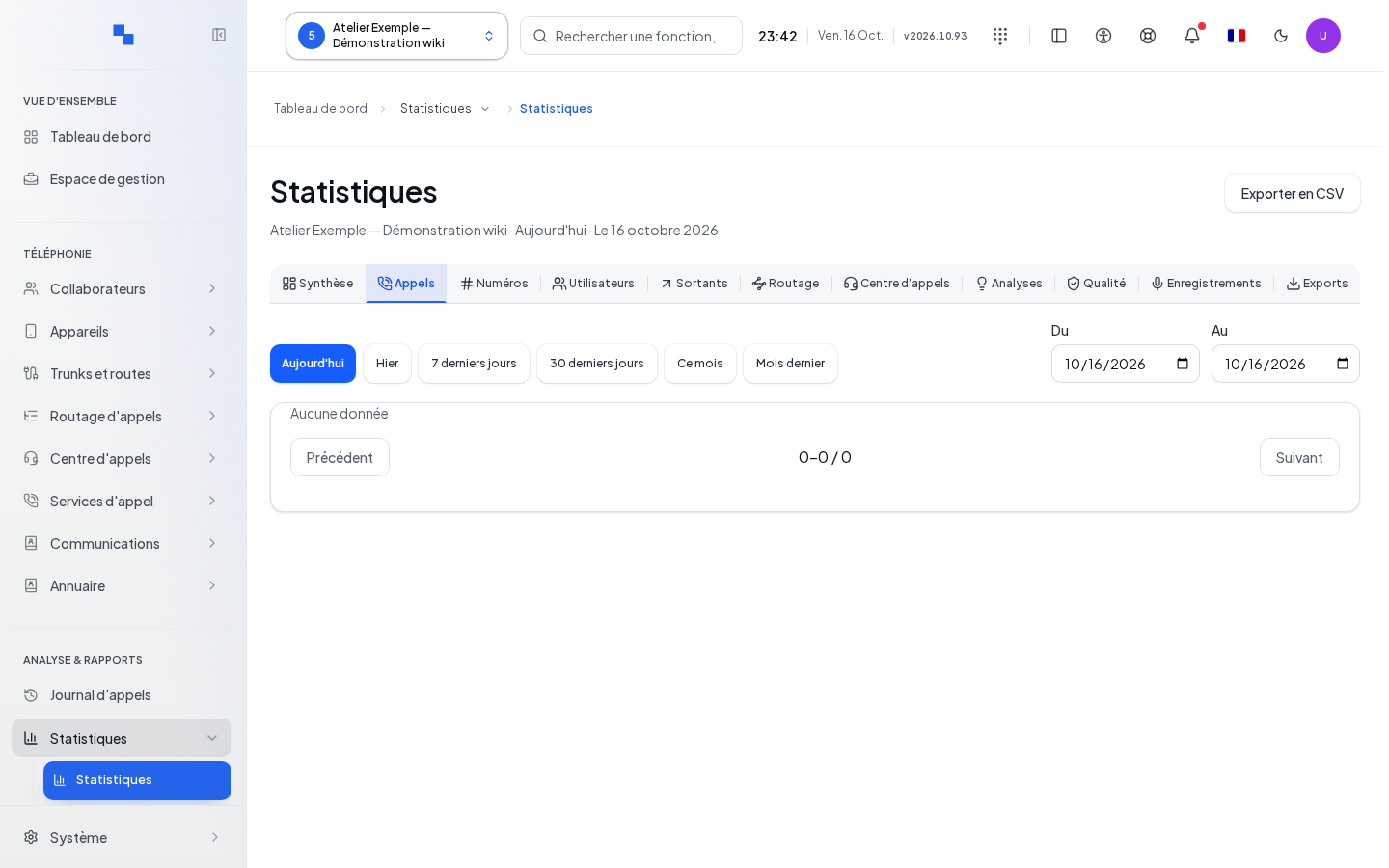
Exporting and browsing calls
In Calls or Exports, Export to CSV downloads the calls for the period. While exporting, wait for the response. Aggregated tables have their own CSV exports: these relate to the selected table, not necessarily to call detail.
Previous and Next browse the detail in increments of one hundred rows. The counter shows the range and the total. Sorting a table applies to the data presented in that table.
Verifying results and troubleshooting
Check the client, time zone, period, and any coverage warnings before comparing figures. If reading or exporting fails, keep the displayed message and retry the request after fixing the issue. If a tab is disabled, have the permissions on the call log checked. To analyze queues and agents, open Call Center Statistics.
Distinguishing overflows from missed calls
Overflowed means the call was sent to another queue. A transfer to another destination alone does not constitute an overflow. Missed means no one answered the call from start to finish, including after fallback. Pickup by a voice menu or voicemail does not count as a human answer.
Within a queue, a direct answer and an answer after fallback are distinguished. In the connected wall totals, each call is counted only once among the selected queues. Example: a call enters queue A, overflows to queue B, and is answered there. Queue A counts one overflow, queue B counts one answer; the total counts one received call, one answered, one overflowed, and no missed calls. Answered and overflowed may therefore refer to the same call: do not add them together to determine the number of received calls.
A call still in progress or old data without sufficient evidence remains undetermined. A "—" value does not equal zero. Abandonments observed in historical charts must not be automatically equated with missed calls. Service level per queue measures the wait time within that queue; the overall service level requires measuring the time from the first selected entry point until the human answer.