
Open an existing destination
Click Edit in the Webhooks list. The record loads the destination identified by its ID in the page address. Read and write permissions are required. Loading may go through several pages of destinations: wait for it to finish.
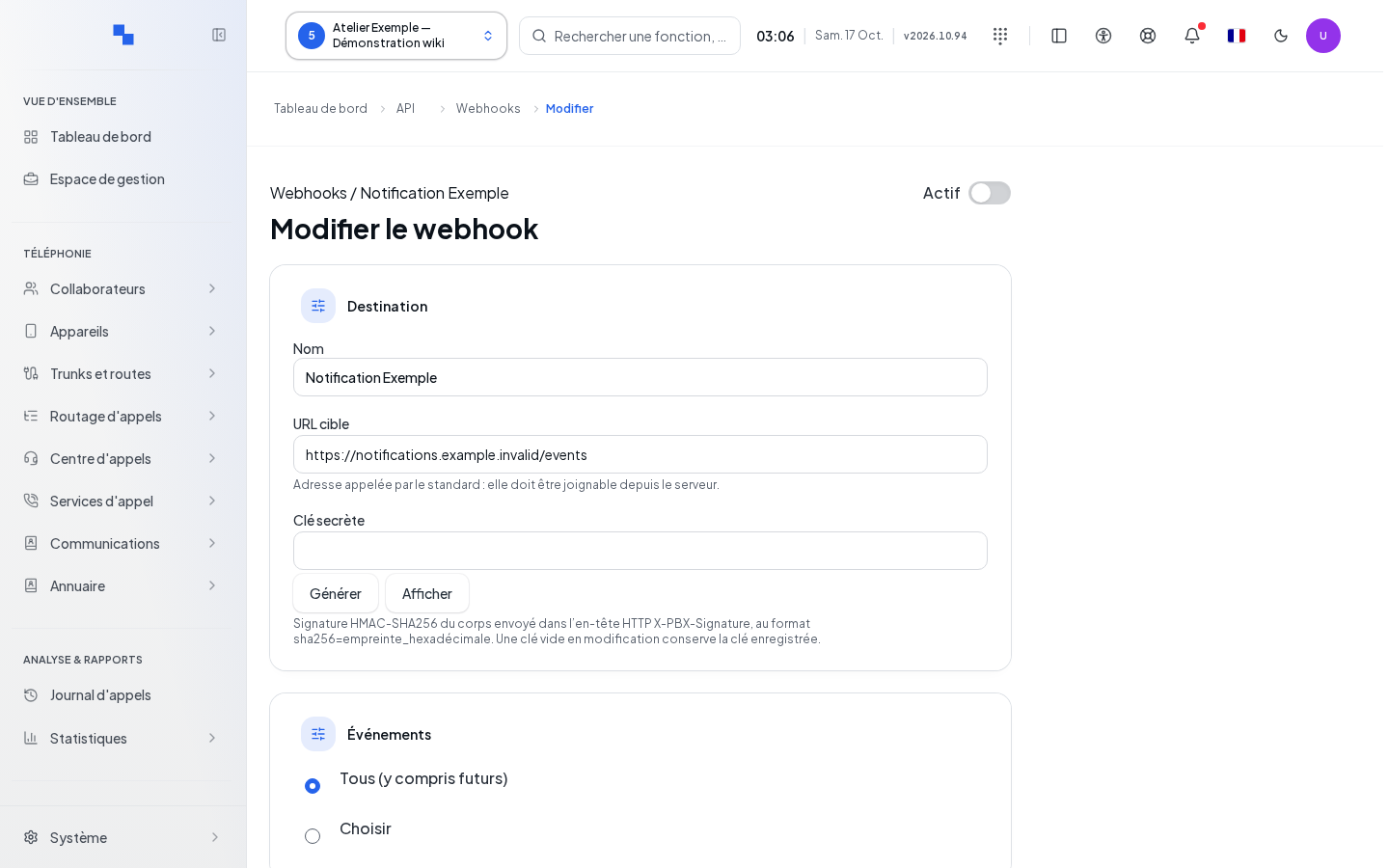
Edit and test
- Check the name and URL before modifying the record.
- Change the necessary fields. Leave Secret Key empty to keep the saved secret.
- Click Save to apply the changes and return to the list.
- Reopen the record and click Send a Test.
The test is disabled as long as the record contains a draft different from the saved version. It sends the saved configuration. Cancel discards the input and returns to the list.
Check the result and find a record
A read error offers a retry option. If the destination cannot be found, return to Webhooks via the displayed link and select an existing row. An inaccessible record may also be due to permissions; have your profile checked. See the fields and history to continue.