Viewing activity
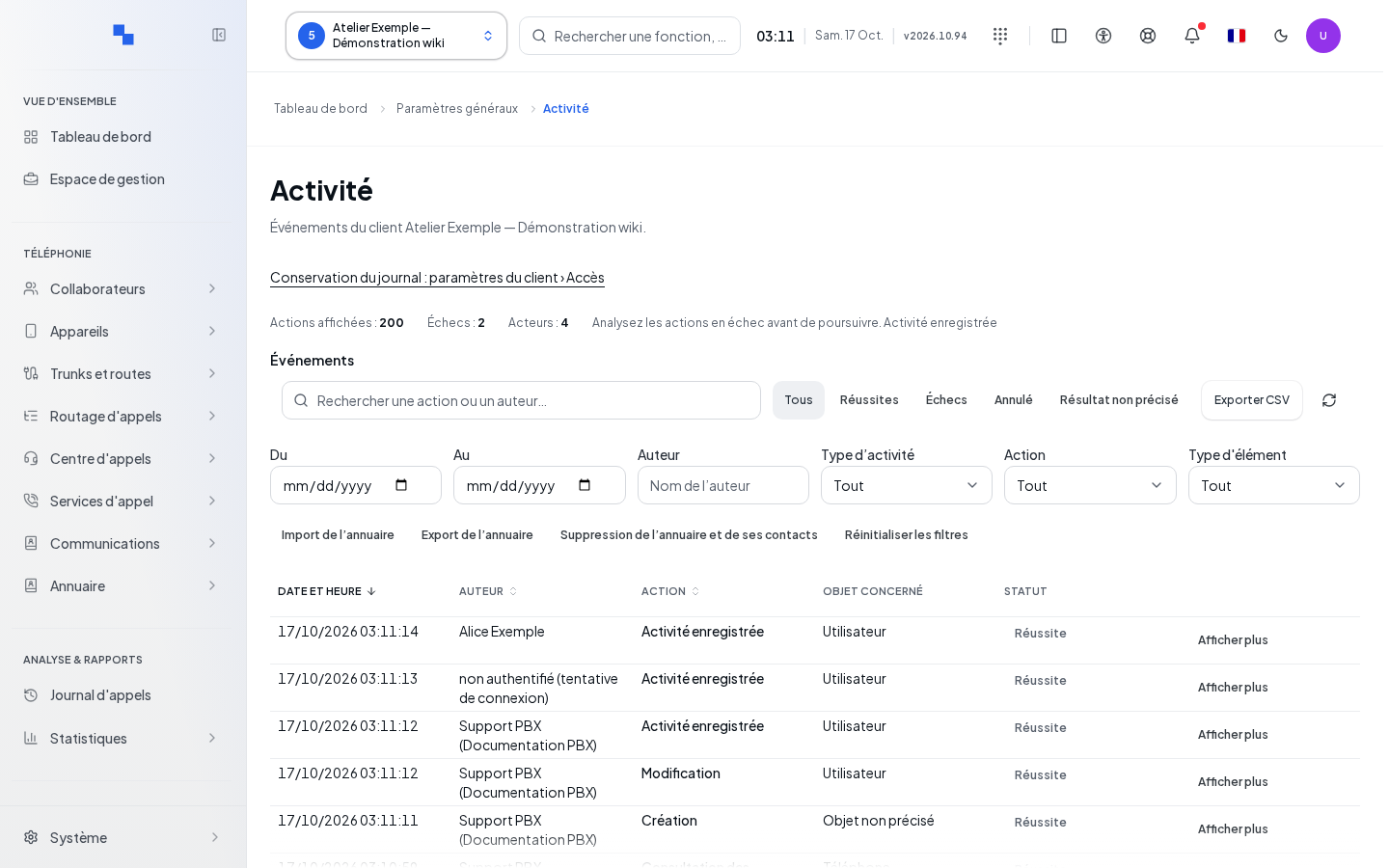
The Activity screen allows an administrator authorized to read the audit to retrieve consultations and modifications. Select the client before opening the page. Dates use that client's time zone, or UTC when it is not set.
The list shows the date, author, action, object, and result. An action performed on behalf of another person is indicated as such. Results distinguish success, failure, cancellation, and unspecified result; an unknown value is not a success.
Searching and filtering
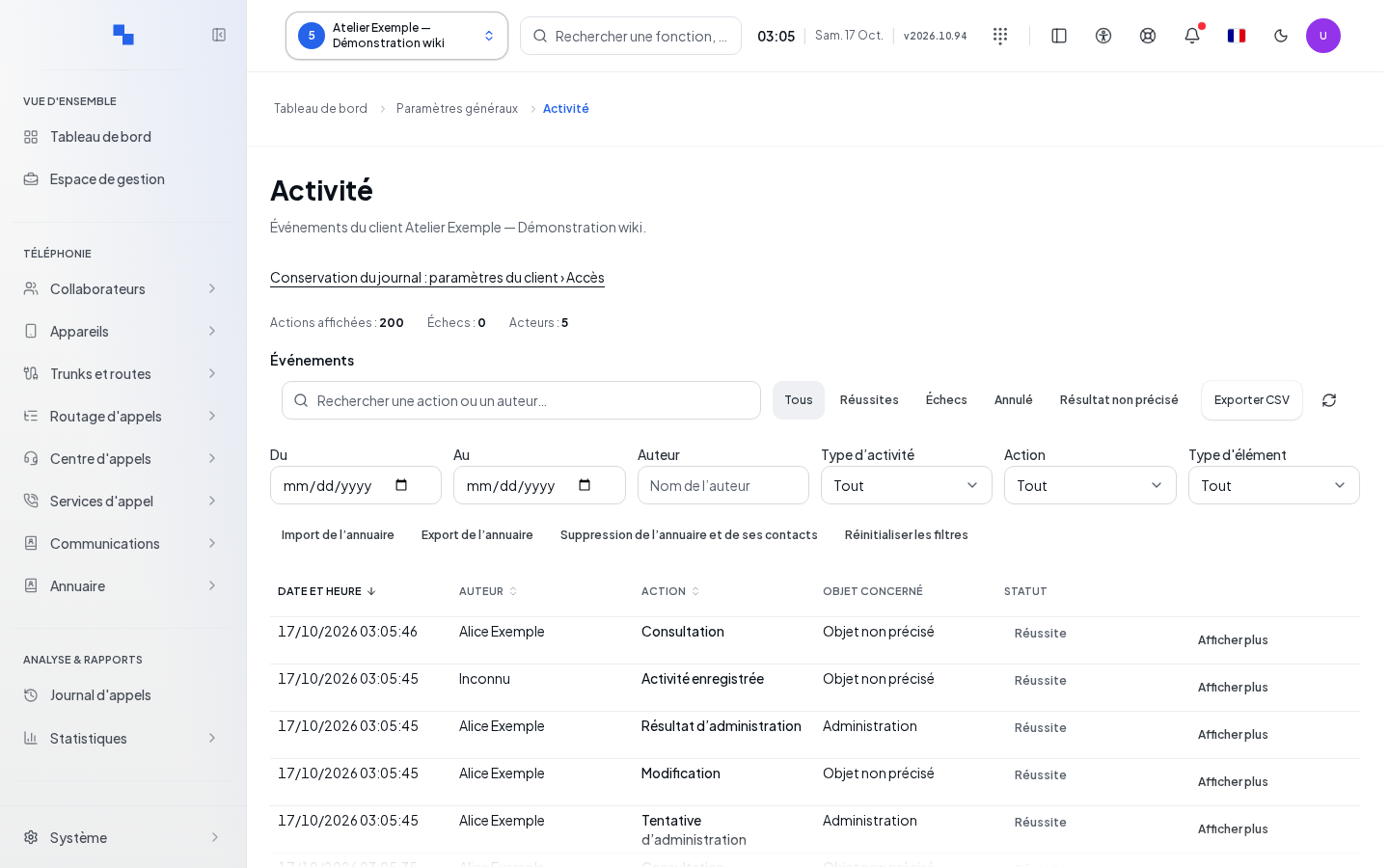
| Field | Purpose | Possible values | Example |
|---|---|---|---|
| From | First day included; optional | Date | First day of the month |
| To | Last day included; optional | Date at least equal to the start date | Last day of the month |
| Author | Find an author; optional | Part of the name, case-insensitive | Alice |
| Activity type | Separate reads and writes | All, Reads, Writes | Writes |
| Action | Select an operation | Available actions, including those found in the log | Directory import |
| Item type | Limit the affected object | User, phone, queue, etc. | Phone |
| Search | Search within action, object, author, and details | Free text | Reception |
Quick filters distinguish all results, successes, failures, cancellations, and unspecified results. The directory import, export, and deletion shortcuts set the action filter. Reset filters restores the full view and its first page.
Searches by author, text, or dates wait for all relevant pages to load. Please be patient: an interrupted search should not be interpreted as a lack of events. Pages display up to 200 rows; pagination controls become unavailable while loading.
Viewing details and exporting
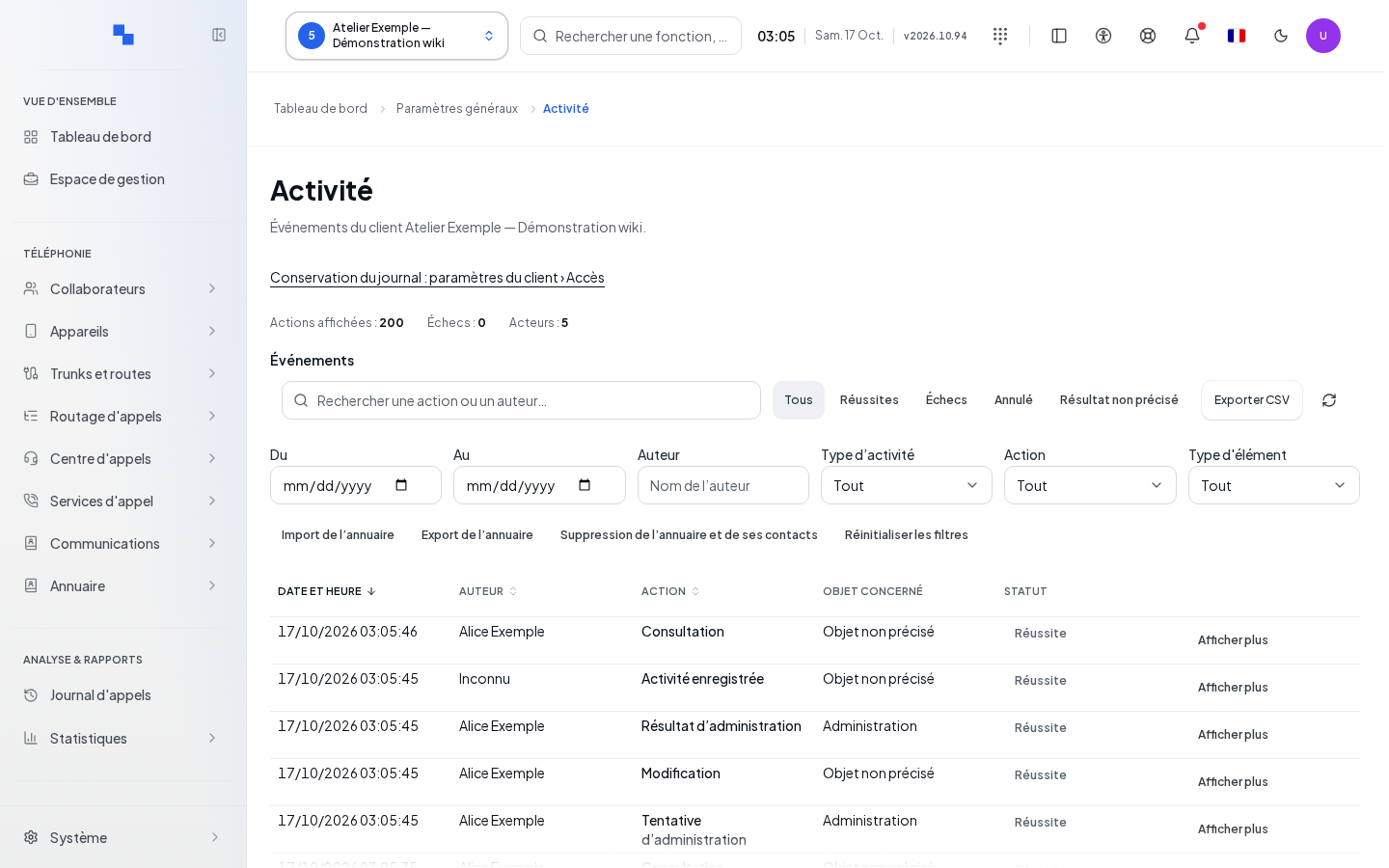
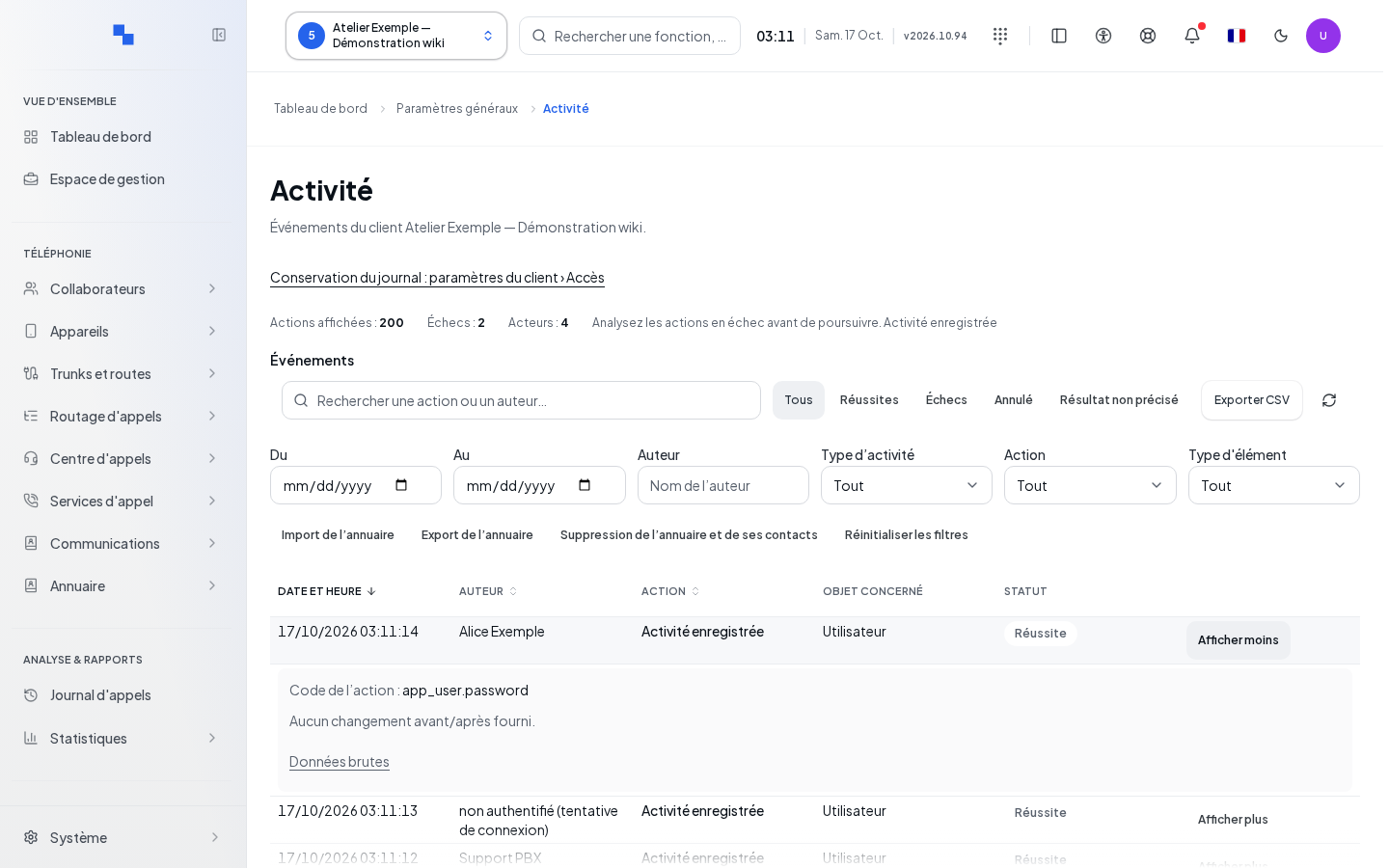
- Click Show more on the desired row.
- Read the object, context, available before/after values, and result.
- Use Show less to collapse the row.
- Click Export CSV to export events matching the filters, beyond just the visible page.
- Use Refresh activity to return to the first page with the current filters.
Counters summarize the displayed rows. Missing or hidden information remains indicated as such. Under Credential rotations, open the inventory of secret renewals; it does not reveal the secrets themselves.
The Log retention: client settings › Access link appears only with the necessary permissions. It opens the retention settings, without modifying them from the log.
Checking results and troubleshooting errors
"The end date must be after the start date.": correct the period; export is disabled while it is invalid. "Unable to load the log. Please try again.": retry loading with Refresh activity. If the list is empty, remove the filters before concluding there is no activity. Keep the CSV and the period when reporting a finding to the administrator.