
Reading the PBX Monitoring
Open the PBX monitoring with an authorized account. This page first presents the global status, detected issues, essential services, and indicators. Raw details and technical actions are found in the technical details. The visible panels depend on your permissions and the selected client.
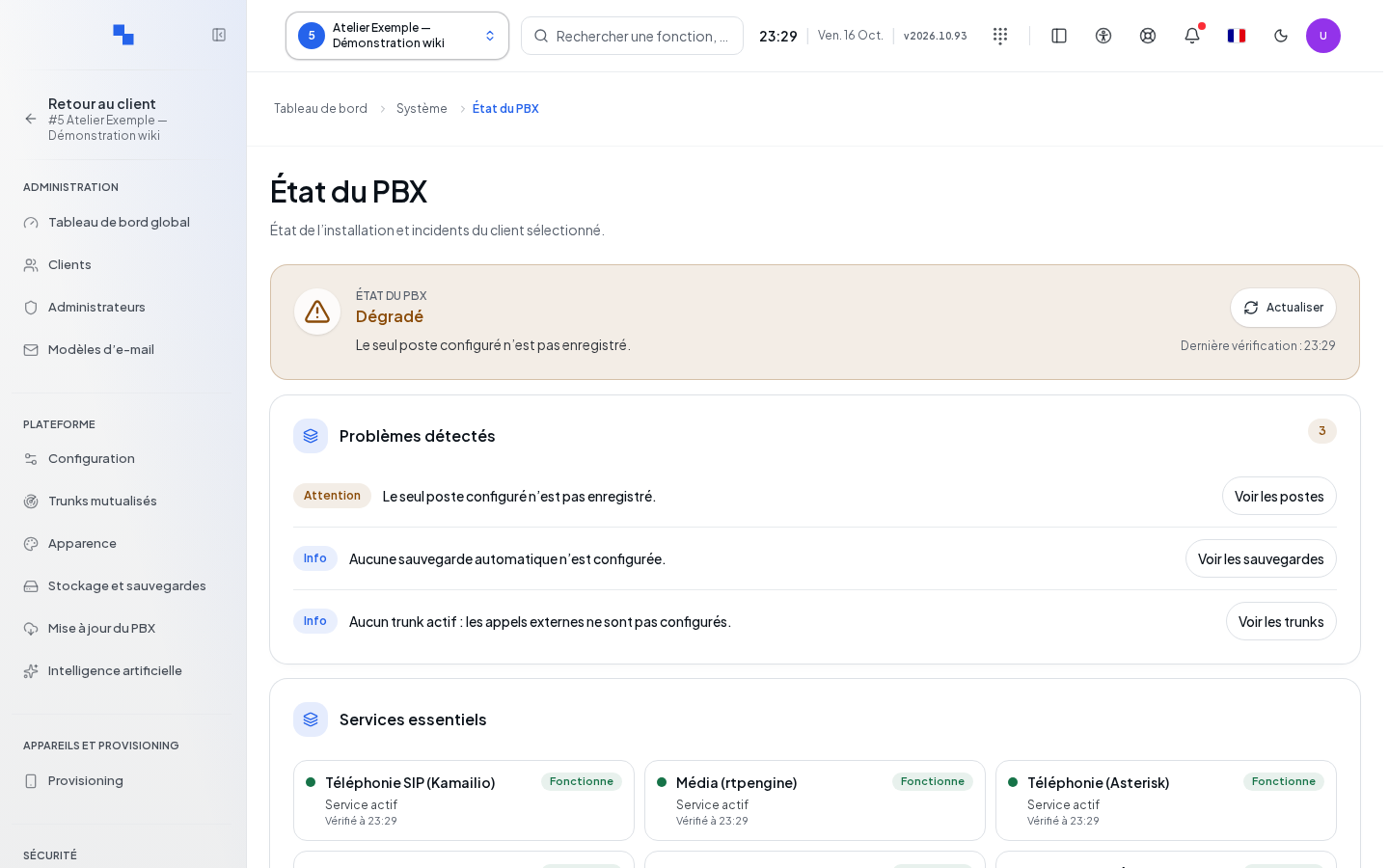
Examining an Issue
- Read the global status text and the measurement date.
- Open the issue or affected service.
- Expand the technical details to review the diagnostic and incidents.
- If a copy command is available, copy the diagnostic for support.
- A restart command requires the corresponding permissions and confirmation: verify the targeted service before confirming it.
An unknown measurement does not prove the service is stopped. Stale data or a failed reading should be treated as unavailable.
Managing Incidents
The status filter distinguishes between open, resolved, or all incidents. Pages display fifty incidents and refresh every five seconds. Each row indicates the title, severity, detail, and opening time.
The acknowledgment command marks the incident as handled. Resolution is a separate action: open its form, enter the resolution note, then click Confirm. Cancel closes the entry. A resolution error remains displayed and must not be mistaken for a success.
Configuring and Testing Alerts
The alerts panel offers activation, numeric thresholds, resolution notification, and recipient administrators. For each subscribed administrator, select the relevant severities and categories, then click Save. The allowed limits are displayed in the fields; an invalid value blocks saving.
Select the test recipient, then launch the test. It sends a real notification; read the returned result before concluding it was received. If an administrator is no longer available, the cleanup command removes their subscription. Without a proposed administrator, the test is unavailable.
Verifying the Result
After making changes, review the settings and verify the recipient. Use the retry option on any panel whose reading failed. For a complete analysis of the installation, see Services and Incidents.