
This screen helps understand why a phone does not display company contacts. Open Directory, then On Phones, in the relevant client.
Check Availability
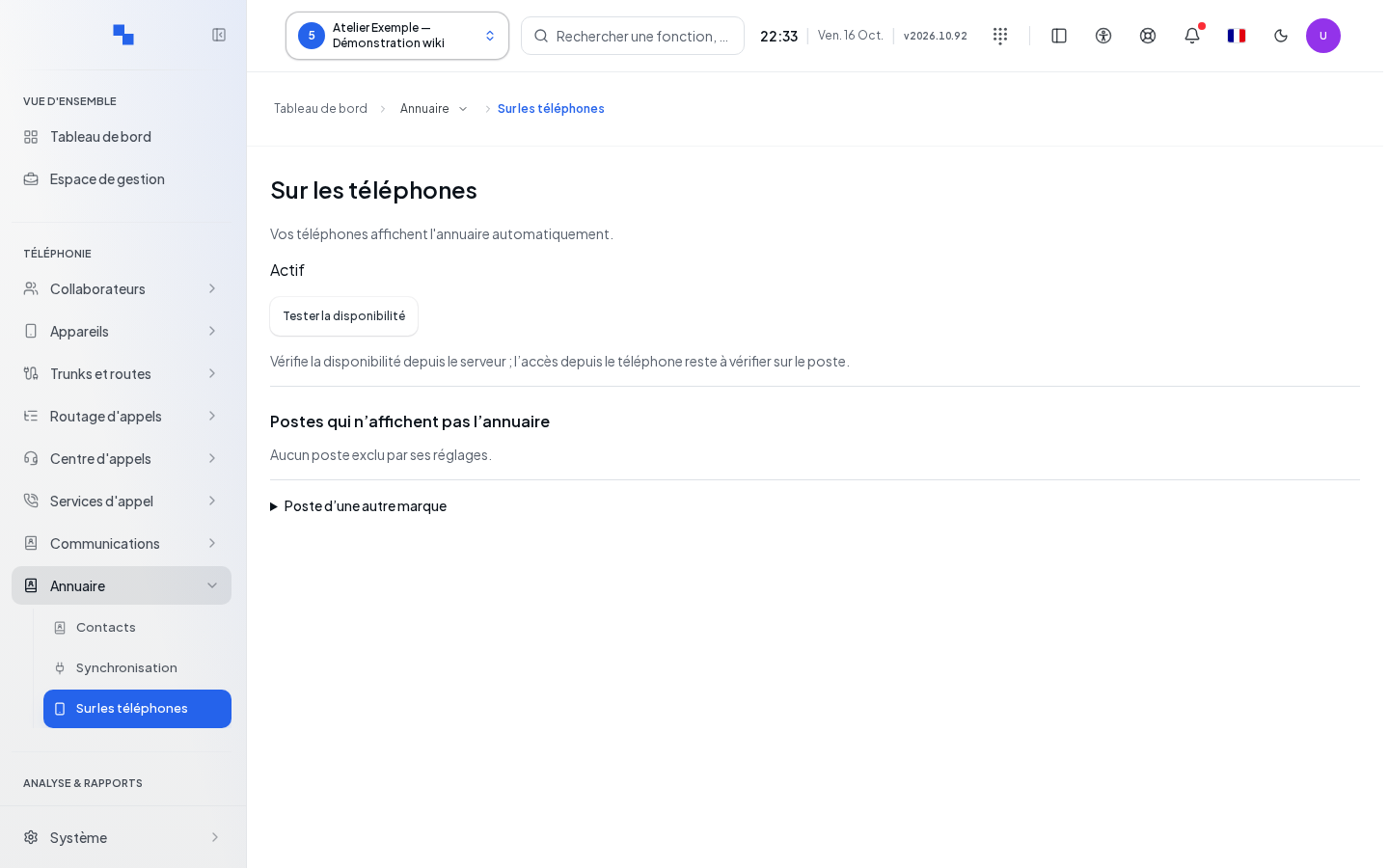
- Wait for the settings to load.
- Click Test Availability.
- Read the result, then check access from the phone itself.
The test starts from the server; it does not prove that the phone's network allows the connection. Shared and synchronized contacts are available; personal address books remain private.
Configure Another Brand
Expand Phone from Another Brand, then select Phone Brand. Copy the LDAP parameters displayed in the phone's interface. Each Copy button is named after the relevant field.
| Displayed Field | Purpose | Possible Values | Example |
|---|---|---|---|
| Server and Port | Directory access point | Values from your installation, to be copied | Displayed values |
| Name Filter (% = phone input) | Search from keypad | Filter proposed for the brand | Copy without modifying the characters |
| Number Filter | Numeric search | Proposed filter | Copy the displayed value |
| Attributes: name · numbers · company | Fields presented on the phone | Attributes announced by the screen | Displayed values |
Authentication belongs to each device and is provided in its automatic configuration. The administrator account is not used for this LDAP connection. The transport indicated is LDAP without TLS; anonymous connection is refused.
Find an Excluded Phone
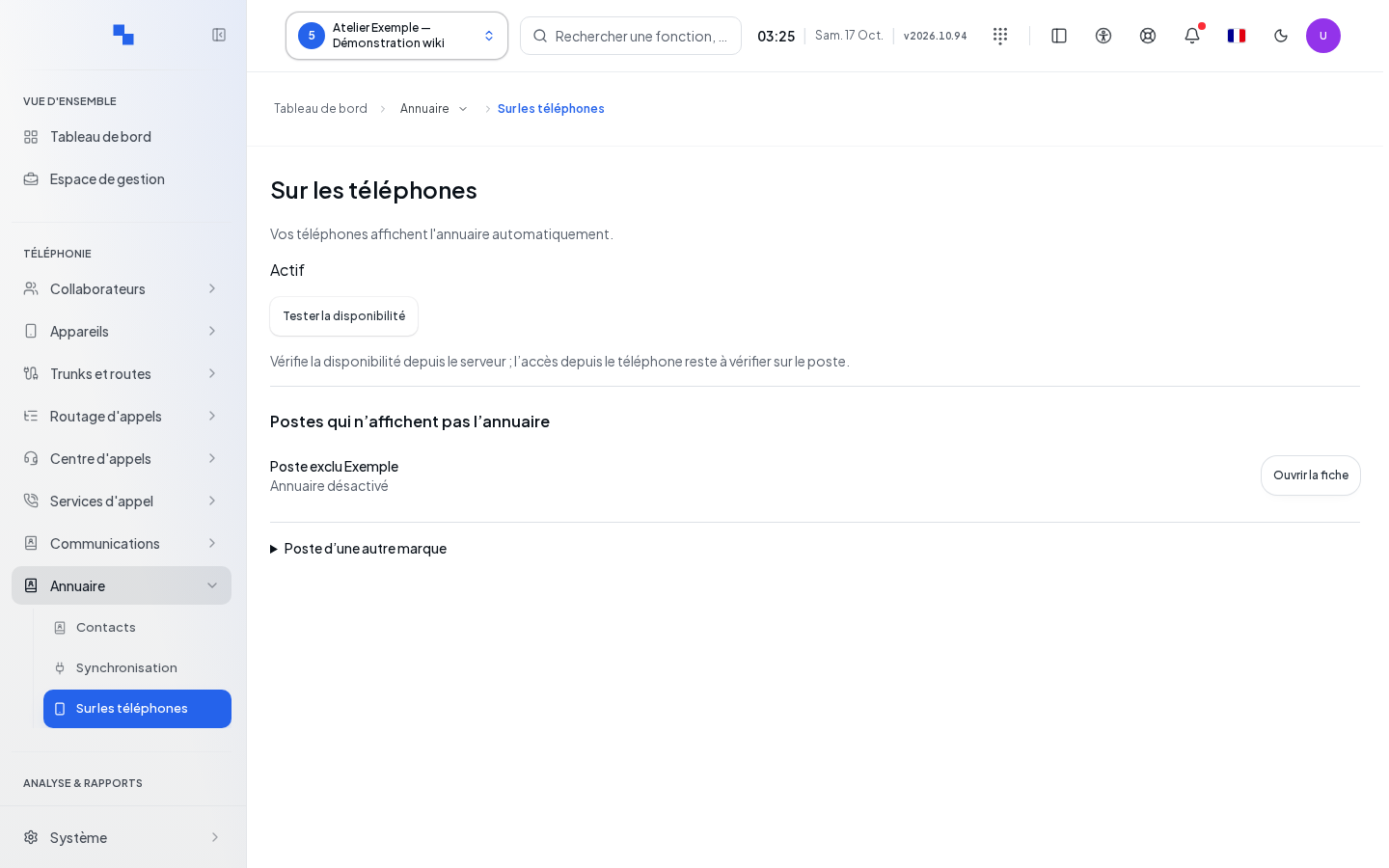
The Phones Not Displaying the Directory list shows phones excluded by their settings. Open Record leads to the device to check its configuration. "No phones excluded by their settings." is not proof of network connectivity for all phones.
Verify the Result
Search for a mock shared contact from the phone. Compare the result with the search in the company directory.
If It Does Not Work
"Copy unavailable." requires manually copying the parameter. If the server test succeeds but the phone search does not, have the network and configuration of that phone checked. If access to the information is denied, request the corresponding read permissions.