
Customize the messages sent by the installation. System templates serve as the basis for customers; this page does not configure the server that sends the emails.
The Emails guide brings together sending, templates and the log. This address keeps the details of template customization.
Choosing a Template and Language
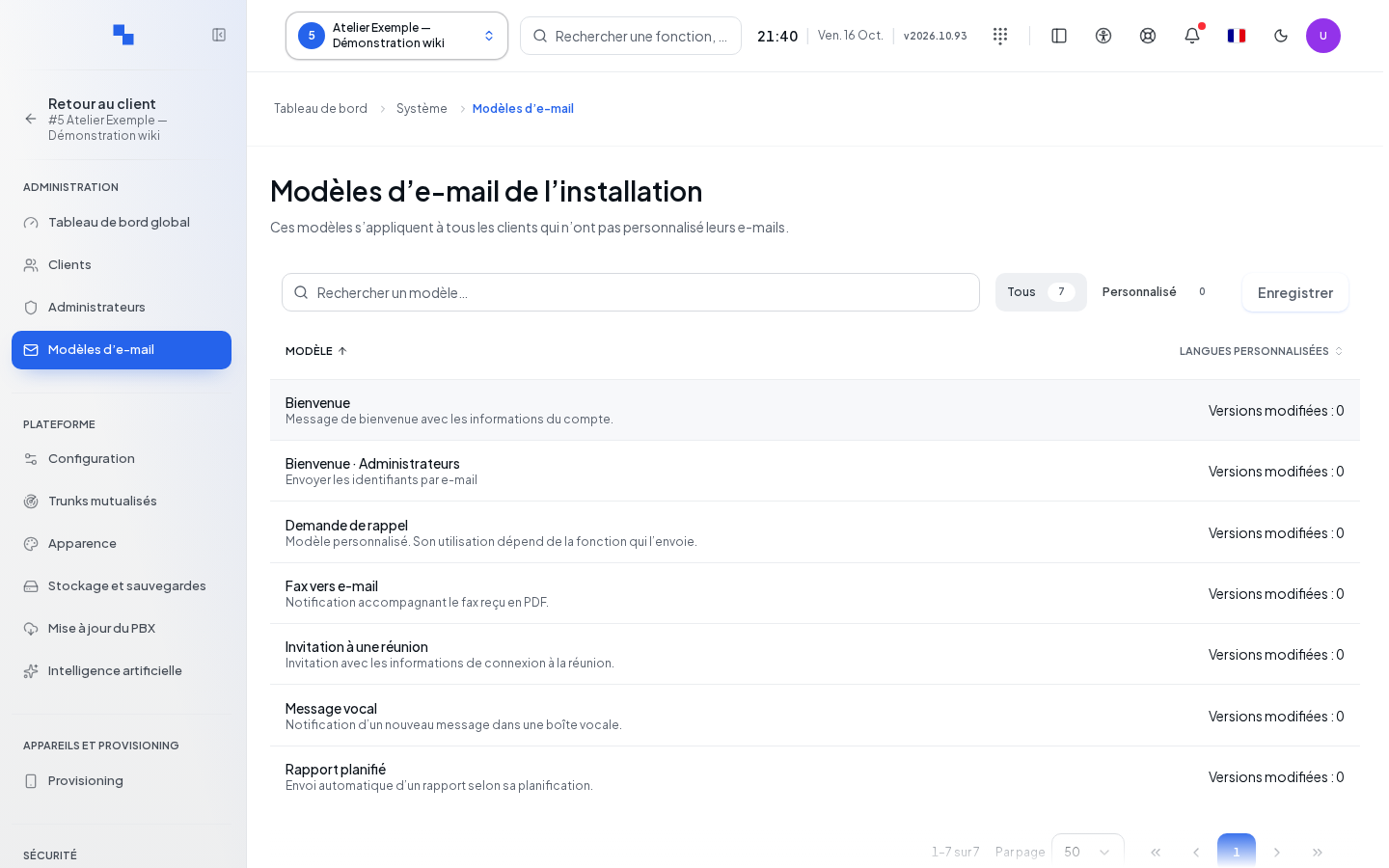
Open System, then Emails → Templates. Search for a template and use the customization filter to find modified templates. Categories include faxes, voicemails, user and administrator greetings, scheduled reports and scheduled meeting invitations.
- Select the template.
- Choose the language to modify.
- Check the customization indicator and the language actually used if a translation is missing.
- If you switch templates with unsaved input, choose to stay or discard in the confirmation.
Editing Content
| Field | Purpose | Possible Values | Example |
|---|---|---|---|
| Subject | Email subject line | Text and suggested variables | Your telephony access |
| Text | Plain text version of the message | Text and suggested variables | Welcome instructions |
| HTML | Formatted version, if available | HTML content of the email | Your organization's layout |
The fax template offers a text version. Available variables depend on the template: use their buttons to insert them into the active field. Keep the variables necessary for the recipient's action, particularly access links. Do not replace a variable value with a person's actual data.
Save keeps the customization for the selected template and language. Cancel changes reverts to the saved content. Controls remain unavailable when nothing has changed or during the relevant operation.
Preview
Open the preview to check the subject and message with sample data. Distinguish the draft from the saved content. If the input changes after generation, the preview may be flagged as outdated: regenerate it.
The preview displays the result in a protected frame and sanitizes the content for display. It does not automatically rewrite the saved HTML and does not send an email. Also check the text version and the fallback language shown.
Restoring the Original Template
Restore original template opens a confirmation. It applies to the selected template and language. Confirming removes this system customization and restores the original version. Cancel keeps the customization.
Verifying the Result
Reopen the language and check the saved content. Verify an actual send from the relevant feature using an authorized test address. Separately check a customer's customized templates, which can override the system base.
If It Doesn't Work
A missing translation may use the fallback language shown. A successful preview does not prove that email transport is working: check the email settings in Configuration if the message does not arrive. After a save error, keep your input and the diagnostic information before leaving.